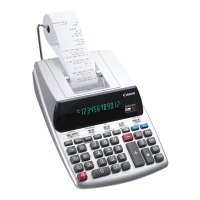
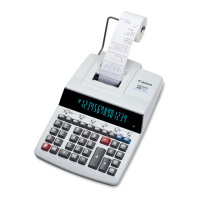
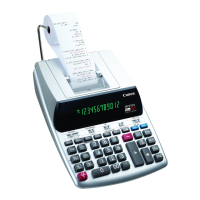
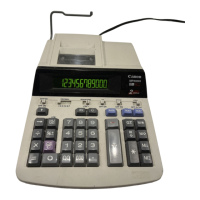
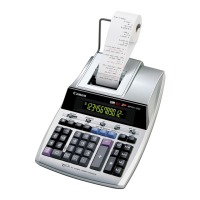
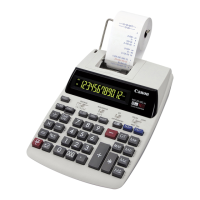
- 2 -
ENGLISH
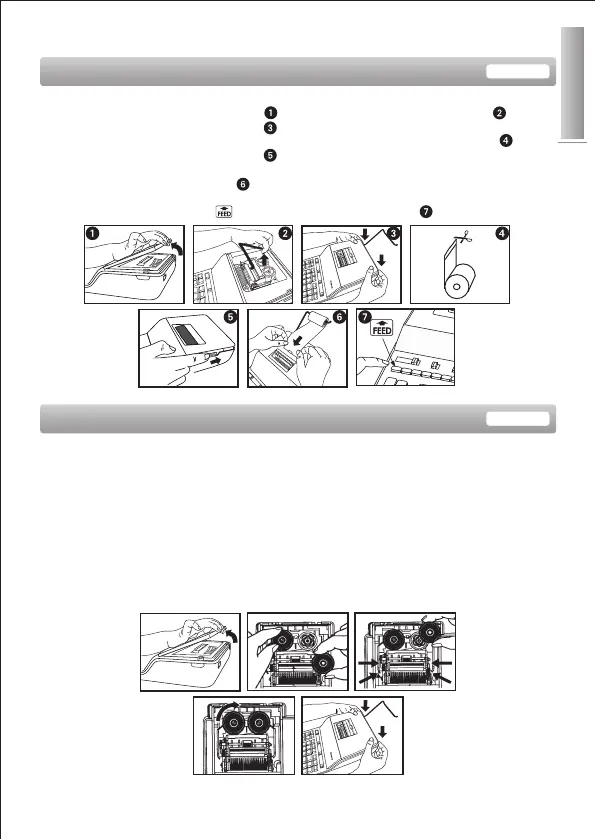
Note : Turn the power off
1) Remove the printer cover (Figure ) and lift up the paper arm (Figure ).
2) Replace the printer cover (Figure ).
• When inserting the paper, cut the edge of the paper as shown (Figure ).
3) Turn the power switch on (Figure ).
4) Place the new paper roll on the arm. The edge of the paper should be
positioned as shown (Figure ).
• Suitable paper roll -- Width : 57mm (2-1/4”) / Diameter: 86mm (3-3/8”)
5) Press the paper feed key to advance the paper (Figure ).
INSERTING PRINTING PAPER
REPLACING THE INK RIBBON
Note: Turn the power off.
1) Remove the cover and lift up the paper arm.
2) Lift ribbon spools off the shafts. Discard the old ribbon and spools.
3) Place the ribbon spool on the left spool pin and push it down until it clicks.
4) Thread the ribbon along the outer edge of the side guide, making sure that the
black half of the ribbon is still on the top.
5) Place the ribbon between the printing ring and printing roller. Thread the ribbon
along the outer edge of the left side guide.
6) Place the other ribbon spool on another spool pin.
7) Push the spool down until it clicks.
8) Take up any ribbon slack by rotating the left spool counterclockwise.
9) Replace the printer cover.
IMPORTANT: Use only the same type of ribbon spools.



 To Next Page