5) Remove the scanner unit.
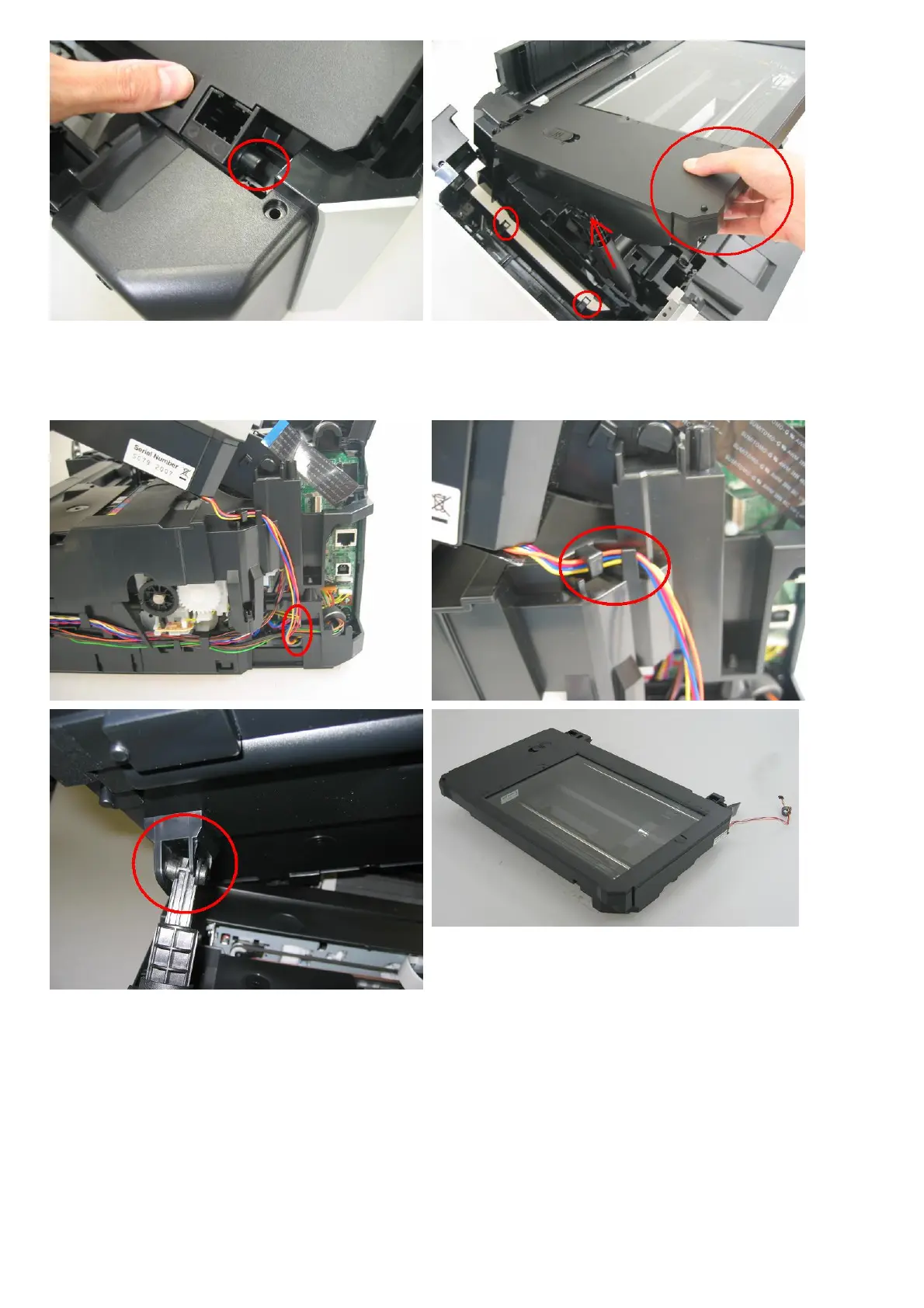
<Disconnect the scanner motor cable connector from the logic board. (Be cautious of the rib of the main case.)>
<Disengage the scanner lock arm from the scanner unit.>
<While rotating the scanner unit slightly toward the outside, release the scanner lock arm from the scanner unit.>
Photo up: Scanner unit
6) Remove the main case unit.
<Release the 4 claws, and pull up the main case (no screws).>
<Release the the claw on the right front of the machine (on the upper side of the card board) by shifting the claw
itself to the right using a pair of tweezers.>


 To Next Page