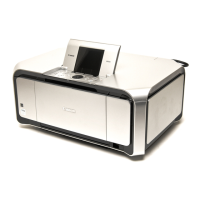
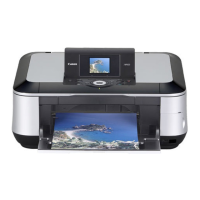
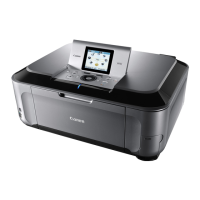
*1: Only for CD / DVD printing supported regions.
(2) Periodic maintenance
No periodic maintenance is necessary.
(3) Periodic replacement parts
There are no parts in this machine that require periodic replacement by a service engineer.
(4) Replacement consumables
There are no consumables that require replacement by a service engineer.
Platen glass
protection sheet
(document
pressure plate
sheet) position
adjustment
- At protection sheet
replacement
- At protection sheet frame
replacement
- At scanner unit replacement
To maintain scanning accuracy,
hold the sheet with the long side
down, then fit its lower right
corner to the platen glass
reference mark (back left).
None. 1 min.
LF / Eject
correction
- At logic board replacement
- At feed roller ass'y
replacement
To correct line feeding (LF roller
diameter).
None.
Perform in the service
mode.
5 min.
(LF
correction
and Eject
correction
is
performed
at the same
time.)
- At logic board replacement
- At platen unit replacement
To correct line feeding (eject
roller diameter).
None.
Perform in the service
mode.
LAN resetting - At logic board replacement To initialize the network setting None.
Perform in the user mode.
- Machine buttons
- Host computer (IJ
Network tool)
- WEB UI (DTV) (Japan
only)
1 min.
LAN setting
information
display
- At confirmation of the network
setting (as needed)
To confirm the network setting None.
Perform in the user mode.
- Machine buttons
- Host computer (IJ
Network tool)
- WEB UI (DTV) (Japan
only)
1 min.
- DO NOT loosen the red screws at both ends of the carriage shaft, securing the print head position, as they
are not re-adjustable.
- The red screws securing the paper feed motor may be loosened only at replacement of the paper feed motor
unit.


 To Next Page