For details on how to adjust the scan contrast and resolution, see Sending Faxes with the
Numeric Buttons.
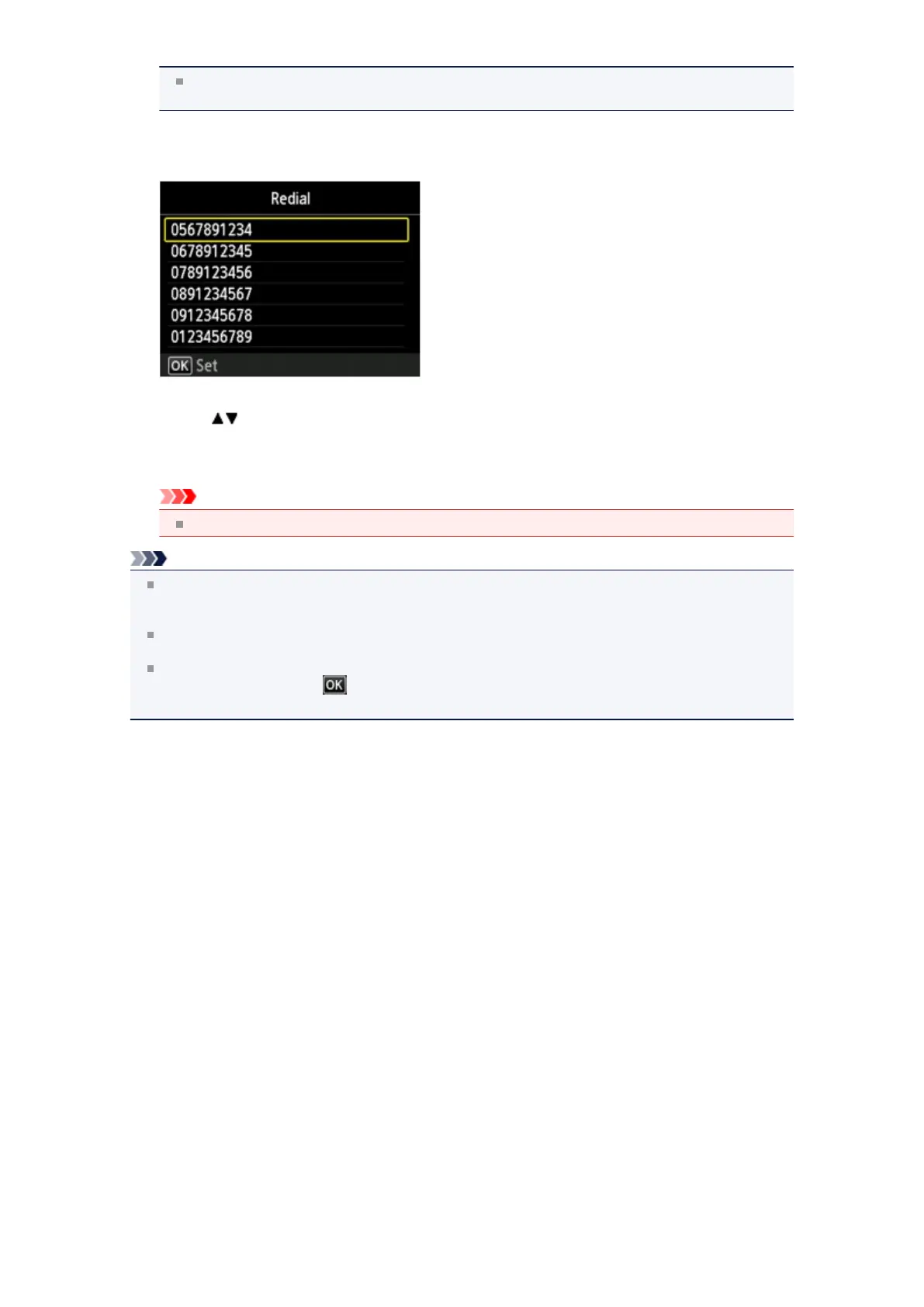
5. Press the Redial/Pause button.
The Redial screen is displayed.
6. Use the button to select the recipient's number to redial, then press the OK button.
7.
Press the Color button for color transmission, or the Black button for black & white transmission.
Important
Color transmission is available only when the recipient's fax machine supports color faxing.
Note
For manual redialing, the machine memorizes up to 10 recent recipients dialed using the Numeric
buttons. Note that the machine does not memorize any recipients dialed using the Coded Dial or
Redial/Pause button.
To cancel manual redialing, press the Stop button. To cancel a fax transmission while it is in
progress, press the Stop button, then follow the instructions on the LCD.
If documents remain in the ADF after the Stop button is pressed while scanning is in progress,
Document in ADF. Select to eject document. is displayed on the LCD. By pressing the OK
button, the remaining documents are automatically ejected.












 To Next Page