Registering Recipients to Coded Speed Dial
Before you can use the coded speed dialing feature, you need to register the recipients' fax/telephone
numbers. Follow the procedure below to register the recipients' fax/telephone numbers.
1.
Make sure that the machine is turned on.
Confirming that the Power Is On
2.
Press the FAX button.
The Fax standby screen is displayed.
3.
Press the left Function button.
The Fax menu screen is displayed.
4. Select TEL number registration, then press the OK button.
5.
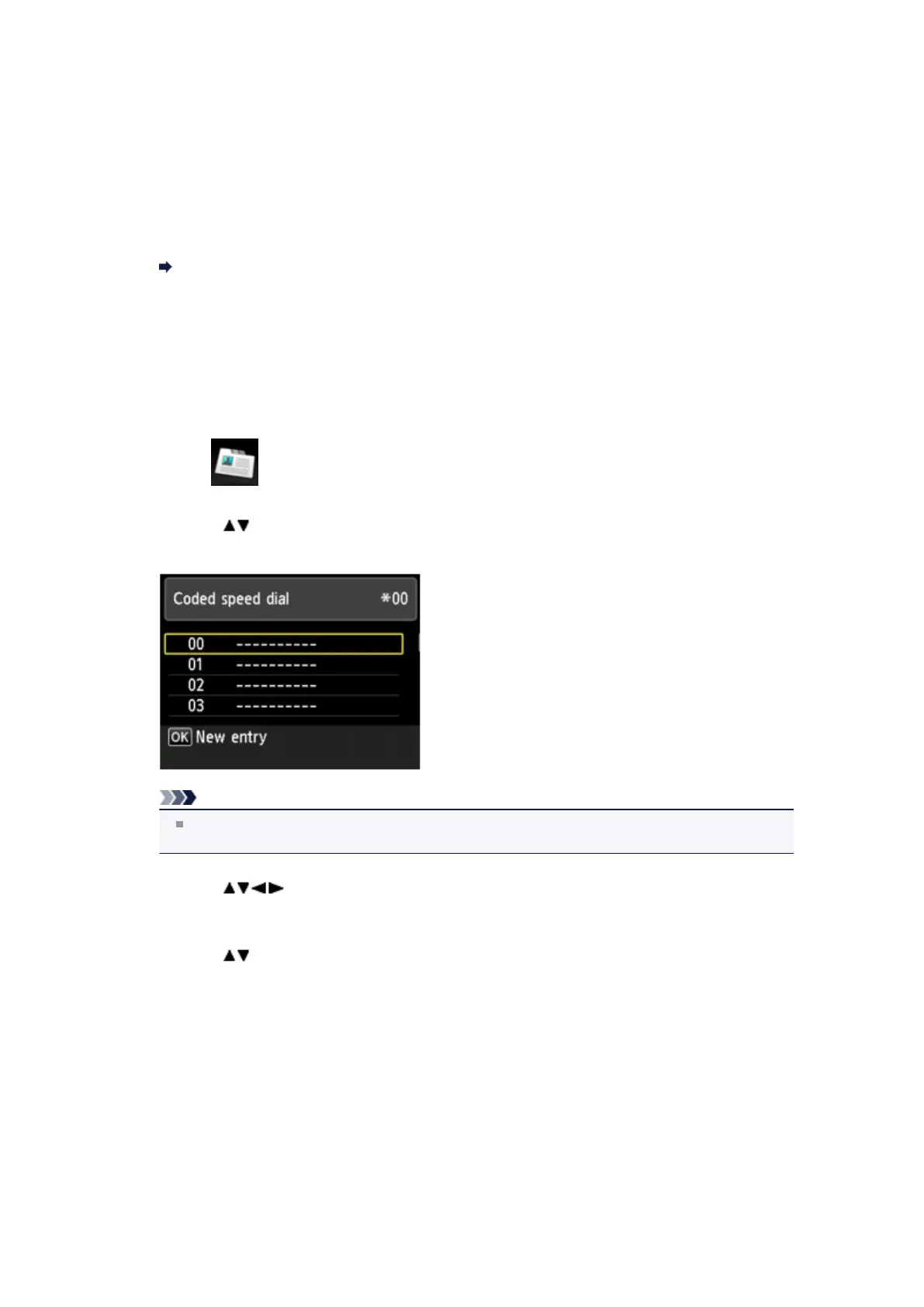
Use the button to select Coded speed dial, then press the OK button.
The screen to select a coded speed dial code is displayed.
Note
If you select a code already used as a coded speed dial, the fax/telephone number is displayed
next to the code. If you select a code already used as a group dial, (Not available) is displayed.
6.
Use the button or the Numeric buttons to select an unoccupied coded
speed dial code, then press the OK button.
7.
Use the button to select a registration method, then press the OK button.
•
Direct entry
The screen to register the recipient's fax/telephone number and name is displayed. Go to next
step.












 To Next Page