EasyManua.ls Logo

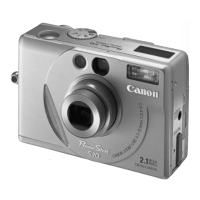
Canon POWERSHOT S10 - User Manual

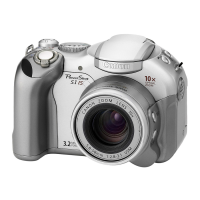
Canon POWERSHOT S10
88 pages
Print Icon
To Next Page IconTo Next Page
Loading...
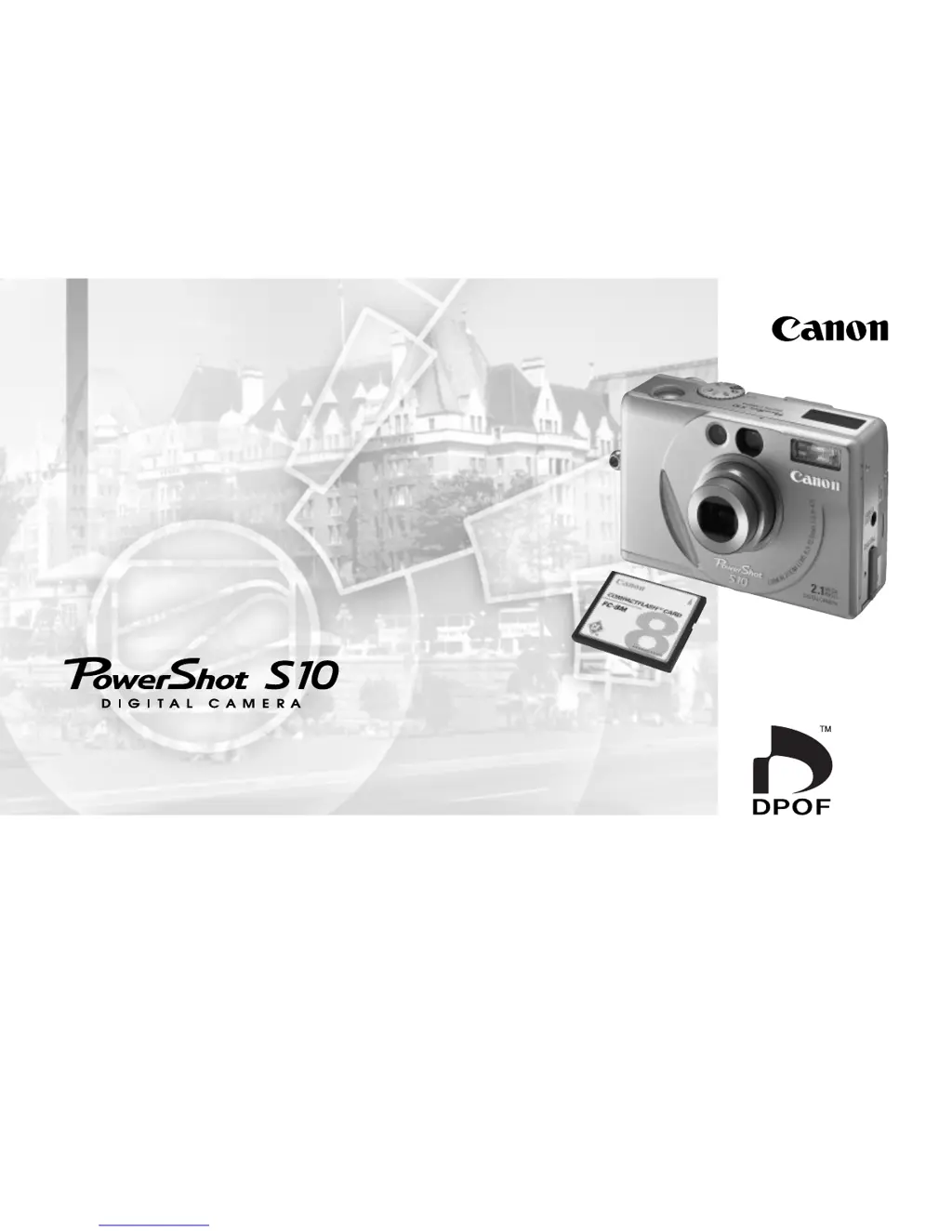
Please read this guide before using your PowerShot S10 for the first time.
Please see the Software Starter Guide for instructions for connecting to a computer.
Camera User Guide
Camera User Guide

Table of Contents

Other manuals for Canon POWERSHOT S10

Questions and Answers

  • A
    Amber ShannonJul 25, 2025
    Why is my Canon Digital Camera battery draining so fast?
    • C
      Christine BanksJul 26, 2025
      Your Canon Digital Camera battery might be draining quickly because: * The battery pack's capacity has been reduced due to prolonged disuse (e.g., a year). Try fully charging and discharging the battery pack several times to restore its capacity. * The battery pack has exceeded its lifespan and needs replacement with a new one. * The surrounding temperature is low, reducing the battery charge. Try warming the battery in your pocket before recording in cold environments.
  • A
    Ariana SmithAug 1, 2025
    How to fix a Canon POWERSHOT S10 that will not record?
    • B
      barbarahallAug 1, 2025
      If your Canon Digital Camera is not recording, check the following: * Ensure the Mode Dial is set to (Auto), (Manual), or (Stitch Assist), not (Play) or (PC). * Make sure you are using a fully charged Battery Pack NB-5H or a 2CR5 lithium battery. Insufficient battery voltage can prevent recording. * Verify that you have inserted a fully charged battery pack of the correct type.
  • S
    stephanie77Aug 7, 2025
    What to do if my Canon POWERSHOT S10 image is blurred?
    • M
      Matthew ContrerasAug 7, 2025
      If your Canon Digital Camera image appears blurred, out of focus, or not as intended, it might be due to: * Camera movement during the shot. Be careful to hold the camera still when pressing the shutter button. * The subject being out of focal range. Ensure a minimum distance of 18 inches (46 cm) between the lens and the subject in normal mode. * The AF auxiliary light emitter being blocked. Make sure your fingers or other objects are not obscuring the AF auxiliary light emitter.
  • R
    ricardo49Aug 12, 2025
    Why won't the flash fire on my Canon POWERSHOT S10?
    • L
      Lisa PetersonAug 13, 2025
      If the flash on your Canon Digital Camera isn't firing, consider these possibilities: * The camera might be set to slow shutter mode. Switch to a different mode. * The flash mode might be set to Flash Off. Change the setting to Flash On. * The subject could be too far away. Ensure the subject is within 1.5 ft. to 10.8 ft. (wide) or 7.5 ft. (telephoto) [17 cm to 3.3 m (wide) or 2.3 m (telephoto)] for proper flash range. * The subject may be too close. Set the flash to Auto Flash or Flash On. * Light shining directly on the camera from the subject can interfere with the flash. Adjust the shooting angle.
  • S
    Savannah AlvaradoAug 19, 2025
    What to do if Canon POWERSHOT S10 will not operate?
    • M
      Michael GravesAug 19, 2025
      If your Canon Digital Camera will not operate, check these items: * Ensure that the battery cover is firmly closed. * Verify that the 2CR5 lithium battery is inserted correctly, with its terminals touching the bottom of the battery chamber. * Clean the battery terminals with a clean, dry cloth to ensure good contact.

Summary

Read This First

Usage and Copyright Advice

Covers test shots, copyright infringement warnings, and using the equipment in foreign countries.

Safety Precautions

General Warnings and Handling

Provides crucial warnings regarding eyesight protection, handling batteries, and electrical safety.

Preventing Malfunctions

Preparing the Camera

Battery Pack Preparation

Covers charging, installing, and performance of the camera's battery pack.

CF Card Installation and Handling

Instructions for installing a CF card, including precautions and card information.

Basic Functions

Initial Camera Operations

Covers powering on/off, using the viewfinder, LCD monitor, and shutter button.

Viewfinder and LCD Monitor Usage

Explains how to use the viewfinder and LCD monitor for composing shots.

Shutter Button Operation

Details the two-stage action of the shutter button for focusing and capture.

Auto Mode and Flash Usage

Guides on shooting in auto mode and operating the camera's flash.

Self-Timer and Red-Eye Reduction

Instructions for using the self-timer and the red-eye reduction feature.

Focus Lock and Autofocus Situations

Explains focus lock and situations not suited for autofocus photography.

Shooting

Manual Mode Operations

Details how to manually adjust settings like compression, resolution, and exposure.

Image Mode Operations

Explains automatic shooting settings optimized for various scenes.

Stitch Assist Mode

Guides on shooting images for panorama creation using software.

Exposure Adjustments

Covers exposure compensation and metering method adjustments.

Replaying

DPOF Print Settings

Details on marking images for printing via Digital Print Order Format.

Appendices

Troubleshooting Guide

Lists common problems, their causes, and solutions for camera operation.

Technical Specifications

Provides detailed technical specifications for the PowerShot S10 camera.

Canon POWERSHOT S10 Specifications

General IconGeneral
BrandCanon
ModelPOWERSHOT S10
CategoryDigital Camera
LanguageEnglish

Related product manuals