20
4
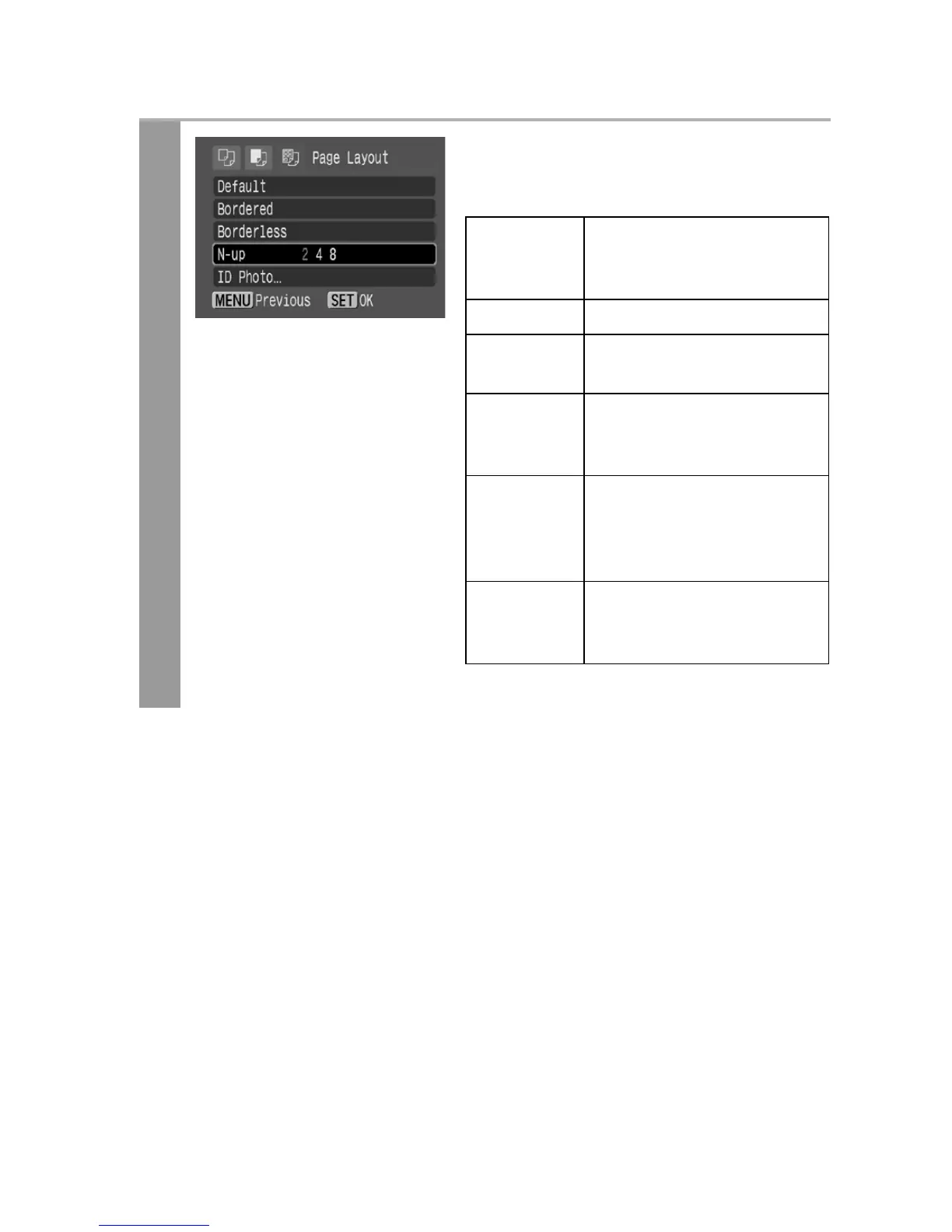
Select a layout.
The following layout can be
selected.
* Card size paper only
Default Print settings differ
according to your printer
model.
Bordered Prints with a border.
Borderless Prints right to the edges
of the paper.
N-up Prints 2, 4 or (8*) images
on a single sheet of paper
(p. 21).
ID Photo Specifies the print size
and print portion of an
image or a whole image
as an ID photo (p. 22).
Fixed Size Prints by specifying the
print size of the image on
a sheet of paper (p. 24).









 To Next Page