7
You Can Also Perform the Following Printing Operations
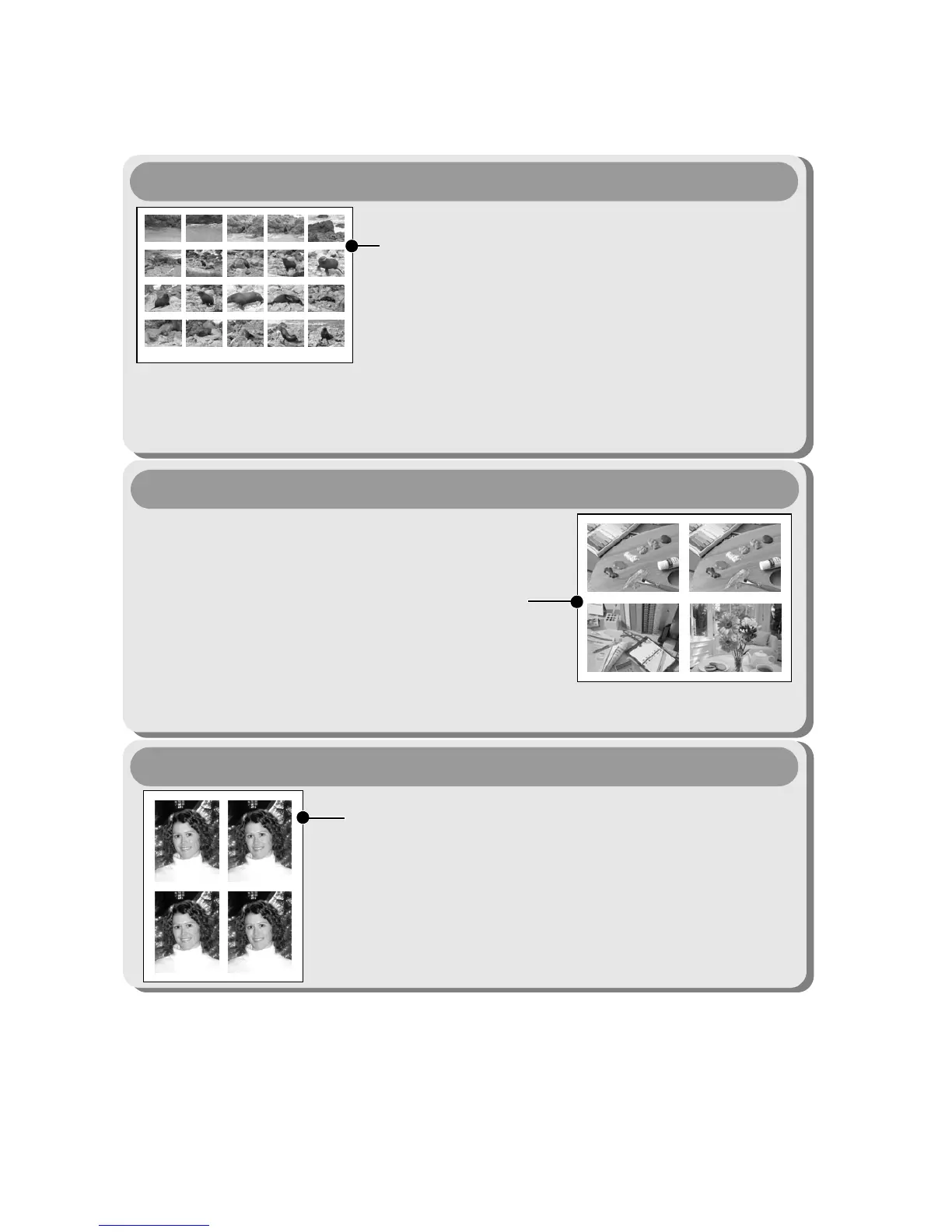
Printing Movies (Movie Print)
107-J006
6"25
12"50
18"75
1"25
7"50
13"75
20"00
2"50
8"75
15"00
21"25
3"75
10"00
16"25
22"50
5"00
11"25
17"50
23"75
You can print a single frame of movies or
extract movie frames at fairly regular intervals
and print them on a single sheet of paper
(pp. 25, 46, 64).
• Capable printers
Single-frame: Canon SELPHY ES Series/SELPHY CP Series Printers,
Printers using PictBridge (Including non-Canon printers)
Sequence-frame: Canon SELPHY ES Series/SELPHY CP Series Printers
Compositions of multiple images you specify
of the same dimensions can be printed on a
single sheet of paper (pp. 21, 44).
Moreover, the DPOF print setting* function
allows you to separately print different
images by specifying the number of frames
to be printed per image.
Printing Multiple Images on a Sheet of Paper
• Capable printers: Printers using PictBridge (Including non-Canon Printers)
(This function is not available on some printers.)
An image can be trimmed, laid out and printed
as ID photos (pp. 22, 61).
• Capable printers:Canon SELPHY ES
Series/SELPHY CP Series
Printers
ID Photo Print
Depending on the printer model, additional printing operations are available
as follows:
• Printing images in a fixed size (p. 24)
• Printing images with the shooting information (p. 43)
* DPOF print settings
This function allows you to preset the images and the number of copies using
the camera button controls. The settings are recorded to a memory card.
Please refer to the Camera User Guide for instructions on setting procedure.
This guide explains how to print images with DPOF print settings.
DPOF=Digital Print Order Format









 To Next Page