71
Printing
After this step, follow the procedures in the section Printing with
SELPHY CP Series Printers using Canon Direct Print (p. 53) to
print your images.
However, please note that some menus and precautions
differ, as listed below.
See pages 54 and 68.
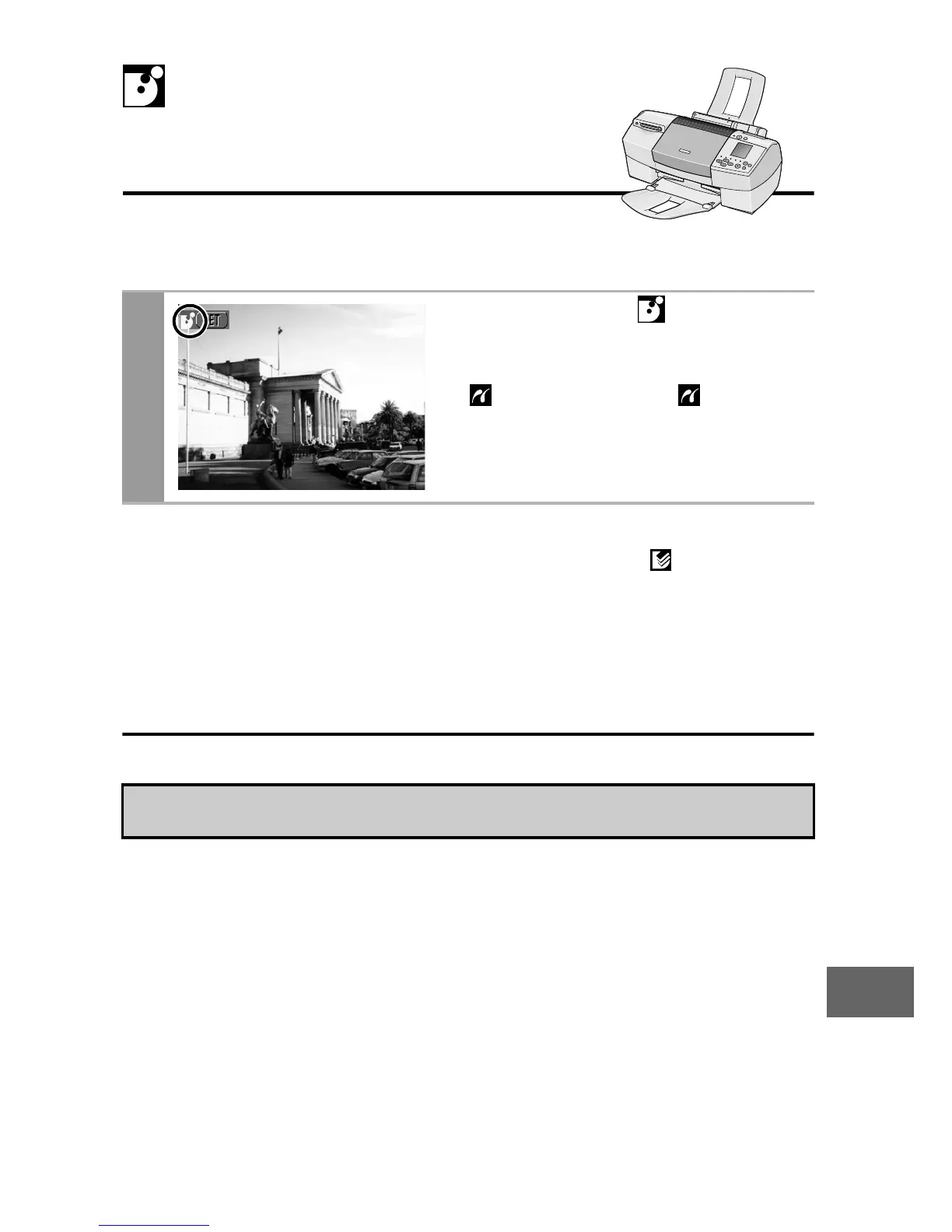
1
Make sure that displays in
the upper left corner of the
LCD monitor.
If displays, refer to Printing
with Bubble Jet Printers (PIXMA
series/SELPHY DS series) using
PictBridge (p. 32).
• You cannot print movies or RAW images.
Printing with Bubble
Jet Printers using Bubble









 To Next Page