1
* Please also refer to the user guide that came with your printer.
Depending on the camera model, the screens that will be
displayed will vary. Moreover, available settings differ depending
on the printer model and the paper size (unavailable settings will
not appear in the menu). For details, refer to the user guide that
came with your printer.
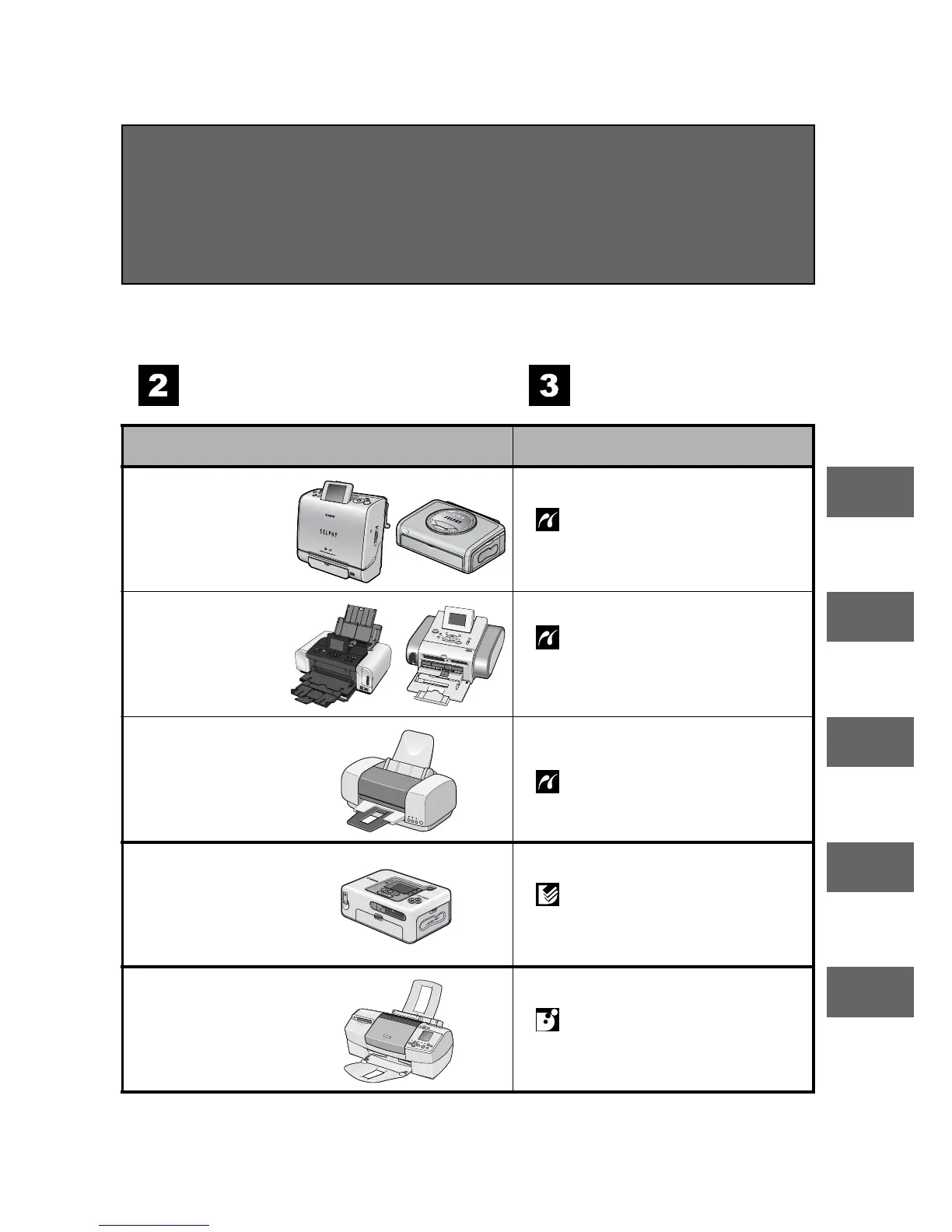
Confirm your printer
model.
Read the page
below.
Printer model
Refer to the sections indicated
SELPHY ES/
SELPHY CP
series
Page 10
" Printing with SELPHY ES
Series/SELPHY CP Series
Printers using PictBridge"
PIXMA/
SELPHY DS
series
Page 32
" Printing with Bubble Jet
Printers (PIXMA series/
SELPHY DS series) using
PictBridge"
Non-Canon
printers*
Page 52
" Printing with Non-Canon,
PictBridge Compliant Printers"
SELPHY CP
series
Page 53
" Printing with SELPHY CP
Series Printers using Canon
Direct Print"
Bubble Jet
printers
Page 71
" Printing with Bubble Jet
Printers using Bubble Jet
Direct"









 To Next Page