Need help?
Do you have a question about the Canon S100 and is the answer not in the manual?
Details about the S100 Simplified Manual, including part number and remarks.
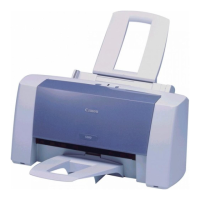
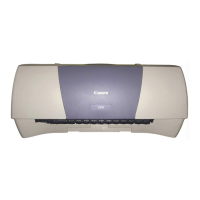
Lists product names, codes, sales territories, and remarks for Canon printers.
Lists available options for the printer.
Lists consumables like ink cartridges, their product codes, and remarks.
Detailed technical specifications of the printer, including resolution, speed, paper handling, and dimensions.
Information on the expected product life in terms of years or print pages.
Lists error codes, their indications, and corresponding error conditions for troubleshooting.
Explains procedures for service modes like cleaning, test prints, EEPROM reset, and destination setting.
Lists parts of the printer with key, part number, rank, quantity, description, and remarks.
Provides a flowchart for hardware troubleshooting, guiding through checks and diagnostics.
Details the procedure for replacing the printer using a whole unit, including adapter and label steps.
Highlights differences in interface, color, paper tray, and cartridges between S100 and BJC-2100/2100SP models.
Illustrates the service test print sample with check items for ink ejection, top margin, lines, and gray parts.

 To Next Page
 General