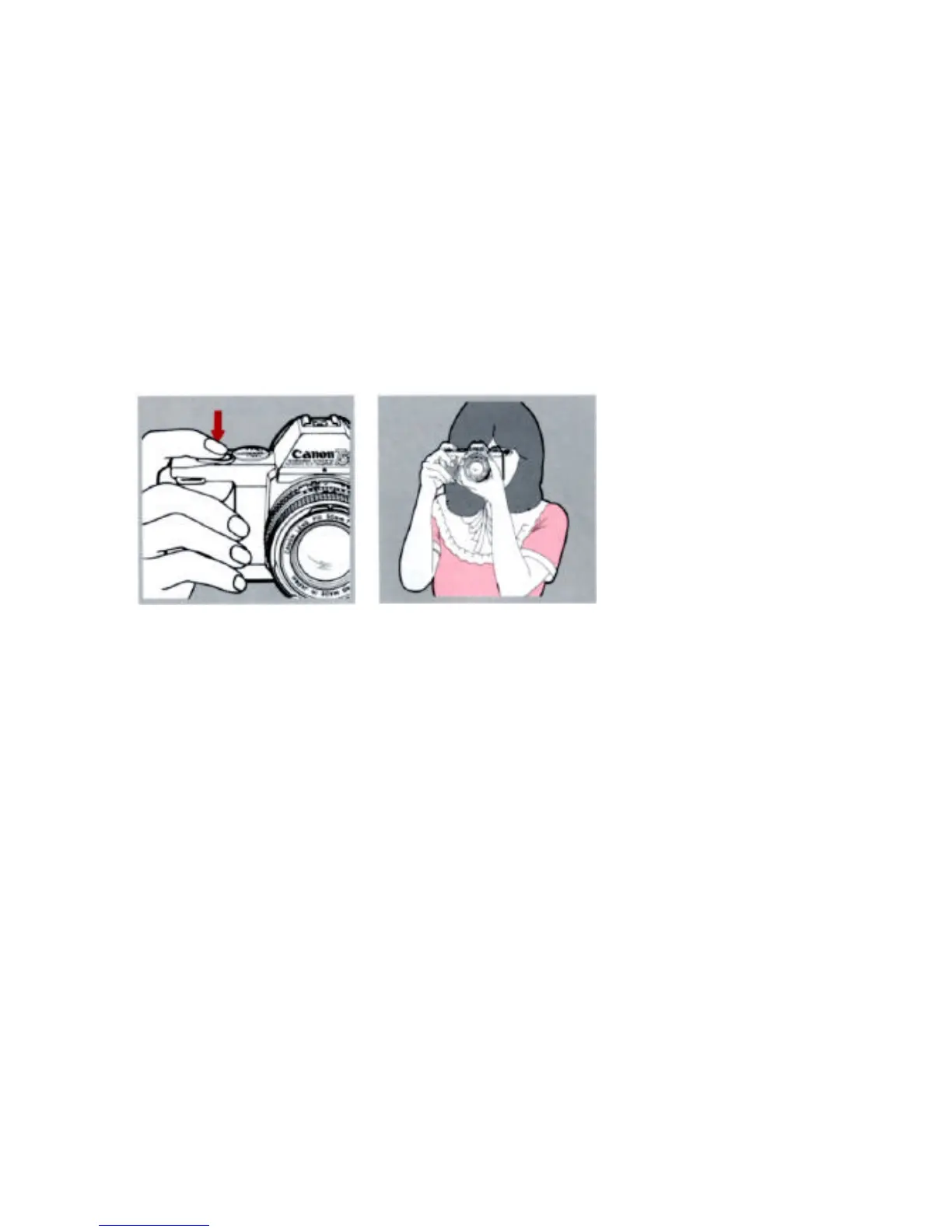
Press the shutter button all the way.
The film will automatically advance to
the next frame.
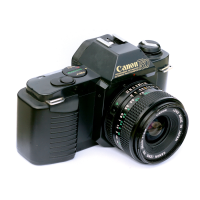
One of the greatest features of the
T50 is its built-in power winder. This
lets you concentrate on the action in
front of the camera, so that you can
take a whole roll of pictures without
ever removing your eye from the
viewfinder.
The film will be automatically ad-
vanced as long as the shutter button
is depressed.
your finger from the shutter button as
soon as the shutter is released.
your finger on the shutter button for as
many pictures as you wish to take.
Continuous shooting takes place at a
maximum speed of 1.4 fps (frames per
second).


 To Next Page