EasyManua.ls Logo

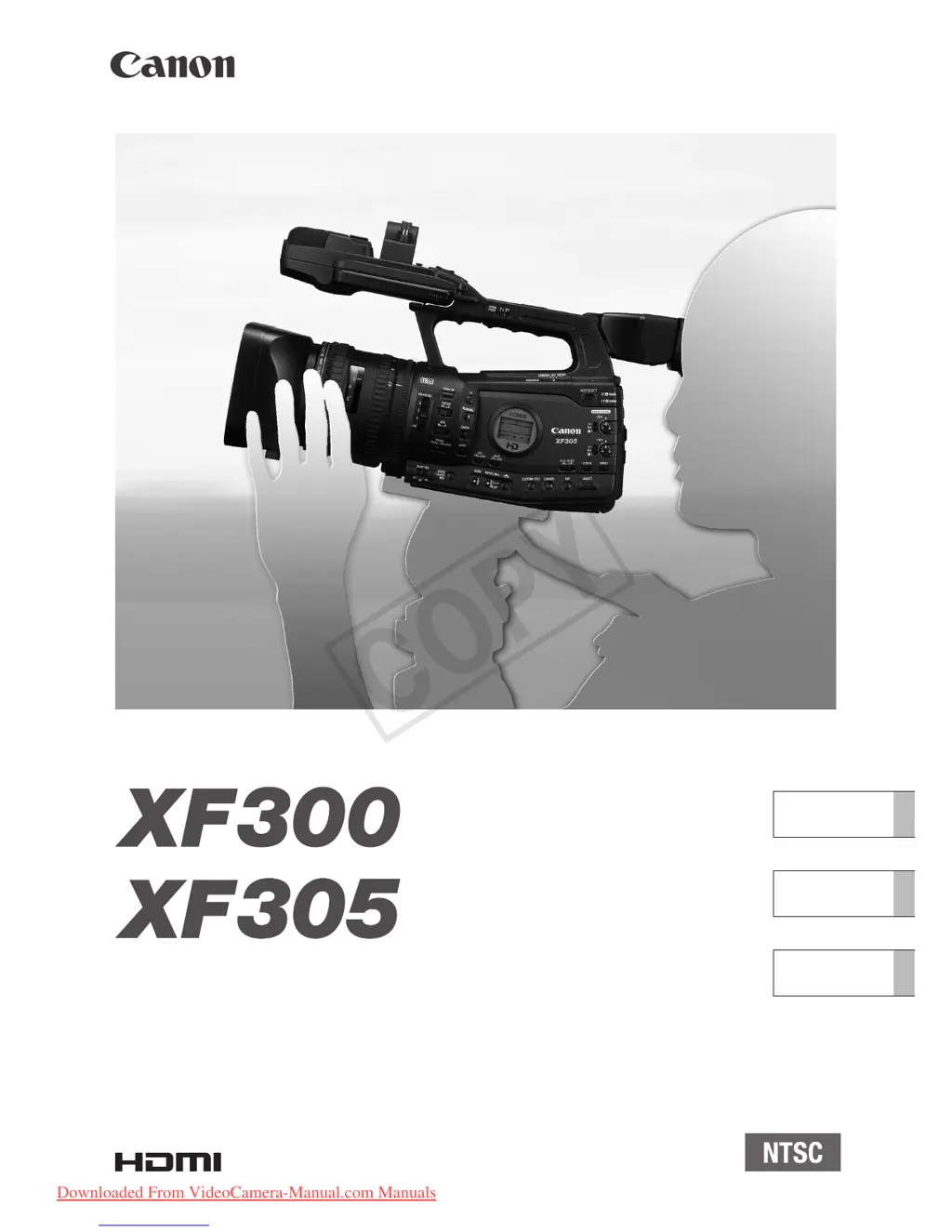
Canon XF300 - User Manual

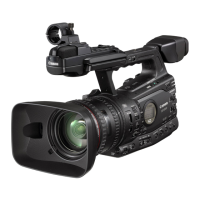
Canon XF300
211 pages
Print Icon
To Next Page IconTo Next Page
Loading...
HD Camcorder
Instruction Manual
Caméscope HD
Manuel d'instruction
Videocámara HD
Manual de Instrucciones
English
Français
Español
PUB. DIM-0957-000G
COPY
Downloaded From VideoCamera-Manual.com Manuals

Table of Contents

Other manuals for Canon XF300

Questions and Answers

  • C
    Calvin TorresSep 7, 2025
    How to fix Canon Camcorder if it's not recording audio?
    • S
      Scott LaneSep 7, 2025
      If your Canon Camcorder is not recording audio, check if the AUDIO IN switch is set correctly. If you're using an external microphone connected to the XLR terminal, ensure the XLR terminal switch is set to MIC+48V if the microphone requires phantom power.
  • J
    Joseph PattonAug 25, 2025
    What to do if my Canon XF300 won't focus?
    • C
      cassandra82Aug 25, 2025
      If your Canon Camcorder is not focusing, try to focus manually. Also, adjust the viewfinder using the dioptric adjustment lever. The lens or Instant AF sensor may also be dirty, so clean them with a soft lens-cleaning cloth; never use tissue paper.
  • C
    Cassandra McdonaldAug 25, 2025
    Why is my Canon XF300 Camcorder battery not charging?
    • V
      Vincent HernandezAug 26, 2025
      The battery pack may not be charging because its temperature is outside the charging range. If the battery pack’s temperature is below 0 °C (32 °F), warm it before charging it. If it is above 40 °C (104 °F), let the battery pack cool down before charging it. Ensure you charge the battery pack in temperatures between 0 °C and 40 °C (32 °F and 104 °F). Also, the battery pack may be faulty, so consider replacing it.
  • B
    bjacksonSep 16, 2025
    Why can't I record on the CF card with my Canon Camcorder?
    • A
      alexandrakingSep 16, 2025
      The CF card is full or it already contains the maximum number of clips (999 clips). Delete some clips to free some space or replace the CF card.
  • A
    Alicia EatonSep 23, 2025
    How to fix Z Mark Error on Canon XF300 Camcorder?
    • N
      Nathaniel NobleSep 23, 2025
      To resolve the Z Mark Error on your Canon Camcorder: - Add the mark in mode after you finish recording. - If the message appears in mode, turn the camcorder off and then back on. - Try to add the mark again.
  • D
    Dr. Jeffrey HolmesSep 12, 2025
    Why is my Canon Camcorder showing horizontal bands?
    • R
      Rickey SmithSep 12, 2025
      This is a phenomenon typical of CMOS image sensors when recording under some types of fluorescent, mercury or sodium lamps. To reduce the symptoms, set [Camera Setup] [Flicker Reduction] to [Automatic] or set the shutter speed to 1/100.
  • T
    Tamara ClarkSep 2, 2025
    Why my Canon XF300 cannot play back?
    • M
      Matthew WoodsSep 3, 2025
      If your Canon Camcorder cannot play back, the file control information might be corrupted, or there was a decoder error. Turn the camcorder off and on again. If the problem persists, consult a Canon Service Center. Note that CF cards or clips with corrupt file control information cannot be read by the supplied Canon XF Utility or plugins.
  • W
    William BrockSep 3, 2025
    Why my Canon XF300 Camcorder cannot record?
    • P
      Patricia DickersonSep 3, 2025
      If your Canon Camcorder cannot record, the file control information might be corrupted, or there was an encoder error. Turn the camcorder off and on again, then remove and reinsert the CF card or replace it. If the problem continues, consult a Canon Service Center. Note that CF cards or clips with corrupt file control information cannot be read by the supplied Canon XF Utility or plugins.
  • J
    Jason JohnsonSep 23, 2025
    What to do if my Canon Camcorder shows a system error?
    • E
      Emily JohnsonSep 23, 2025
      If your Canon Camcorder displays a system error, turn it off and then back on again. If the problem persists, it may indicate a malfunction, and you should consult a Canon Service Center.
  • A
    Andrew NunezAug 29, 2025
    Why can't I copy clips on my Canon Camcorder?
    • R
      Rachael SnyderAug 29, 2025
      If your Canon Camcorder cannot copy clips, the CF card you're copying to may not have enough space or it already contains the maximum number of clips (999 clips). Delete some clips to free up space or replace the CF card.

Canon XF300 Specifications

General IconGeneral
Filter size82 mm
Digital zoom1.5 x
Optical zoom18 x
Image stabilizerYes
Focal length range4.1 - 73.8 mm
Focal length (35mm film equivalent)29.3 - 527.4 mm
Sensor typeCMOS
Total megapixels2.37 MP
Optical sensor size1/3 \
Video out1
Flash memory32768 MB
Aperture range (F-F)1.6 - 22
Horizontal resolution1000 lines
Power consumption (typical)9 W
Viewfinder resolution1550000 pixels
Viewfinder screen size0.57 \
Display diagonal4 \
ISO sensitivityAuto
Normal focusing range0.02 - 1 m
Maximum frame rate50 fps
Maximum video resolution1920 x 1080 pixels
Image formats supportedJPG
Audio formats supportedMP3
Camera shutter speed1/18 - 1/2000 s
Microphone inNo
USB 2.0 ports quantityUSB 2.0 ports have a data transmission speed of 480 Mbps, and are backwards compatible with USB 1.1 ports. You can connect all kinds of peripheral devices to them.
Firewire (IEEE 1394) ports0
Compatible memory cardsSD, SDHC
Product colorBlack
Video recording time1.2 h
Operating temperature (T-T)-5 - 45 °C
Weight and Dimensions IconWeight and Dimensions
Depth180 mm
Width394 mm
Height192 mm
Weight2700 g

Related product manuals