18
USING
YOUR
PASSWORD
As you clean up the galaxy, Mega Man may be rewarded with a secret
password. Copy each letter and its location in the password grid on a
separate piece
of
paper. When you finish writing down your password,
place it in a safe place.
The next time you play
Mega Man V, you can continue from where
you received your password. Here's how:
1.
On the title screen, move the arrow next to PASSWORD and press
the A button.
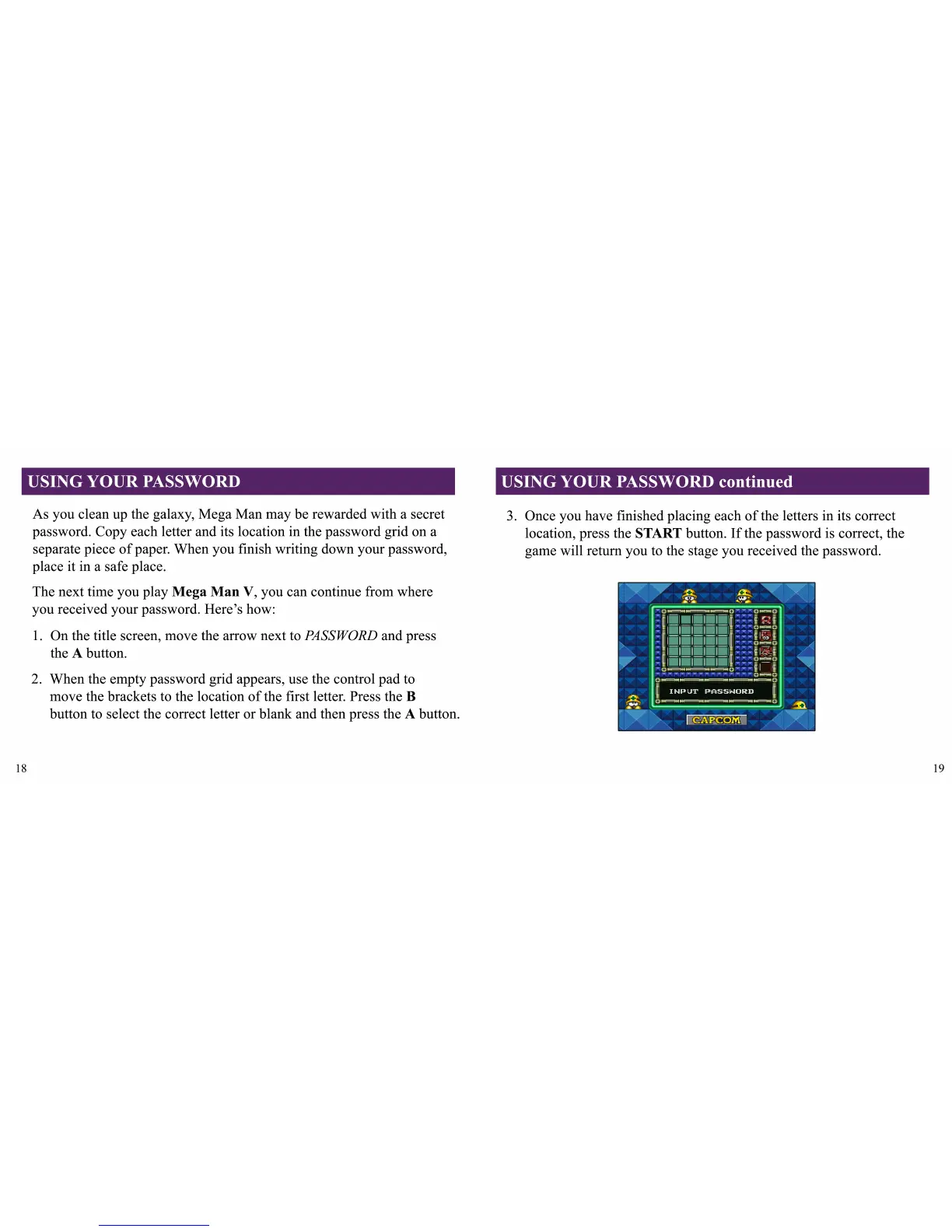
2. When the empty password grid appears, use the control pad to
move the brackets to the location
of
the first letter. Press the B
button to select the correct letter or blank and then press the A button.
USING
YOUR
PASSWORD continued
3.
Once you have finished placing each
of
the letters in its correct
location, press the START button.
If
the password
is
correct, the
game will return you to the stage you received the password.
19



 To Next Page