using the sleep function
! While unit is on, press the SLEEP button on the remote control. The unit display will show “90” for 5 seconds,
indicating 90 minutes audio play before automatic shut off.
" To select desired time, press SLEEP button repeatedly to display time in 10 minute increments descending
from 90 to 10 minutes. Pause at select time. After 5 seconds the SLEEP time selected will disappear from
the display.
notes: To view the remaining SLEEP time, press the SLEEP button once.
To cancel the SLEEP function, repeatedly press the SLEEP button until “SLEEP” disappears from the display.
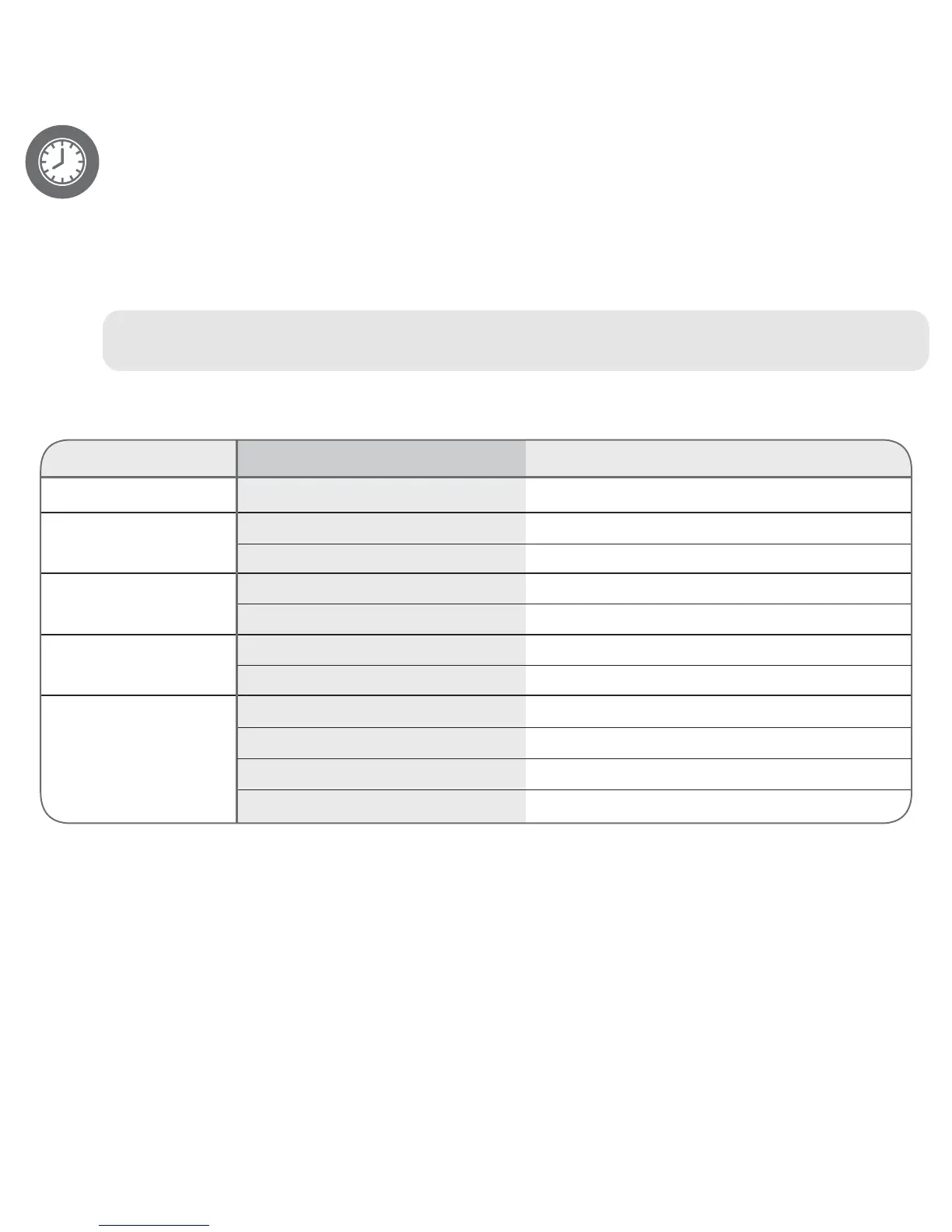
symptom cause solution
No sound. Volume is set to minimum. Increase volume.
Radio / Tuner: Power is not on. Press the Power button to turn the power on.
no sound Volume is set to minimum. Increase volume.
Radio / Tuner: Station is not tuned properly. Retune the FM broadcast station.
poor sound. FM: Wire antenna is not extended. Extend FM wire antenna.
iPod / iPhone: Incorrectly connected. Check the connection.
no sound. Not in iPod / iPhone mode. Press MODE button to select iPod / iPhone mode.
CD mode: Not in CD mode. Press MODE button to select CD mode.
no sound or Disc inserted incorrectly. Reinsert disc correctly.
poor sound. Dirty or defective disc. Clean or replace disc.
Moisture condensation on disc. Wipe disc clean with a soft dry cloth.
troubleshooting
specifications
general:
Power Source (AC Adapter) ........................... AC 100-240V, 50/60Hz
Power Source (Main unit) .................................................. DC: 9V 3A
Power Source (Remote Control). ........ DC 3V, CR2025, Lithium battery
Speaker. ......................................................................... 6 ohms x 2
Output Power ...................................................................... 5 W x 2
Dimensions .......................................340 (W) x 222 (D) x 145(H) mm
Weight .................................................................................... 6 lbs.
radio section:
Frequency Range (FM) ............ ...............87.5–108 MHz
CD section:
Disc Diameter ....................................... 4.72” (120mm)
Optical Source ............ ................... Semiconductor laser
Specications are subject to change without notice.
For further assistance, please visit our website: capelloproducts.com or contact customer service at support@capelloproducts.com
or 1-855-896-1795. Life Lab International Ltd.


 To Next Page