inside the box
CR220 Digital FM clock radio, AC power adapter, user guide, a set of cable spool and cable clip.
power source
ac connection
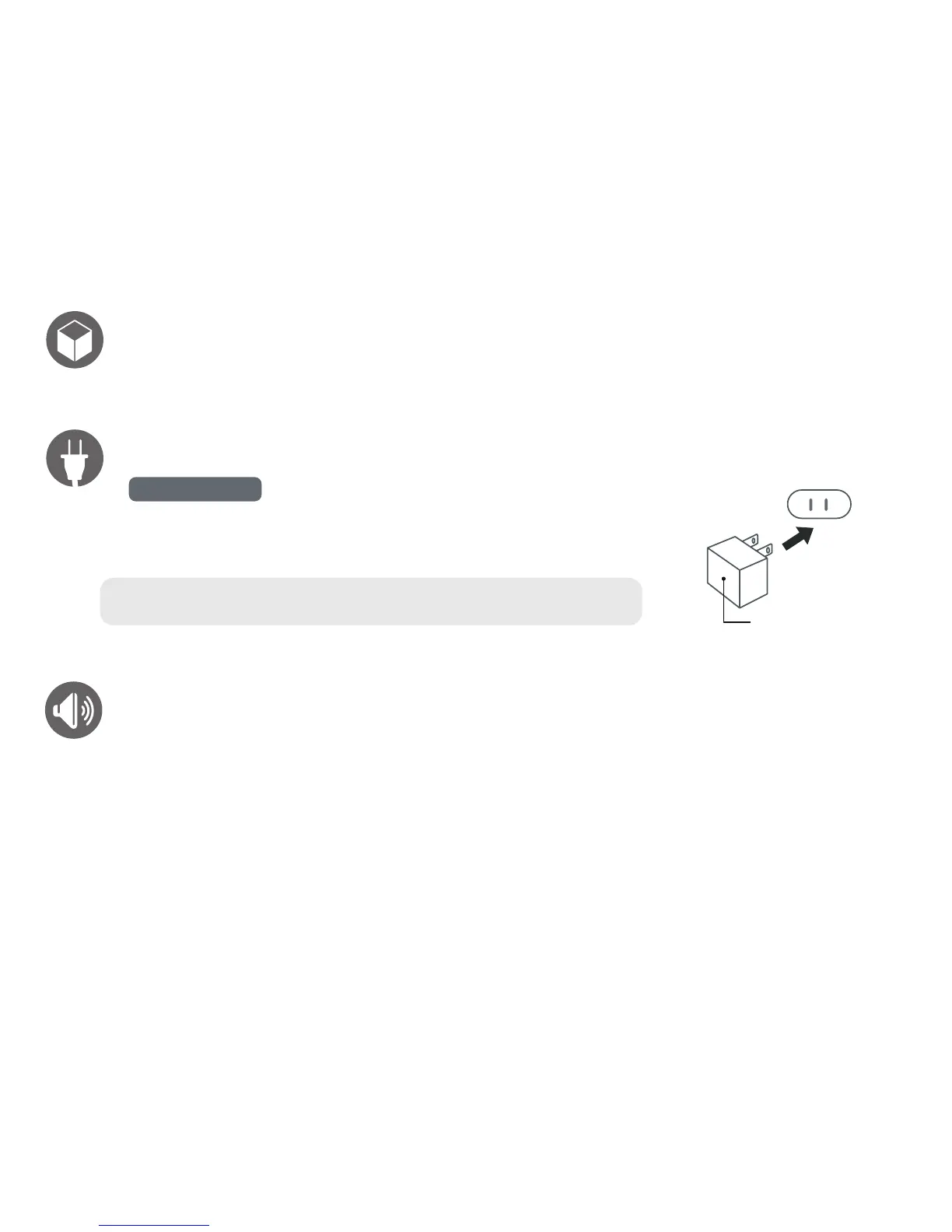
Insert the small end of the AC adaptor into the DC In Jack (located on the rear of the unit).
Connect the other end to a wall outlet providing 100-240V AC, 50/60 Hz.
The output of the provided AC/DC Adaptor is DC 5V 3A.
notes: Disconnect both ends of the power cord when not in use. Use only the supplied
AC adaptor with the following specs: AC In - 100-240V AC, 50/60Hz / DC Out - 5V 3A
AC outlet
AC adaptor’s plug
adjusting the volume
Press the VOL UP or VOL DOWN button to increase or decrease the volume to a safe listening level.


 To Next Page