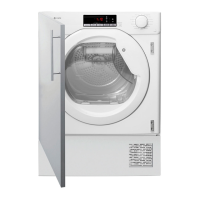
Instruction manual TDI4000 Please keep this instruction manual for future reference20
QUICK USER GUIDE
1. Open the door and load the drum with laundry. Ensure that garments do not hinder closure of
the door.
2. Gently close the door pushing it slowly until you hear the door “click” shut.
3. Turn the programme selector dial to select the required drying programme (see
programme guide).
4. Press the button . The dryer will start automatically and the indicator above the button will
be continuously lit.
5. If the door is opened during the programme to check the laundry, it is necessary to press
to
recommence drying after the door has been closed.
6. When the cycle is nearing completion the machine will enter the cool down phase, the clothes
will be tumbled in cool air allowing the load to cool down.
7. Following the completion of the cycle the drum will rotate intermittently to minimise creasing.
This will continue until the machine is switched OFF or the door is opened.
8. When the programme is complete the LED indicator will light.
Do not open the door during the automatic programmess in order to obtain a good drying result.


 To Next Page