Instruction manual TDI4000 Please keep this instruction manual for future reference26
CLEANING AND MAINTENANCE
CLEANING THE DRYER
» Clean the filter and empty the water container after every drying cycle.
» Regularly clean the bottom filter.
» After each period of use, wipe the inside of the drum and leave the door open for a while to
allow circulation of air to dry it.
» Wipe the outside of the machine and the door with a soft cloth.
» DO NOT use abrasive pads or cleaning agents.
» To prevent the door sticking or the build up of fluff, clean the inner door and gasket with a
damp cloth after every drying cycle.
» Frequently check the fluff filter after use and clean if necessary.
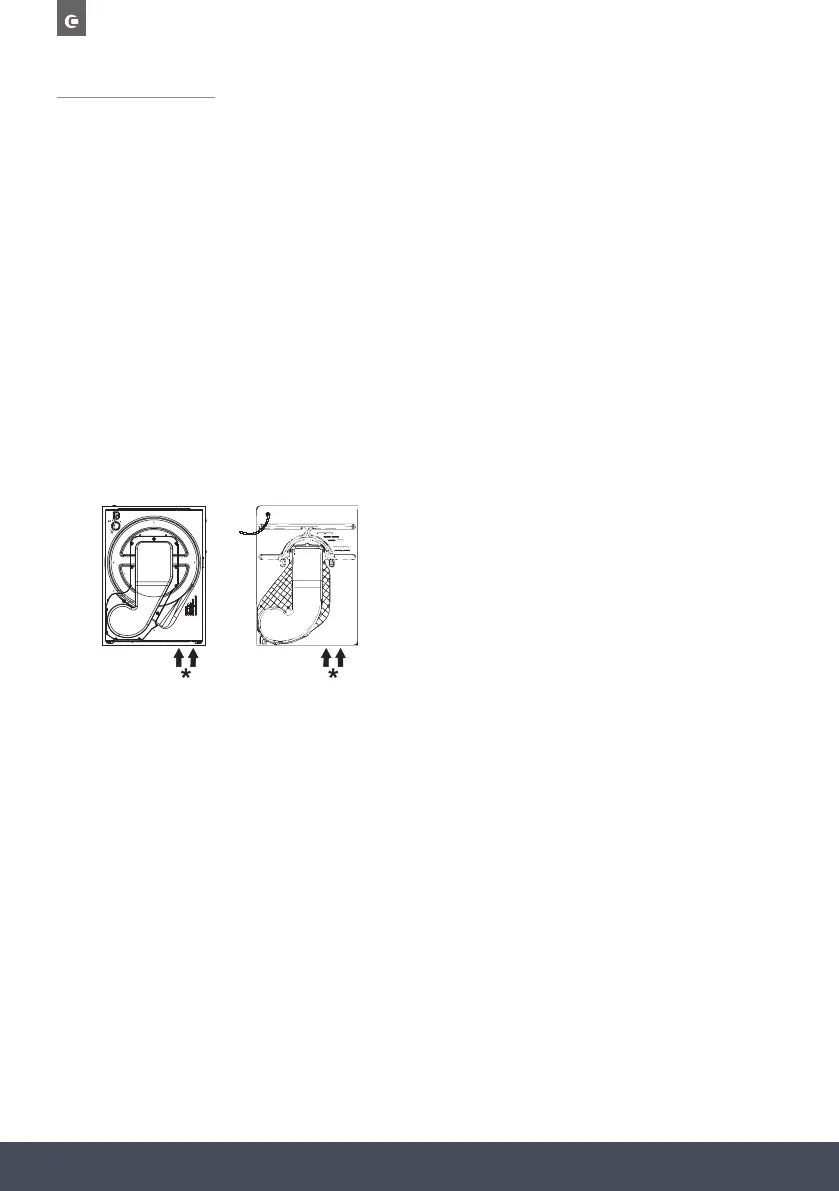
*Air outlet (depending on model).
WARNING:
The drum, door and load may be very hot.
IMPORTANT:
Always switch off and remove the plug from the electricity supply before cleaning this appliance.
For electrical data refer to the rating label on the front of the dryer cabinet (with the door open).
WARNING:
If you open the door mid cycle, before the cool down cycle has completed, the handle may be hot.
Please use extreme caution when attempting to empty the water reservoir during the cycle.
Clean the filters before every cycle.
Pay attention that overloading or a bulk load can lead to the door opening. In this case, reduce the
load capacity to continue the drying cycle.


 To Next Page