9
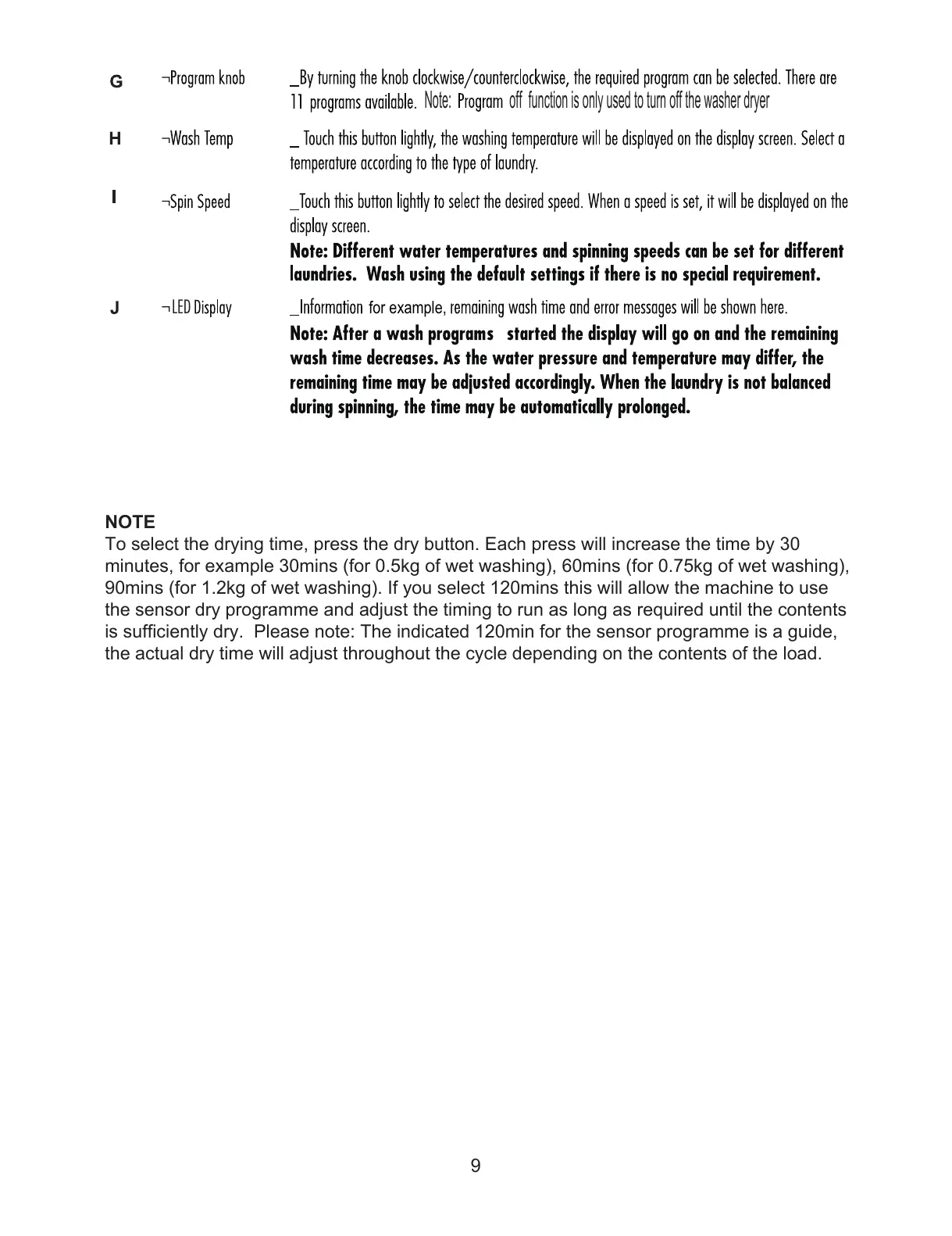
1RWH RII IXQFWLRQLVRQO\XVHGWRWXUQRIIWKHZDVKHUGU\HU
LED
IRUH[DPSOH
NOTE
To select the drying time, press the dry button. Each press will increase the time by 30
minutes, for example 30mins (for 0.5kg of wet washing), 60mins (for 0.75kg of wet washing),
90mins (for 1.2kg of wet washing). If you select 120mins this will allow the machine to use
the sensor dry programme and adjust the timing to run as long as required until the contents
is sufficiently dry. Please note: The indicated 120min for the sensor programme is a guide,
the actual dry time will adjust throughout the cycle depending on the contents of the load.



 To Next Page