EasyManua.ls Logo

Capsa Healthcare CareLink XP - User Manual

Capsa Healthcare CareLink XP
40 pages
Print Icon
To Next Page IconTo Next Page
Loading...
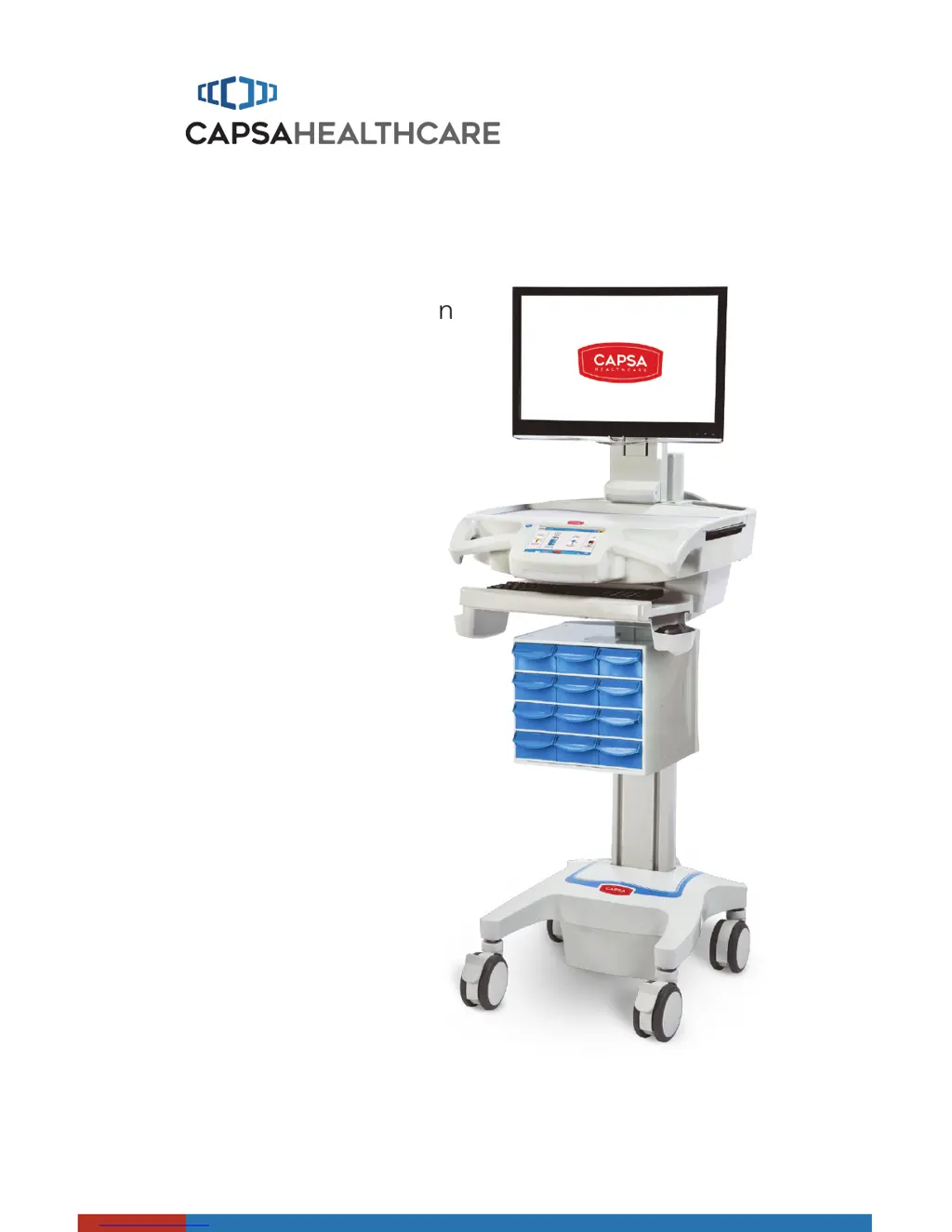
User Manual
CareLink
TM
Mobile Nurse Station
Elevating performance, every day.
For RX and XP Models

Questions and Answers

  • M
    Mary NguyenAug 1, 2025
    What to do if my Capsa Healthcare Medical Equipment cart will not power up?
    • C
      Carolyn MckinneyAug 1, 2025
      If your Capsa Healthcare Medical Equipment cart won't power up, it could be due to several reasons. First, if the power button is orange, the battery is in recovery mode; wait for the cycle to complete. Also, ensure the power cord is correctly plugged into a working outlet and the cart's power inlet. If the issue persists after these checks, it's recommended to file a service request for maintenance.
  • K
    Keith HernandezAug 4, 2025
    What to do if the computer/monitor will not power up on my Capsa Healthcare CareLink XP?
    • K
      Kayla KnightAug 4, 2025
      If your Capsa Healthcare Medical Equipment computer or monitor will not power up, ensure that the cart power button is not orange and the battery is disconnected. This allows power to installed components after the battery conditioning cycle. Also, check that the power supply is on, device power cables are connected, the wall outlet has power, and the fuses at the power inlet are intact.
  • M
    Mary SpencerAug 9, 2025
    What to do if the power supply does not turn on in my Capsa Healthcare CareLink XP Medical Equipment?
    • K
      Katie CherryAug 9, 2025
      If your Capsa Healthcare Medical Equipment power supply does not turn on, check the power cord and ensure it is properly connected. Verify that the wall outlet has power and inspect the fuses at the cart power inlet.
  • M
    Michael NixonAug 13, 2025
    What to do if my computer does not work properly on Capsa Healthcare Medical Equipment?
    • D
      dandrewsAug 13, 2025
      If the computer on your Capsa Healthcare Medical Equipment cart isn't working properly, first check that the power button isn't orange, which indicates the cart is in recondition cycle. Once the cycle is complete, the computer should function normally again. If the cart is functional, but the computer still doesn't work, file a service request for maintenance.
  • G
    Gabrielle CantuAug 18, 2025
    What to do if drawers will not open on Capsa Healthcare Medical Equipment?
    • N
      Nicole HensonAug 18, 2025
      If the drawers on your Capsa Healthcare Medical Equipment will not open, ensure that the power button indicator is not orange and that the battery has more than 20% charge. Also, verify that the drawers locked icon is not active and the drawers unlocked icon is active; if necessary, re-enter your PIN. If the battery doesn't have sufficient charge or re-entering the PIN does not work, use the manual override key to unlock the drawer module and file a service request with your IT department for service.
  • J
    johnstonnicoleAug 22, 2025
    How to fix a Capsa Healthcare Medical Equipment cart that is hard to push?
    • D
      Diana BennettAug 22, 2025
      If your Capsa Healthcare Medical Equipment cart is hard to push, check that the caster locks are in the unlocked (up) position and inspect the casters for any obstructions.
  • J
    John ClarkAug 27, 2025
    Why is my Capsa Healthcare Medical Equipment cart hard to turn?
    • B
      Bradley JohnsonAug 27, 2025
      If your Capsa Healthcare Medical Equipment cart is hard to turn, check that N-Strideâ„¢ is active.

Summary

Warnings and Safety Precautions

Electrical Safety and Grounding

Covers critical electrical safety measures, power cord usage, and grounding requirements for the cart.

Physical and Battery Safety

Addresses physical safety like lift system use, cleaner precautions, overload limits, and lithium battery safety.

Getting Started with CareLink

Power Connection and Battery Conditioning

Step-by-step guide for plugging in the power cord and conditioning the cart's battery.

Operating the CareLink Mobile Nurse Station

Quick Start and Basic Operation

A guide for initial setup and basic operational procedures for using the cart.

Preventative Maintenance

Troubleshooting Common Issues

Problem Resolution Guide

Common issues encountered with the cart and their corresponding solutions.

Cleaning the CareLink Cart

Service and Support

Capsa Healthcare CareLink XP Specifications

General IconGeneral
BrandCapsa Healthcare
ModelCareLink XP
CategoryMedical Equipment
LanguageEnglish

Related product manuals