EasyManua.ls Logo

Capsa Healthcare M38e - User Manual

Capsa Healthcare M38e
36 pages
Print Icon
To Next Page IconTo Next Page
Loading...
User Manual
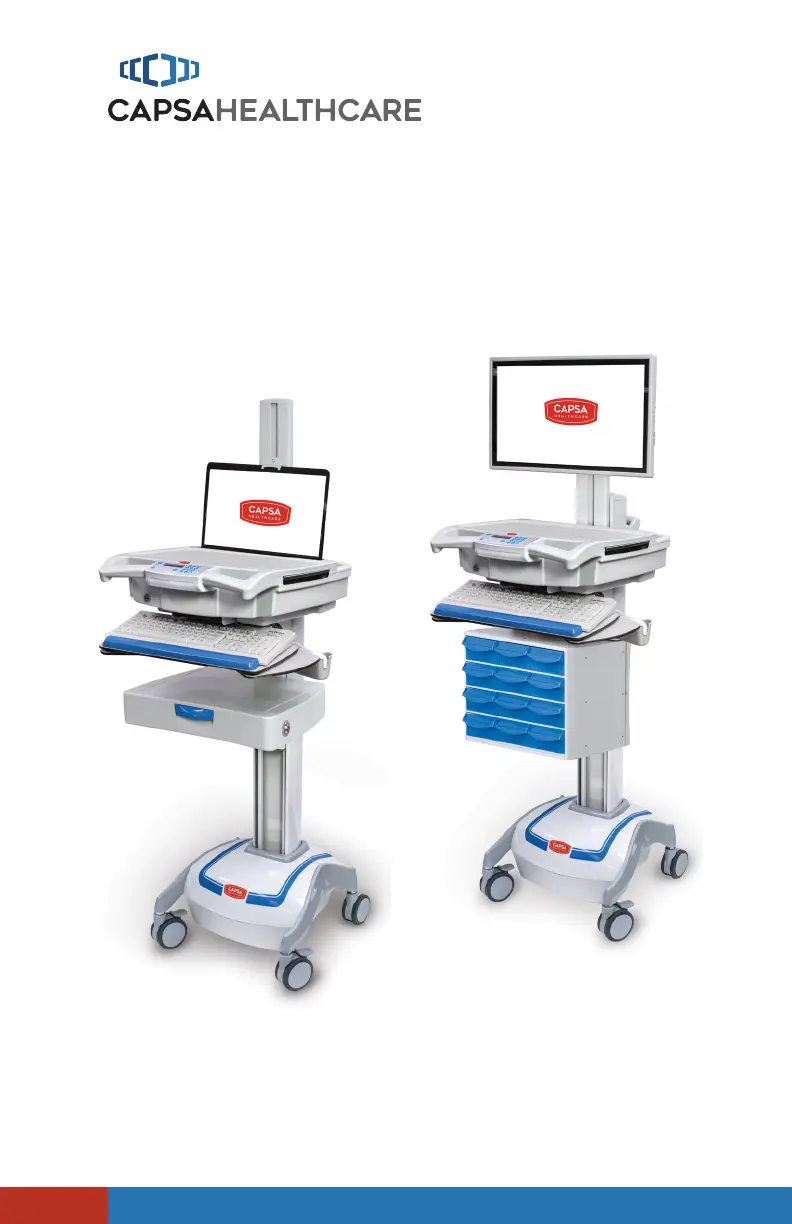
M38e Carts
Elevating performance, every day.
For Models with Electronic Lift

Questions and Answers

Summary

Warnings

General Safety Precautions

Key safety warnings and precautions for operating the M38e cart.

Introduction

BOX CONTENTS

Lists all items included in the M38e cart package.

SPECIFICATIONS

Details the physical and electrical characteristics of the M38e cart.

STATEMENT OF USE

Outlines the intended purpose and usage guidelines for the M38e cart.

OVERALL VIEW

Provides a visual overview of the M38e cart components and configurations.

Get Started

INSTALL THE POWER CORD

Step-by-step guide for connecting the M38e cart's power cord.

CHARGE THE BATTERY

Instructions on how to properly condition and charge the M38e cart's battery.

Setup

SETUP PROCEDURE

A comprehensive procedure for setting up the M38e cart.

REMOVE THE WORK SURFACE

Detailed steps for safely removing the M38e cart's work surface.

INSTALL KEYBOARD AND MOUSE

Guide for connecting and positioning the keyboard and mouse.

INSTALL THE MONITOR

Instructions for mounting and connecting the monitor to the cart.

INSTALL A THIN CLIENT OR CLOSED LAPTOP

Steps for installing thin client or closed laptop devices.

INSTALL A LAPTOP COMPUTER

Guide for mounting and connecting a laptop computer.

INSTALL THE WORK SURFACE

Steps for reattaching the work surface after component installation.

CONFIGURE THE CONTROL SYSTEM

How to configure the M38e cart's electronic drawer and control system features.

Operation

QUICK START PROCEDURE

A streamlined guide for initiating the M38e cart's operation.

RAISE AND LOWER THE WORK SURFACE

Instructions on how to adjust the work surface height.

PREMIUM KEYBOARD MOUNT

Details on adjusting and using the premium keyboard mount.

POWER ON;POWER OFF AC POWERED CARTS

Procedures for turning AC powered M38e carts on and off.

POWER ON;POWER OFF NON-POWERED CARTS

Procedures for powering non-powered M38e carts on and off.

USER INTERFACE (UI)

Overview of the M38e cart's user interface controls and functions.

LCD CONTRAST

Steps to adjust the contrast of the cart's LCD display.

KEYBOARD LIGHT

How to operate the integrated keyboard light.

MUTE BUTTON

Instructions for using the mute button for audible alarms.

BATTERY CUTOFF SWITCH (NON-POWERED CONTROL SYSTEM)

Location and operation of the battery cutoff switch for non-powered carts.

Powered Drawer Expansion LCD User Interface

Explains the LCD interface for drawer expansion and battery status.

DRAWER MODULES

Information on accessing and managing the cart's drawer modules.

Drawer Locks

Details on locking and unlocking the M38e cart's drawers using PIN or manual override.

Manual Drawer Lock

Guide on using the manual override key for drawer locks.

Drawer Labeling

Instructions for labeling the M38e cart's drawers.

CASTERS

How to operate the cart's braking and tracking casters.

BIDIRECTIONAL WORK SURFACE

Steps for extending and retracting the bidirectional work surface.

Maintenance

REMOVE AND REPLACE THE BATTERY

Step-by-step instructions for battery removal and installation.

REMOVE AND REPLACE THE INPUT POWER FUSES

Guide to replacing the input power fuses in the cart.

REMOVE AND REPLACE THE BATTERY POWER FUSE

Instructions for replacing the battery power fuse.

Preventative Maintenance

INSPECTION CHECKLIST

A checklist of items to inspect for maintaining the M38e cart.

Troubleshooting

Service

SERVICE REQUEST

How to request technical support or service for the M38e cart.

SERVICE LEVEL COMMITMENT

Information regarding Capsa Healthcare's commitment to service and warranty.

Cleaning

RECOMMENDATIONS

Suggested cleaning agents and methods for the M38e cart.

CLEANING OF HIGH TOUCH POINT ITEMS

Specific guidance for cleaning frequently touched parts of the cart.

Warranty

LIMITED WARRANTY FOR M38 E COMPUTER CART

Details the warranty terms and conditions for the M38e cart.

SERVICE DETAILS

Information regarding consumable components and standard component replacement.

Transport;Storage;Disposal

TRANSPORT;STORAGE

Guidelines for transporting and storing the M38e cart.

CART;BATTERY DISPOSAL

Proper procedures for disposing of the cart and its batteries.

Standards Compliance

Lists the testing and compliance standards met by the M38e cart.

Capsa Healthcare M38e Specifications

General IconGeneral
BrandCapsa Healthcare
ModelM38e
CategoryMedical Equipment
LanguageEnglish

Related product manuals