10
Press the MENU button to bring the menu on screen, and then up/down buttons
to move along the menu selections to highlight the AUDIO menu. Press MENU
to move from the left side main menu selector into the window of menu
choices and parameters.
Use the up/down button to move the highlighted sub-menu selection within
the sub-menu. Pressing the up/down buttons will adjust the value of the
highlighted item. Press the SOURCE button to exit the sub-menu and return to
the main menu selector.
To exit the menu system, press SOURCE button.
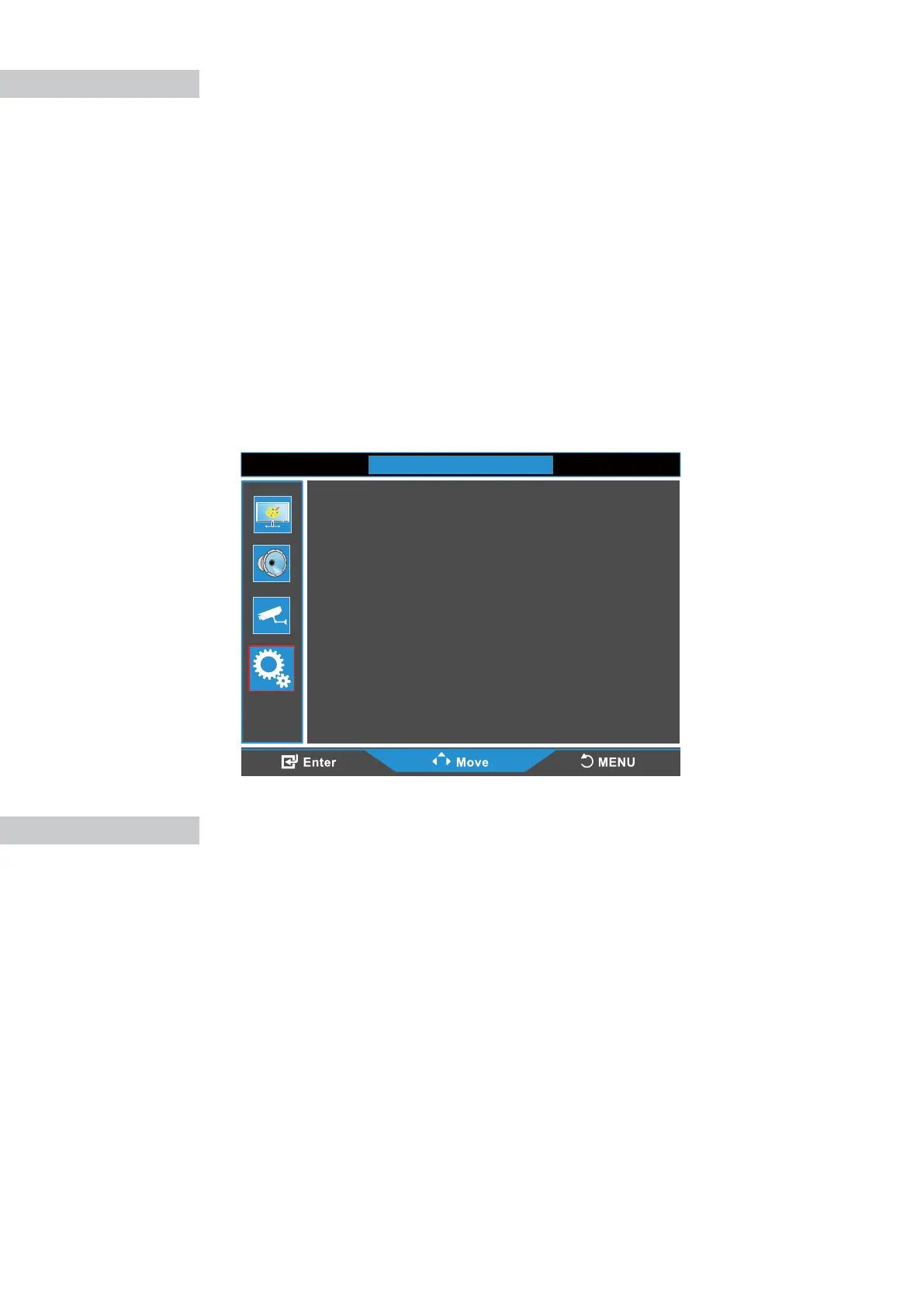
OSD Language: Choose OSD display language from English/French/Spanish
Italian/Netherlands/Polish/Czech/Danish.
No Signal Screen: Show the color when there is “No Signal” (Blue/Black).
No Signal Standby: Show the color when there is “No Signal” (On/O).
Prevent Burn-in: Set periodic image retention (On/O).
Reset default: Reset the monitor settings to the factory default.
Adjustments
Color Setup
OPTION
OSD Language
No Signal Screen
No Signal Standby
Prevent Burn-in
Reset default
:English
:Black
:On
:Off



 To Next Page