Controls & Menu Operation
Control Keys / Buttons
Source Auto detection function
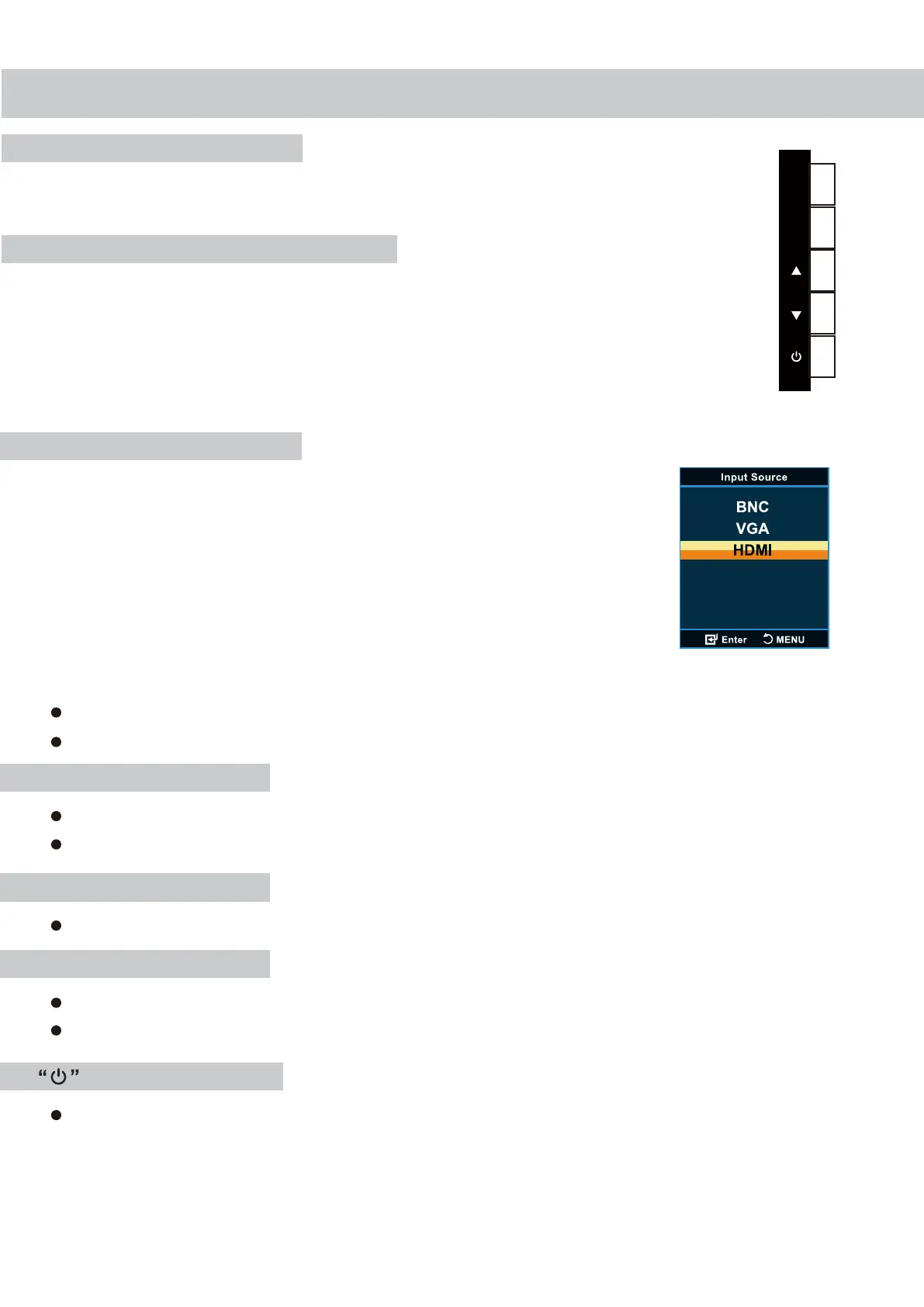
Buttons are located on the right side of the Bezel on
0E-22LED3/0E-24LED3/0E-27LED3 models.
When there is/are source(s) connected to the monitor, the monitor
will auto detect the source(s) and auto select the desired source.
The source should be selected manually when there is more
than one source connected to the monitor.
6
E
M
“E” SOURCE button
“M” MENU button
To change the input selection, press “E” to
display the pop-up menu, use up/down to
highlight the desired “E” then press up/down to
complete the selection.
To verify the current input selection, press “E”
to display the pop-up, then press “M(MENU)”
again to dismiss the pop-up.
Press the button to display all the signal channel menus.
When Main MENU displays as confirmation key during the OSD operation.
Press the button to show the On-Screen Display main menu.
Press the button to enter the sub-menu.
POWER button
Press the button to turn ON or turn OFF the monitor.
“▲” UP button
Press the button, volume increase.
“▼” DOWN button
Press the button, volume decrease.
Press the button to scroll the cursor to desired function.



 To Next Page