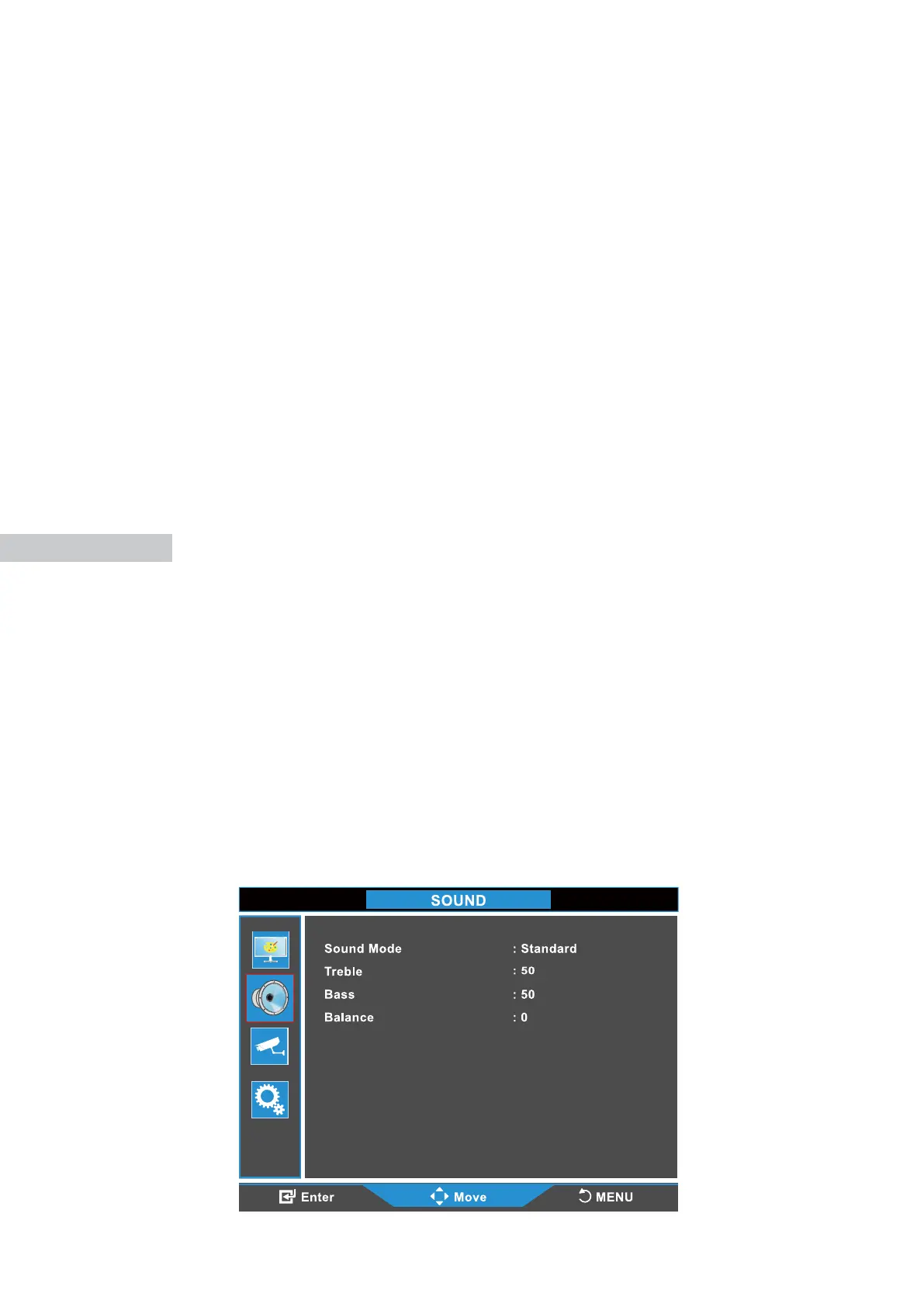
SOUND
Press the MENU button to bring the menu on screen, and then the up/down
buttons to move up along the main menu selections to choose the Brightness
menu. Press MENU to move from the left side main menu selector into the
window of menu choices and parameters.
Use the up/down buttons to move the highlighted sub-menu selection within
the sub-menu. Pressing the up/down buttons will adjust the value of the
highlighted item. Press the SOURCE button to exit the sub-menu and return
to the main menu selector.
To exit the menu system, press SOURCE button.
8
Contrast: Adjust the range of dierence between light and dark areas of the
picture.
Brightness: Adjust the overall picture intensity.
Color: Adjust the color saturation 0-100.
Sharpness: Change the balance between image detail (resolution) and degree
of transition between areas of diering brightness.
Tint: Increase or decrease the intensity of colors in the image.
Color Temperature: Adjust color reproduction: choose between Normal/Warm/
User/Cool.
Aspect Ratio: Choose between SD 4:3 and HD 16:9 aspect ratio. If analog
images appear stretched use 4:3 scaling.
Noise Reduction: Reduce noise of the display image (LOW/MID/HIGH/OFF).
Low Blue Light: Adjust the low blue light of the menu (0-100).



 To Next Page