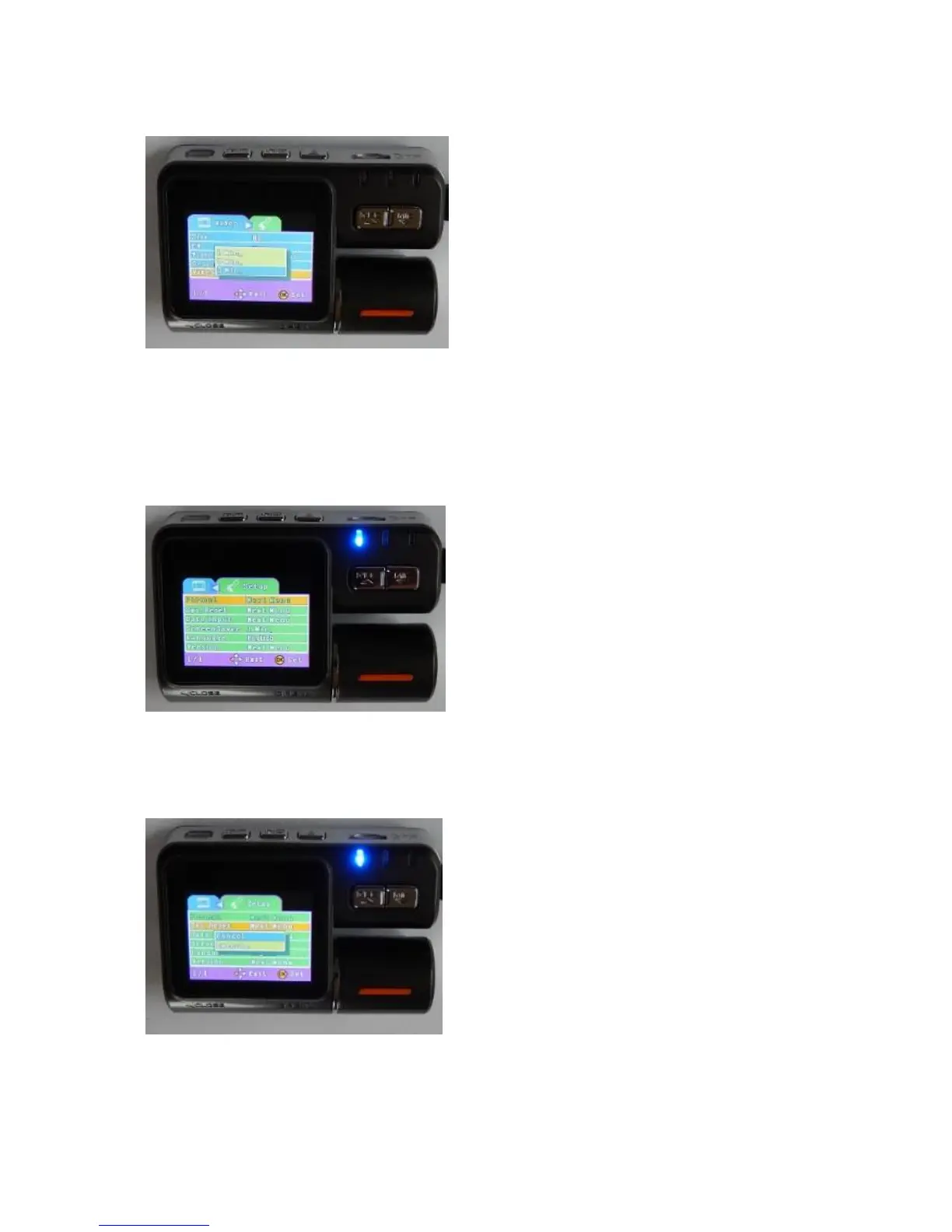
VIDEO TIME
SET UP MENU
Press button (2) twice, or once when in the Video Menu to enter the Set-Up Menu.
SET UP MENU
FORMAT: This is fixed and no adjustment options are available.
SYSTEM RESET
Camera footage is recorded onto video files of
either 1, 3 or 5 minutes lengths. Press button (4)
to see the options and navigate these using
buttons (7) & (8). Blue is the colour used to
highlight an option. Confirm the setting using
button (4) and the menu will revert to the video
navigation page. Carcam.ie has set the video
time to 5 minutes which we have found to be the
most convenient setting for playback.
This allows you to reset the software in the event
that the camera fails to function normally. Press
button (4) to see the options and navigate these
using buttons (7) & (8). Blue is the colour used to
highlight an option and confirm the setting using
button (4) and the menu will revert to the set-up
menu page. An easier way to reset the camera is to
press button (11) on the side of the camera.


 To Next Page