EasyManua.ls Logo

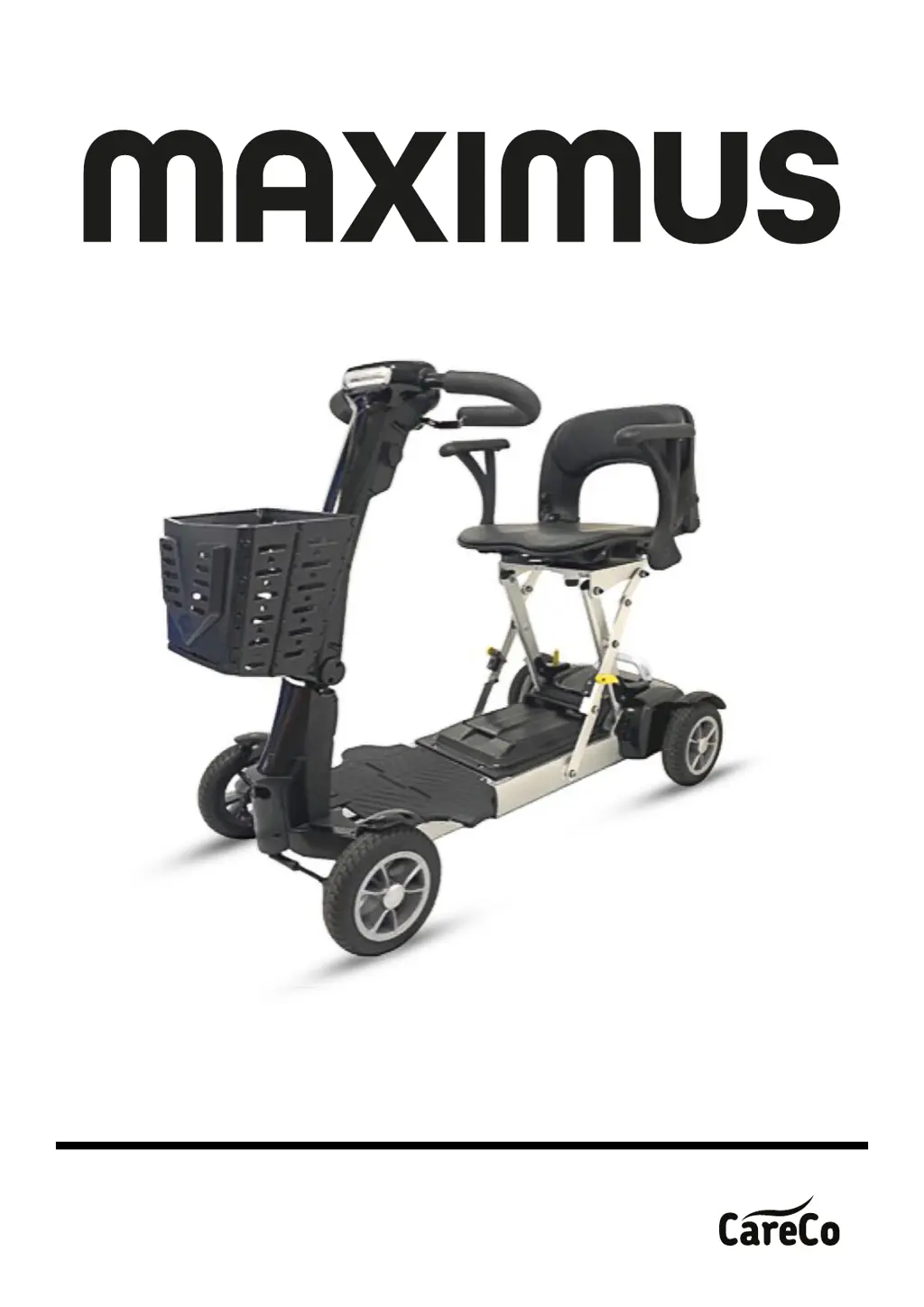
CareCo Maximus MS04010010 - User Manual

CareCo Maximus MS04010010
32 pages
Print Icon
To Next Page IconTo Next Page
Loading...
PRODUCT CODE: MS04010010
USER MANUAL

Questions and Answers

  • J
    Jonathan ConleyAug 19, 2025
    What to do if the CareCo Maximus MS04010010 battery is low?
    • C
      Christopher RivasSep 12, 2025
      If your CareCo Scooter displays a 'Battery Low' message, it means the batteries are running low or are in an over-discharge state. Recharge the batteries to resolve this issue.
  • M
    Micheal WilliamsAug 21, 2025
    How to troubleshoot a low battery fault on a CareCo Maximus MS04010010 Scooter?
    • P
      Patrick FlynnAug 21, 2025
      If you are experiencing a low battery fault with your CareCo Scooter, recharge the batteries. Additionally, inspect the battery and its connections and wiring for any issues.
  • M
    Melissa MatthewsAug 23, 2025
    What does 'Current Limit Time-out' mean on a CareCo Maximus MS04010010 Scooter?
    • K
      knoxjohnAug 23, 2025
      If your CareCo Scooter experiences a current limit time-out or the controller gets too hot, it means the motor has been exceeding its maximum current rating for too long. Turn the controller off, wait a few minutes, and then turn it back on. Also, the motor may be faulty, so check the motor and associated connections and wiring.
  • D
    Denise BallAug 26, 2025
    What does 'Drive Inhibit' mean on CareCo Scooter?
    • R
      Ruben WangAug 26, 2025
      If your CareCo Scooter shows a 'Drive Inhibit' message, it could be due to an active Stop function, a Charger Inhibit, or an OONAPU condition. Release the Stop condition (if the seat is raised, etc.). Disconnect the Battery Charger. Ensure the throttle is in neutral when turning the controller on. The Throttle may require re-calibration.
  • P
    Patrick FrancoAug 27, 2025
    How to fix a park brake fault on a CareCo Maximus MS04010010?
    • M
      Michael StoutAug 27, 2025
      A park brake fault on your CareCo Scooter indicates that either a park brake release switch is active or the park brake itself is faulty. Check the park brake and its associated connections and wiring. Also, ensure any associated switches are in their correct positions.
  • D
    davidthompsonAug 29, 2025
    What is a speed pot fault on a CareCo Scooter?
    • L
      Lisa DavisAug 30, 2025
      A speed pot fault on your CareCo Scooter means the throttle, speed limit pot, SRW, or their associated wiring may be faulty. Check the throttle and speed pot and associated connections and wiring.
  • J
    james65Sep 1, 2025
    What does motor voltage fault mean on CareCo Scooter?
    • B
      bobbyporterSep 1, 2025
      A motor voltage fault on your CareCo Scooter indicates that the motor or its associated wiring is faulty. Check the motor and associated connections and wiring.
  • T
    Tara LongSep 3, 2025
    What does 'Other error' mean on a CareCo Maximus MS04010010 Scooter?
    • M
      Matthew ClarkSep 3, 2025
      If your CareCo Scooter displays an 'Other error', the controller may have an internal fault. Check all connections and wiring.
  • A
    acevedomathewSep 5, 2025
    How to fix a CareCo Maximus MS04010010 Scooter that will not switch on?
    • S
      stacysullivanSep 5, 2025
      If your CareCo Scooter won't switch on, try recharging the battery. Also, check the fuse and circuit breaker in the scooter.
  • T
    Tina JonesSep 7, 2025
    What to do if CareCo Maximus MS04010010 turns on but does not move?
    • A
      Allison ParksSep 7, 2025
      If your CareCo Scooter switches on but won't move, ensure the batteries have enough power by recharging them if necessary. Also, check that the freewheel lever is engaged in the ‘DRIVE’ position.

Summary

Safety Guidelines

Safety Notice

Pre-Ride Safety Check

Perform essential checks before operating the scooter to ensure it runs smoothly and safely.

Practice Operating the Scooter

Familiarize yourself with scooter operation in a safe area before use in complex environments.

Motor Vehicle Transport

Guidelines for safely transporting the scooter, including securing the battery and unit.

Lift;Elevation Products

Recommendations for using vehicle-mounted lifts or lifting products for scooter transport.

Stairs and Escalators

Scooters are not designed for stairs or escalators; use elevators instead.

Labelling

Instructions to carefully read and understand all scooter labels before riding.

EMI

Information on electromagnetic interference (EMI) and its potential effects on scooter operation.

Parts Introduction

Unfolding & Folding the Scooter

Using the Trolley Handle

Operation

Tiller Control Panel

Overview of the tiller control panel components and their functions.

Operating the Scooter

Instructions on how to turn the scooter on/off, drive, and brake safely.

Freewheel Mode

How to engage and disengage freewheel mode for pushing the scooter.

Battery Charging and Care

Charging the Battery

Step-by-step guide on how to charge the scooter's battery for optimal performance.

Battery

General information on battery care, maintenance, and maximizing efficiency and service life.

Inspection and Maintenance

Inspection

Regular checks for cleaning, adjusting the tiller, and examining tyres and upholstery.

Service Record

Guidance on scheduling dealer maintenance and recording service history.

Storage

Instructions for storing the scooter correctly, including seat position and power switch.

Lifting the Scooter

Safe procedures for lifting the scooter, emphasizing lifting by the chassis and using assistance.

Trouble Shooting and Specification

Trouble Shooting

Common symptoms and remedies for scooter issues, including flash code error descriptions.

Specification

Technical specifications of the scooter, including dimensions, weight, speed, and range.

CareCo Maximus MS04010010 Specifications

General IconGeneral
BrandCareCo
ModelMaximus MS04010010
CategoryScooter
LanguageEnglish

Related product manuals