EasyManua.ls Logo

CareFusion Alaris 8100 - User Manual

CareFusion Alaris 8100
442 pages
Print Icon
To Next Page IconTo Next Page
Loading...
User Manual
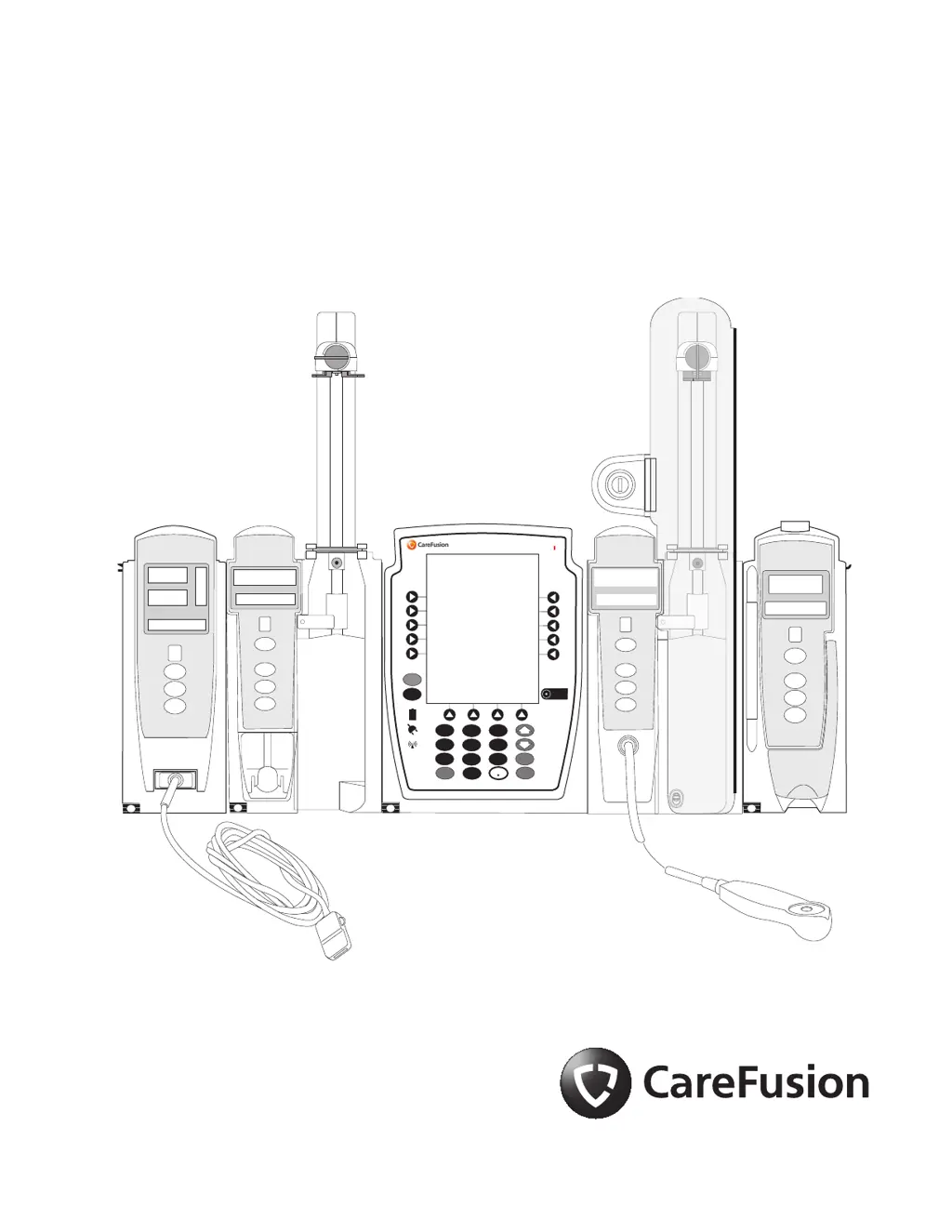
Alaris™ System with Guardrails™ Suite MX
(with Alaris™ PC unit, Model 8015 Software Version 9.33)
February 2017
CHANNEL
SELECT
CHANNEL
OFF
MONITOR
A
L
A
R
M
M
O
NI
TO
R
ST
A
ND
B
Y
A
L
A
R
M
I
N
F
U
S
E
ST
A
N
DB
Y
RA TE (mL/h)
RESTART
CHANNEL
OFF
PAUSE
CHANNEL
SELECT
1
4
7
CLEAR
2
5
8
0
3
6
9
ENTER
CANCEL
SYSTEM
ON
SILENCE
OPTIONS
CHANNEL
SELECT
CHANNEL
OFF
RESTART
PAU SE
A
L
A
R
M
IN
F
U
S
E
S
T
A
ND
B
Y
RA TE (mL/h)
% SpO
2
PULSE (BPM)
A
L
A
R
M
I
NF
U
S
E
ST
A
N
DB
Y
CHANNEL
SELECT
CHANNEL
OFF
PAU SE
RESTART
RA TE (mL/h)
Alaris PC
®
Guardrails
®

Table of Contents

Questions and Answers

  • R
    Rebecca SmithAug 4, 2025
    What to do if CareFusion Alaris 8100 says patient ID will be changed?
    • L
      Lisa MeyersAug 4, 2025
      If the Patient ID associated with the CareFusion Desktop unit should be changed, select 'Yes'. If the Patient ID associated with the unit should not be changed, select 'No'. This occurs because the Patient ID is not the same Patient ID that is currently associated with the device.
  • K
    Karen RodriguezAug 8, 2025
    Why does CareFusion Alaris 8100 say drug or fluid not in current profile?
    • M
      Megan CamposAug 8, 2025
      This can happen if the drug and its concentration are not in the currently selected Profile. Ensure that the correct Profile is selected and that it contains the correct drug and concentration.
  • B
    Brandon SmithAug 13, 2025
    What to do if CareFusion Alaris 8100 Desktop displays channel unavailable?
    • G
      guerrerogregoryAug 13, 2025
      This issue arises when a channel is already infusing and cannot support the scanned infusion. If a secondary infusion was scanned, select a channel with a primary infusion that supports the secondary. If a primary infusion was scanned, select an idle channel to program on CareFusion Desktop.
  • W
    wrossAug 17, 2025
    What to do if scanned medication label is invalid on CareFusion Desktop?
    • K
      kjacksonAug 18, 2025
      This may be happening because the barcode might not be readable or use a supported symbology. Make sure the ID label is legible and inform the pharmacy of the problem.
  • K
    katherinewilsonAug 21, 2025
    What to do if scanned label is invalid on CareFusion Desktop?
    • C
      Charles WhitakerAug 21, 2025
      This may occur if the Profile feature is disabled or if the barcode is unreadable or uses an unsupported symbology. Ensure that the Profile is enabled and that the ID label is legible. If problems persist, inform the pharmacy.
  • B
    beverlytorresAug 27, 2025
    How to fix patient ID is invalid on CareFusion Alaris 8100?
    • R
      Rachel PriceAug 27, 2025
      Ensure that the ID label is legible. If it is, enter the ID manually into the CareFusion Desktop.
  • A
    April GarrettAug 30, 2025
    How to fix clinician ID is invalid on CareFusion Desktop?
    • J
      jennifer57Aug 30, 2025
      Ensure that the ID label is legible. If it is, enter the ID manually into the CareFusion Desktop.

CareFusion Alaris 8100 Specifications

General IconGeneral
CategoryInfusion pump
ManufacturerCareFusion
ModelAlaris 8100
Flow Rate Accuracy±5%
DisplayLCD
TypeInfusion Pump
Flow Rate Range0.1 to 999.9 mL/h
Volume Range0.1 to 9999 mL
Battery TypeLithium Ion
Operating ModesContinuous, Intermittent, PCA
Power SourceAC Power, Battery
AlarmsAir-in-line, Occlusion, Low battery
CompatibilityAlaris System

Related product manuals