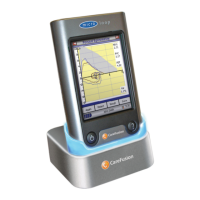
When the unit is turned on for the first
time the system customise menu is
displayed. Touch the name of the
required region with the stylus stored on
the left hand side of the unit and then
touch ‘Finish’. This will set the regional
defaults including language, if available.
If this screen is not displayed then touch
the ‘Customise’ icon on the main menu
followed by the ‘System’ icon.


 To Next Page