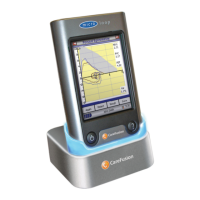
If Relaxed Spirometry is selected then a
volume/time graph will be displayed.
Note that the unit may be customised to
perform a relaxed Vital Capacity with tidal
breathing or from a single expiration or
single inspiration.
When a manoeuvre has been obtained
touch ‘Results’ to view the indices, ‘Again’
to repeat the manoeuvre, ‘Reject’ to
delete the manoeuvre or ‘Done’ to end
the test.
All the active indices are displayed for
any of the manoeuvres selected together
with an option to review the volume/ time
curves. The active indices listed can be
changed by using the customisation
option.
Select ‘Done’ to proceed to the
Spirometry Main Menu.


 To Next Page