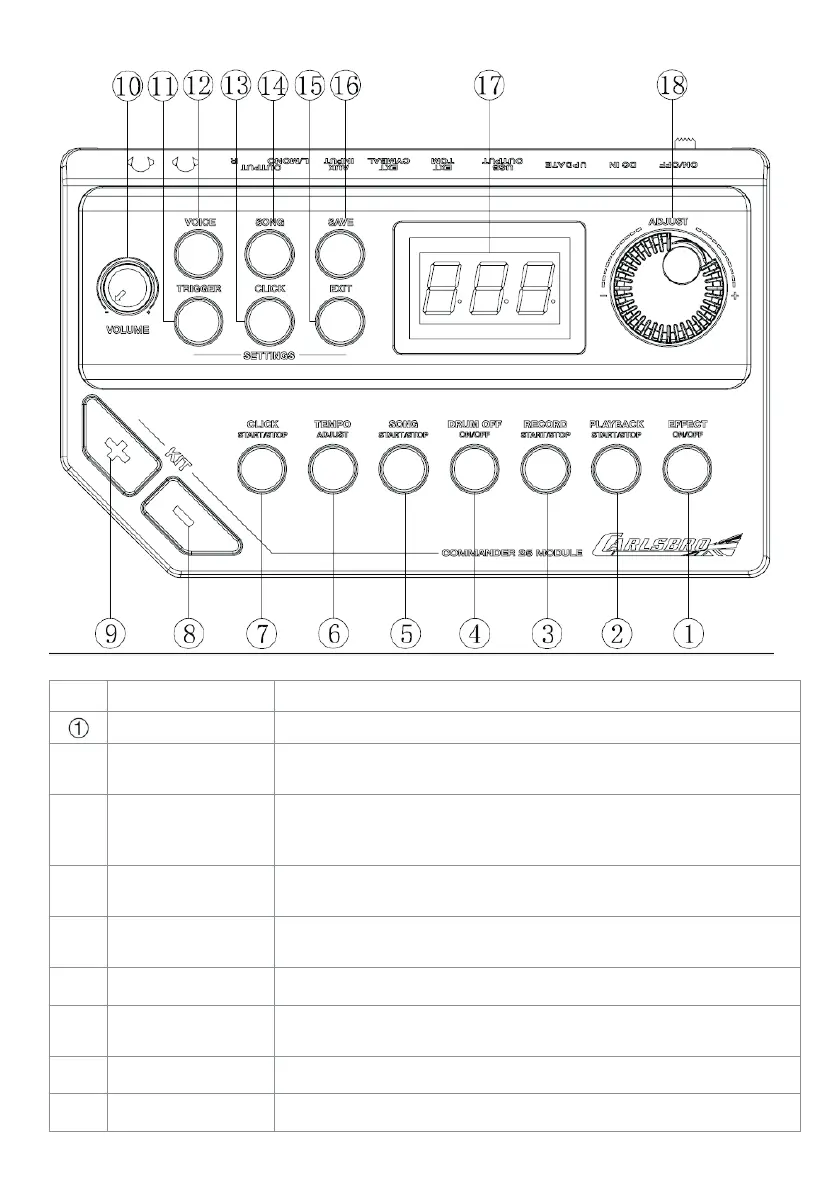
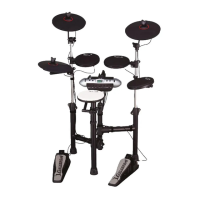
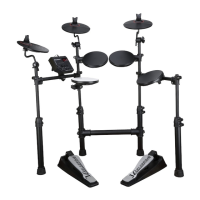
Commander 25 Sound module
No. Name Description
EFFECT ON/OFF When illuminated, the Reverb effect is on.
②
PLAYBACK START/
STOP
Press this button once to select the file you wish to listen to,
press again to play the selected file.
③
RECORD
START/STOP
Press this button once to select which recording file to overwrite.
Press again to start the recording. A third pr ess will stop your
recording.
④
DRUM
ON/OFF
When illuminated, the drum backing track will be r emoved from
the songs.
⑤
SONG
START/STOP
Press this button once to start playing a demo song. Press again
to stop the demo song
⑥
TEMPO
Quick tempo adjustment for songs and metronome (click)
⑦
CLICK
START/STOP
Press this button once to start the metr onome, pr ess again to
stop the metronome
⑧
KIT- Change drum kit down
⑨
KIT+ Change drum kit up
8



 To Next Page