EasyManua.ls Logo

Carnation CR2300 - User Manual

Carnation CR2300
6 pages
Print Icon
To Next Page IconTo Next Page
Loading...
Carnation Enterprises
Contact Phone: 1-800-296-2779
E-mail: info@carnation-inc.com
Website: www.carnation-inc.com
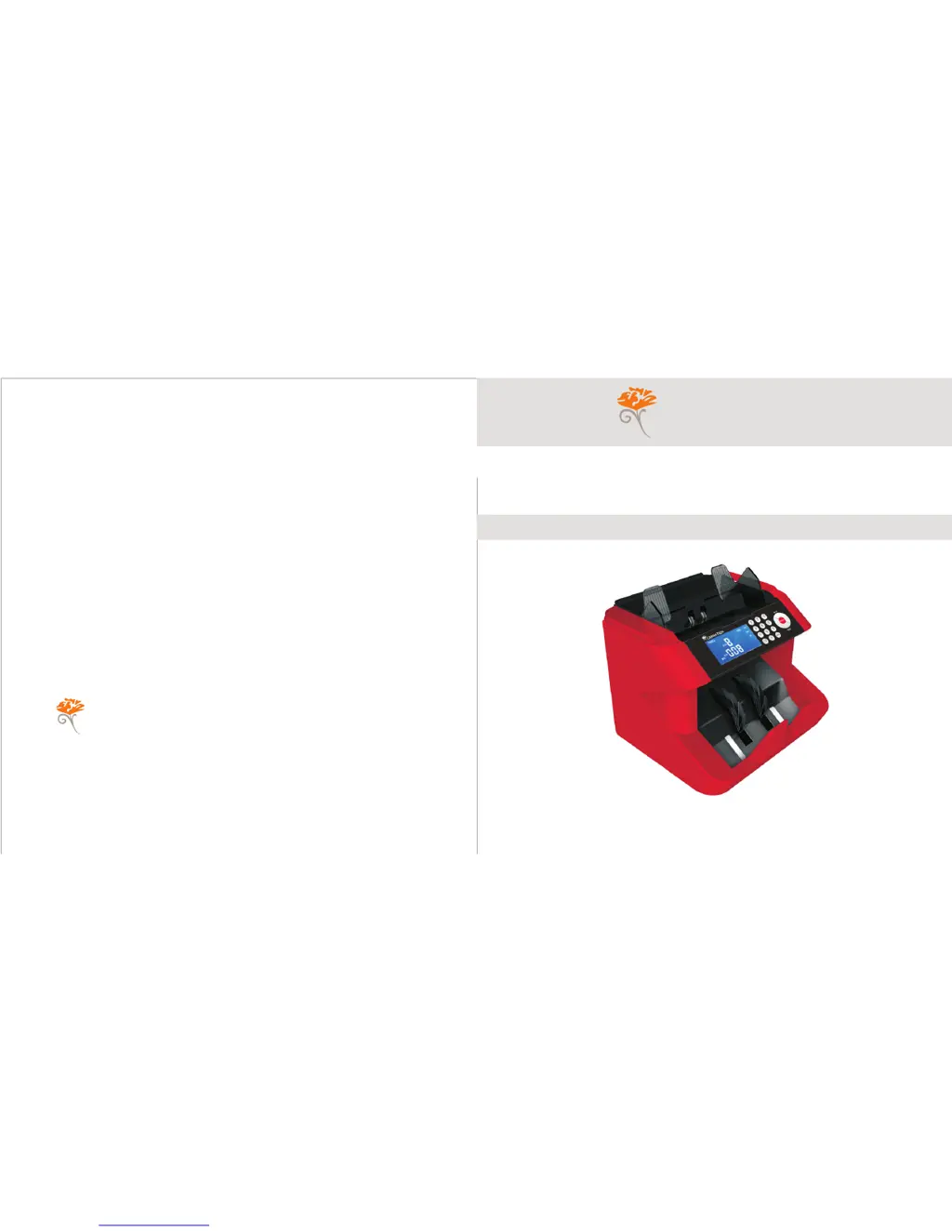
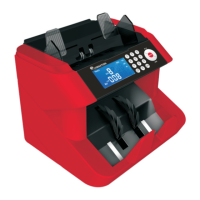
Bank-Grade Bill Counter
CARNATION
User Manual
CR2300
CARNATION

Questions and Answers

  • M
    Matthew BaileyJul 31, 2025
    What to do if my Carnation Cash Counter detects a counterfeit banknote?
    • C
      cassandra40Aug 1, 2025
      If the Carnation Cash Counter identifies a counterfeit or suspicious banknote (or a banknote with a low or missing MG feature), remove the bill and press the "RESET" button to resume counting. If this occurs frequently, try adjusting the sensitivity level.
  • W
    Wanda StephensAug 5, 2025
    What to do if my Carnation Cash Counter detects a torn banknote?
    • D
      David HaynesAug 5, 2025
      If the Carnation Cash Counter displays an error related to a half-piece or torn banknote, remove the damaged banknote and press the "RESET" button to continue counting.
  • A
    Amy GreenAug 9, 2025
    What to do if my Carnation Cash Counter stops because some banknotes are glued together?
    • M
      Mark WilsonAug 9, 2025
      If the Carnation Cash Counter displays an error because some banknotes are glued together, remove the bills and press the "RESET" button to continue counting.
  • J
    jasonhuffmanAug 13, 2025
    How to fix Carnation CR2300 when banknotes do not feed smoothly?
    • J
      James MooreAug 13, 2025
      To resolve issues with banknotes not feeding smoothly or being counted inaccurately by the Carnation Cash Counter, adjust the feeder following the instructions on page 6.
  • E
    Erin SawyerAug 18, 2025
    What to do if the feeding board of Carnation CR2300 Cash Counter is not in the horizontal position?
    • S
      Stacy ReedAug 18, 2025
      If the feeding board of your Carnation Cash Counter is not in a horizontal position, or the banknote length is not within the range of 110-180mm, adjust the position of the feeding board.
  • M
    Melissa HoAug 22, 2025
    What to do if the feeding board of Carnation CR2300 is not in the horizontal position or banknote width not within the range (50-85mm)?
    • M
      Mary FrostAug 22, 2025
      If the feeding board of your Carnation Cash Counter is not in a horizontal position, or the banknote width is not within the range of 50-85mm, adjust the position of the feeding board.
  • D
    Dr. Jeremy Bowen DDSAug 27, 2025
    How to fix left/right counting sensor in Carnation Cash Counter?
    • K
      Kevin MartinAug 27, 2025
      To resolve issues with the left/right counting sensor on the Carnation Cash Counter, clean dust off the sensor or replace the sensor.

Summary

Safety

Operating Instructions

Basic Operation Steps

Guides users through resetting, selecting functions, and starting the counting process.

Selection of Counterfeit Detection Options

Infra-Red Detection

Details the IR function for detecting infrared ink features in banknotes.

Feeder Adjustment

Adjusting the Feeder Aperture

Guides on adjusting the feeder aperture for jams or errors.

Troubleshooting

Error Code Solutions

Provides solutions for common error codes like E01, E03, E04, E05, E07, E10, E11, EE1, EE2, EE3, EE4, EE5, EE6, EE7, EE8, EE9, EEA.

Specifications

Carnation CR2300 Specifications

General IconGeneral
DisplayLCD
Weight5.5 kg
Stacker Capacity200 bills
Counting Speed1000 notes/min
DetectionUV, MG, IR
Power SupplyAC 110V-240V, 50/60Hz