Carpigiani K 3 User’s guide
This manual is for the exclusive use of licensees and employees of McDonald’s Systems Inc Page 20 of 63
Version 5: October 2012
Machines equipped with “LONWORKS” device, Service Pin:
Activation of the service pin, proceed as follows:
1. Place one side of the machine in STOP
2. Press PROD
button for 10 seconds (a beep signal is activated)
At the end of the procedure put the side in standard function (Production or Storage)
TOPPING HEATER
In PROD. function the two hot topping containers are heated automatically to
reach the desired temperature. In case the water level in the bain-marie is too low
the display will indicate an alarm in order to refill it with water.
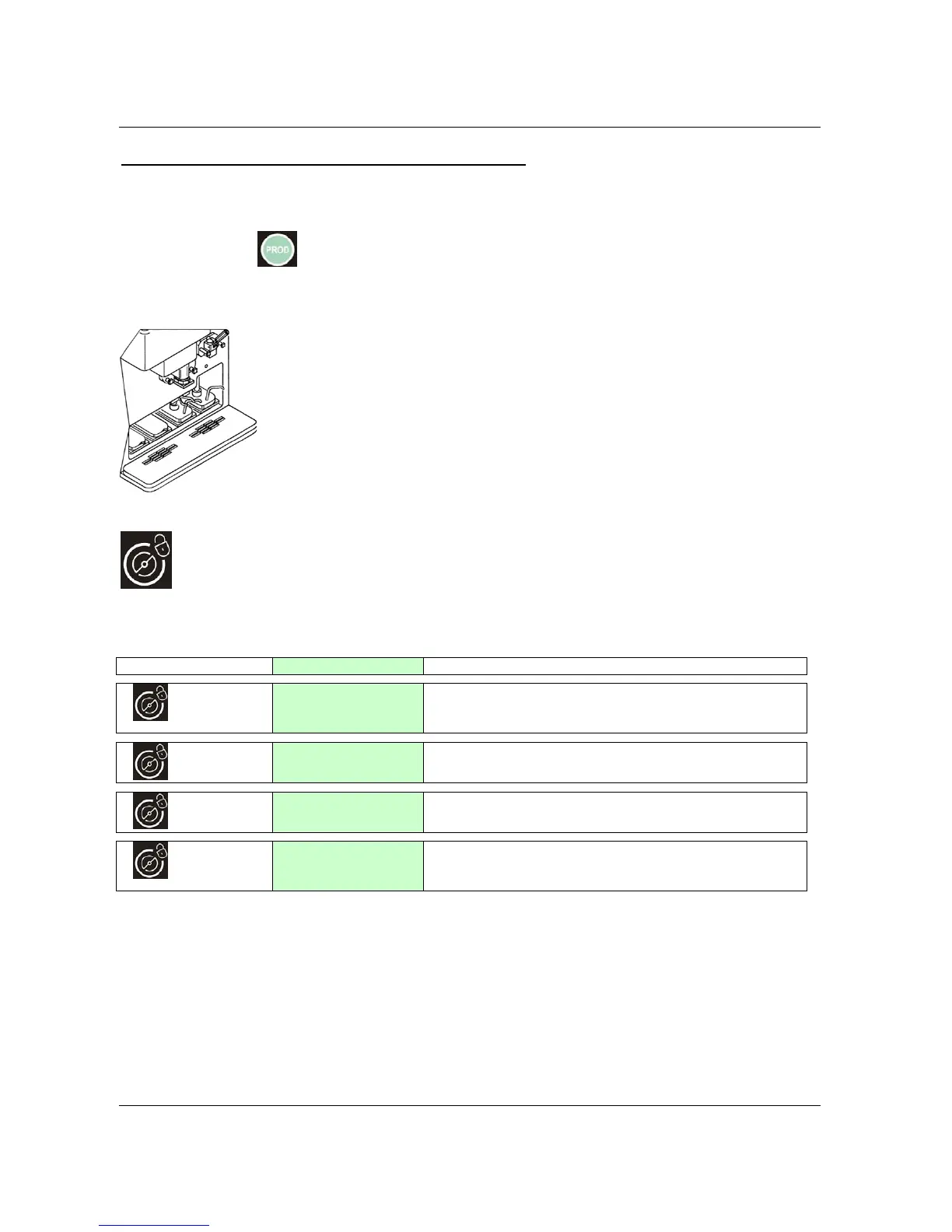
AGITATION BUTTON (CLEANING)
By pressing this button from STOP, the led turns on. The beater and the mix pump motor
get ON until you press STOP or after 3 minutes. The display indicates:
KEY
DISPLAY comments
1
HOT=058 TEC+014
Beater + Pump ON
Pressin
this button one time, the beater motor and the
mix pump motor will turn ON. HOT (consistency) and TEC
(cylinder’s temperature) are displayed in the first line.
2
HOT=058 TEC+014
Pump ON
Pressin
this button for the third time we activate the
beater motor and the mix pump motor stops.
4
HOT=058 TEC+014
Beater + Heating
Pressing this button for the fourth time we activate both
the beater motor and the mix pump motor and the heating
as well to help the product to melt.
Pressing Cleaning again we return to the initial display.


 To Next Page
 Loading...