EasyManua.ls Logo

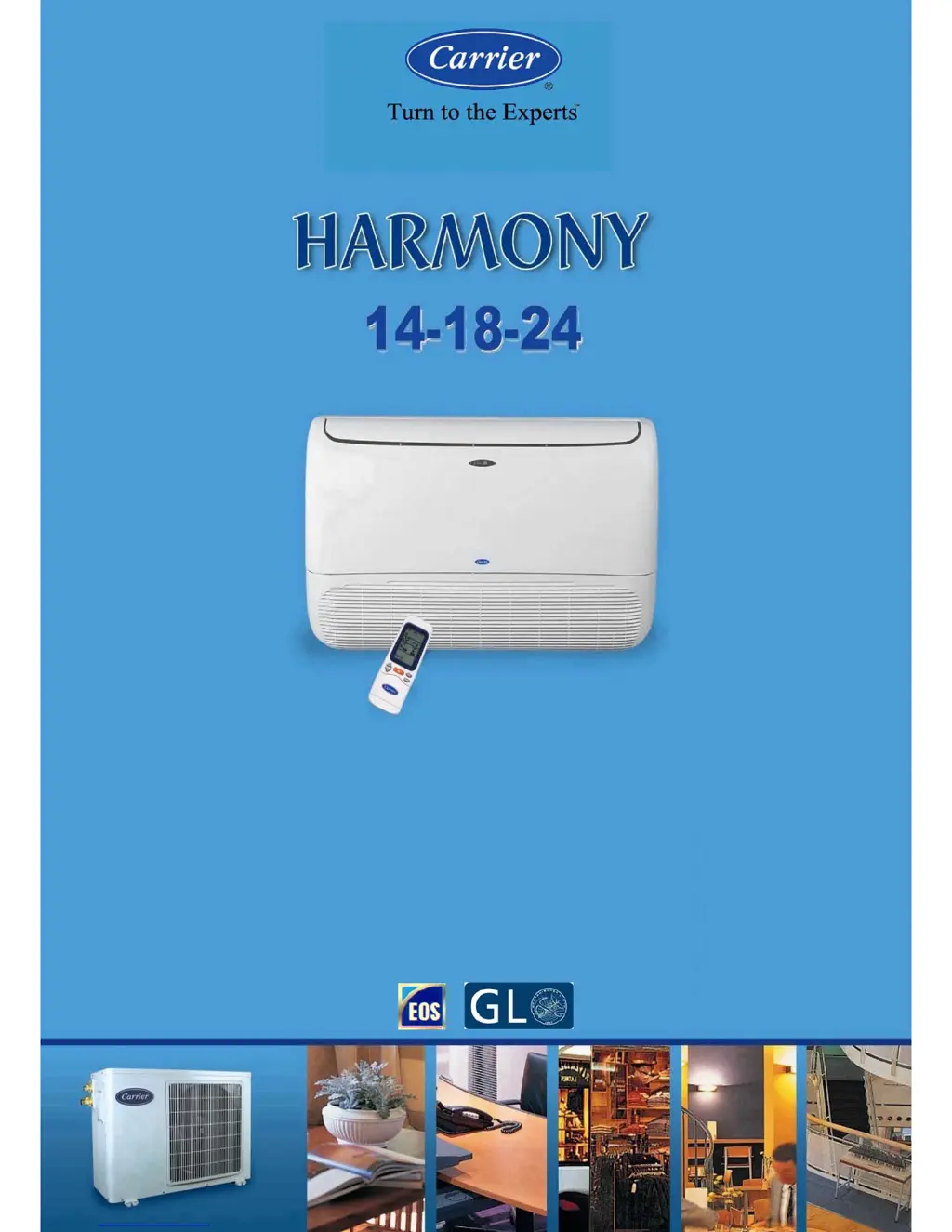
Carrier 38QG15-H - User Manual

Carrier 38QG15-H
44 pages
Print Icon
To Next Page IconTo Next Page
Loading...
03502566
SERVICE & MAINTENANCE MANUAL
Revision : (0) - 2009
Specifications are subject to change without notice according to Carrier Policy of continuous development.

Questions and Answers

  • M
    mikeramirezAug 13, 2025
    Why my Carrier Air Conditioner will not start?
    • J
      Jeremiah TorresAug 13, 2025
      Your Carrier Air Conditioner might not start due to several reasons: - The main supply switch could be OFF. In this case, switch it to the ON position. - The fuses or main switch might be blown. If so, replace the fuses. - The protection against frequent compressor cycling might be ON. If this is the case, wait for 3 minutes. - The selected temperature might be higher than the room temperature in cooling mode (or lower in heating mode). Adjust the selected temperature accordingly.
  • S
    Shelia BuckleyAug 17, 2025
    What to do if my Carrier 38QG15-H Air Conditioner is not supplying enough cooling?
    • A
      Alyssa AlexanderAug 18, 2025
      If your Carrier Air Conditioner isn't providing sufficient cooling, consider the following: - Ensure that the airflow isn't obstructed. Remove any obstructions. - Clean the air filters, as dirty filters can reduce air circulation. - Close any open doors and windows. - Check the fan speed; if it's set to “Low”, set it to high speed. - Ensure the airflow direction is correct for the chosen mode. Adjust it as needed. - Correct the selected temperature if it's higher than the room temperature in cooling mode.
  • T
    Tricia RoseAug 25, 2025
    Why is my Carrier 38QG15-H not supplying enough heat?
    • G
      Gerald DavisAug 25, 2025
      If your Carrier Air Conditioner isn't providing sufficient heating, consider the following: - Ensure that the airflow isn't obstructed. Remove any obstructions. - Clean the air filters, as dirty filters can reduce air circulation. - Close any open doors and windows. - Check the fan speed; if it's set to “Low”, set it to high speed. - Ensure the airflow direction is correct for the chosen mode. Adjust it as needed. - Correct the selected temperature if it's lower than the room temperature in heating mode.
  • K
    Kelly ClarkAug 28, 2025
    What to do if all symbols appear on the display of my Carrier Air Conditioner remote control?
    • C
      Clifford StevensAug 28, 2025
      If all symbols appear on the display when pressing any button on your Carrier Air Conditioner remote control, it could be due to these reasons: - The recessed button for time setting is blocked due to excessive pressure during use. Check and repair it. - The remote control has been irreversibly damaged. Replace it with a new one.
  • C
    Christina WardSep 1, 2025
    How to fix a Carrier 38QG15-H remote control with a blank display?
    • J
      Julie MossSep 1, 2025
      If the display on your Carrier Air Conditioner remote control is not lit after inserting batteries, the batteries may be exhausted or have the wrong polarity. Replace the batteries or check the polarity.
  • S
    shanefisherSep 5, 2025
    How to eliminate unpleasant smells from my Carrier 38QG15-H?
    • J
      John ParkerSep 5, 2025
      Unpleasant smells from your Carrier Air Conditioner's indoor unit may be due to substances accumulated in the air filters. Switch the system OFF and contact an authorized service center to have the filters cleaned. Restart the unit in ventilation (fan only) mode and open windows to change the room air.
  • H
    Hailey CarterSep 8, 2025
    Why hour figures do not flash when adjusting the clock on my Carrier Air Conditioner remote?
    • E
      Edward ReidSep 8, 2025
      If the hour figures on the display of your Carrier Air Conditioner remote do not flash when pressing the recessed clock adjustment button, the recessed button may not have been pressed correctly. Press it with a round point, avoiding strong pressure.
  • A
    Amy CookNov 20, 2025
    Why my Carrier 38QG15-H doesn't respond to the remote control?
    • K
      Krista EvansNov 20, 2025
      If your Carrier Air Conditioner isn't responding to the remote control, here are some potential causes and solutions: - Ensure the main switch is in the ON position. - Replace the remote control batteries if they are exhausted. - Make sure the remote control is pointed correctly at the receiver of the indoor unit. If it isn't, turn the remote OFF and try again, pointing in the right direction. - Remove any obstacles (like curtains or walls) between the remote and the indoor unit, and then repeat the operation. - Avoid direct sunlight on the receiver on the indoor unit or the remote control. Shut curtains or shades to block direct sun. - Electromagnetic field interference may obstruct signal transmission. Avoid sending signals when computers or household appliances (like food processors or...

Summary

Precautions for Service & Maintenance (14-18-24 Series)

Split System Description (14-18-24 Series)

Unit Model Designation (14-18-24 Series)

Unit Models & Part Numbers (14-18-24 Series)

Options (14-18-24 Series)

System Operating Limits (14-18-24 Series)

System Safety Protection (14-18-24 Series)

Wiring Diagrams (14-18-24 Series)

Field Electrical Connections Matching (14-18-24 Series)

Refrigeration Cycle - 53 QG Series (14-18-24 Series)

Remote Control Operations (14-18-24 Series)

How to Insert Batteries

Step-by-step guide on how to install batteries into the remote control.

Wireless Remote Control Usage

Guidelines for optimal signal reception and operation of the wireless remote control.

Emergency Operation (14-18-24 Series)

Indoor Unit LED Indicators

Explanation of the meaning of different LED lights on the indoor unit.

Emergency Button Functionality

How to use the emergency button when the remote control is lost or inoperative.

Air Filters (14-18-24 Series)

Optional Air Filter Installation

Steps for installing optional carbon and photo-catalytic air filters into the unit.

Air Filter Cleaning Procedures (14-18-24 Series)

Removing Air Filters

Guide on how to remove the air filters from the indoor unit for cleaning.

Cleaning Standard Air Filters

Procedure for cleaning the standard anti-bacteria air filters.

Cleaning Optional Filters

Instructions for cleaning carbon and photo-catalytic optional air filters.

Indoor Unit Cleaning (14-18-24 Series)

Long Shutdown Considerations (14-18-24 Series)

Periodical Checks (14-18-24 Series)

Self-Diagnostic Function (14-18-24 Series)

Trouble Shooting Guide (14-18-24 Series)

Precautions for Service & Maintenance (30-36 Series)

Split System Description (30-36 Series)

Unit Model Designation (30-36 Series)

Unit Models & Part Numbers (30-36 Series)

Options (30-36 Series)

System Operating Limits (30-36 Series)

System Safety Protection (30-36 Series)

Wiring Diagrams (30-36 Series)

Field Electrical Connections Matching (30-36 Series)

Refrigeration Cycle - 53 VMC Series (30-36 Series)

Remote Control Operations (30-36 Series)

How to Insert Batteries

Step-by-step guide on how to install batteries into the remote control.

Wireless Remote Control Usage

Guidelines for optimal signal reception and operation of the wireless remote control.

Emergency Operation (30-36 Series)

Indoor Unit LED Indicators

Explanation of the meaning of different LED lights on the indoor unit.

Emergency Button Functionality

How to use the emergency button when the remote control is lost or inoperative.

Air Filters (30-36 Series)

Optional Air Filter Installation

Steps for installing optional carbon and photo-catalytic air filters into the unit.

Air Filter Cleaning Procedures (30-36 Series)

Removing Air Filters

Guide on how to remove the air filters from the indoor unit for cleaning.

Cleaning Standard Air Filters

Procedure for cleaning the standard anti-bacteria air filters.

Cleaning Optional Filters

Instructions for cleaning carbon and photo-catalytic optional air filters.

Indoor Unit Cleaning (30-36 Series)

Long Shutdown Considerations (30-36 Series)

Periodical Checks (30-36 Series)

Self-Diagnostic Function (30-36 Series)

Trouble Shooting Guide (30-36 Series)

Carrier 38QG15-H Specifications

General IconGeneral
RefrigerantR-410A
Phase1
Compressor TypeRotary
Power SupplyOutdoor
Air Flow (High)450 CFM
Noise Level (Indoor)42 dB(A)
Cooling Capacity15, 000 BTU/h
Voltage208/230V
Operating Temperature (Cooling)64°F to 109°F

Related product manuals