88
D
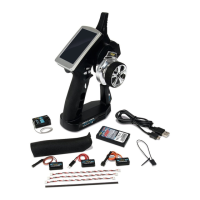
CARSON Reflex Wheel Ultimate Touch 500500516
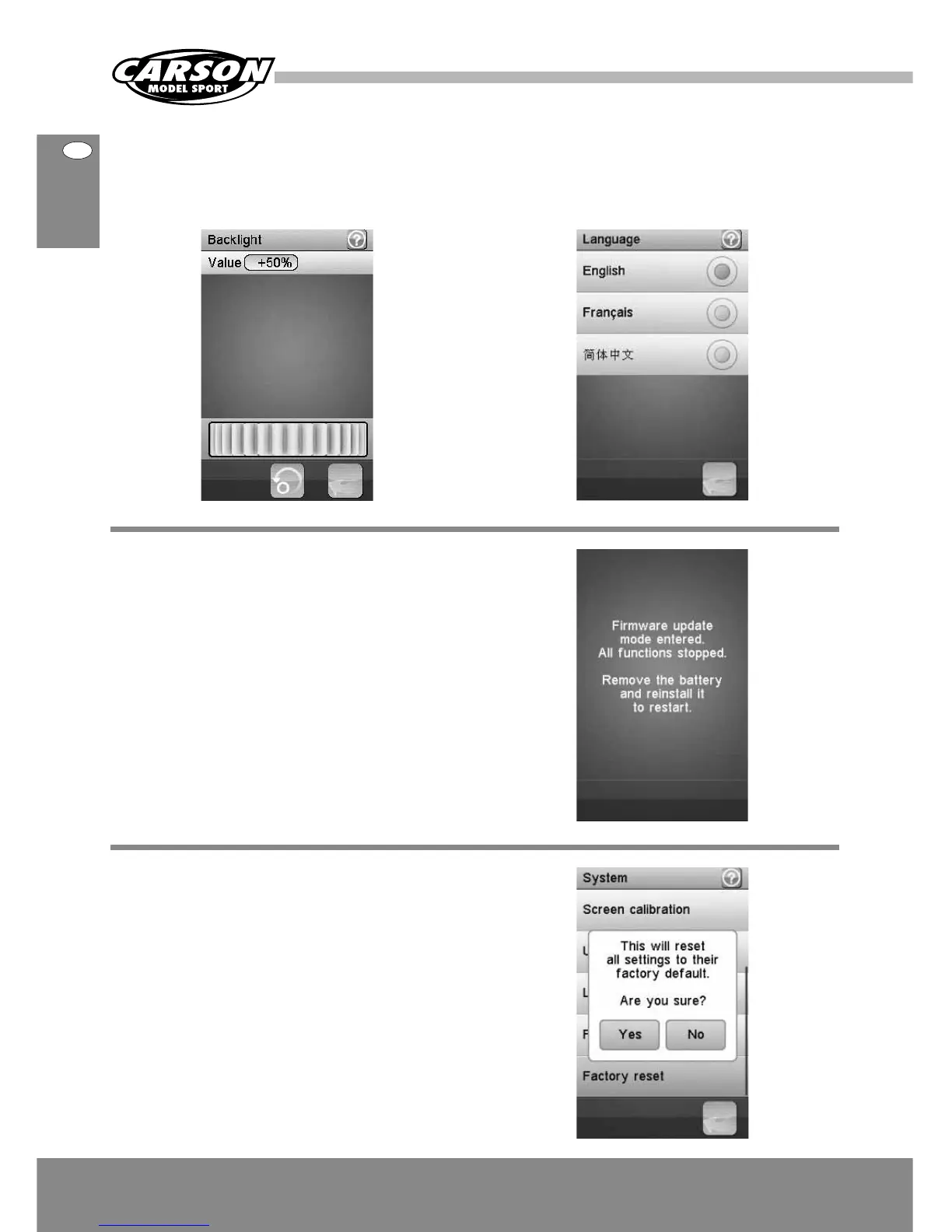
Backlight: adjust the level of the backlight. A high
brightness, can be useful in a very bright environment
like a sunny weather. The brighter the backlight is
the shorter the battery of the transmitter lasts.
Language: the user interface can be displayed in
several languages.
Firmware update: the internal software (firmware)
of the transmitter can be updated using the USB
interface connected to a PC computer. Once this
function is activated, all functions of the transmitter
stop. To avoid any loss of control of the vehicle, turn
its receiver off before entering this mode.
A confirmation is requested.
When the firmware is updating, never disconnect the
USB cable or remove the battery or the transmitter
will become unusable.
Factory reset: reset the whole configuration of the
transmitter to its default. All model configurations
and other settings are lost and reset to their default.
A confirmation is requested.




 To Next Page