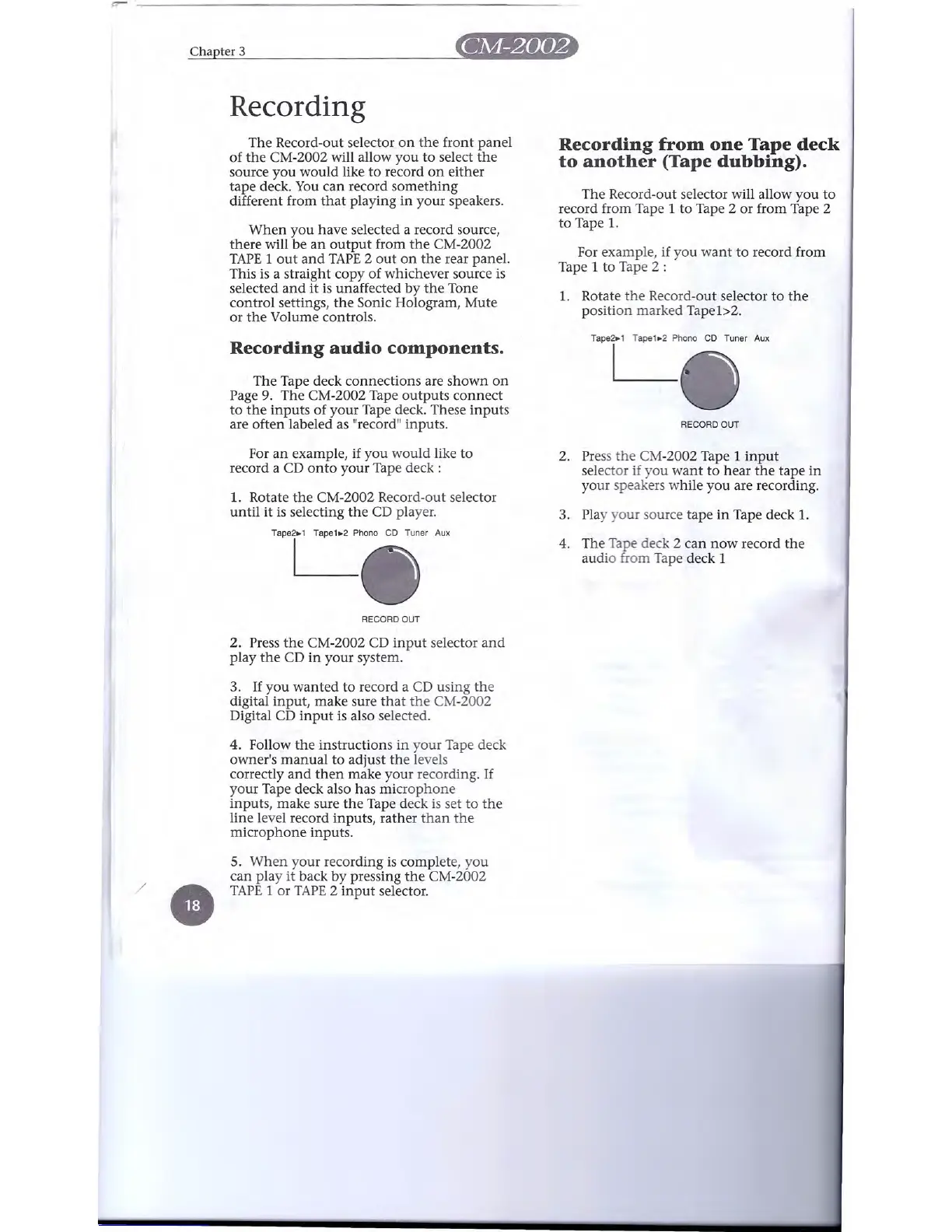
r:r-
Chapter 3 _
Recording
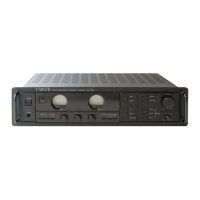
The Record-out selector on the front panel
of the CM-2002 will allow you to select the
source you would like to record on either
tape deck. You can record something
different from that playing in your speakers.
Recording from one Tape deck
to another (Tape dubbing).
When you have selected a record source,
there will be an output from the CM-2002
TAPE lout and TAPE 2 out on the rear panel.
This is a straight copy of whichever source is
selected and it is unaffected by the Tone
control settings, the Sonic Hologram, Mute
or the Volume controls.
The Record-out selector will allow you to
record from Tape 1 to Tape 2 or from Tape 2
to Tape 1.
For example, if you want to record from
Tape 1 to Tape 2 :
1. Rotate the Record-out selector to the
position marked Tape
lc-Z.
Recording audio components.
T'P'Ch::,,~:T"""
A"
The Tape deck connections are shown on
Page 9. The CM-2002 Tape outputs connect
to the inputs of your Tape deck. These inputs
are often labeled as "record" inputs.
RECORD OUT
For an example, if you would like to
record a CD onto your Tape deck:
T'P'C
ho
"'
CD Tuner Aux
2. Press the CM-2002 Tape 1 input
selector if you want to hear the tape in
your speakers while you are recording.
3. Play your source tape in Tape deck 1.
4. The Tape deck 2 can now record the
audio from Tape deck 1
1. Rotate the CM-2002 Record-out selector
until it is selecting the CD player.
RECORD OUT
2. Press the CM-2002 CD input selector and
play the CD in your system.
3. If you wanted to record a CD using the
digital input, make sure that the CM-2002
Digital CD input is also selected.
4. Follow the instructions in your Tape deck
owner's manual to adjust the levels
correctly and then make your recording. If
your Tape deck also has microphone
inputs, make sure the Tape deck is set to the
line level record inputs, rather than the
microphone inputs.
/
e
5. When your recording is complete, you
can play it back by pressing the CM-2002
TAPE 1 or TAPE 2 input selector.


 To Next Page