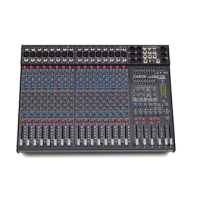
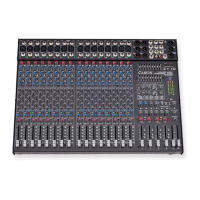
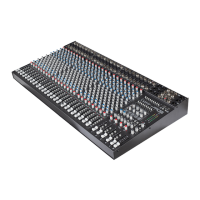
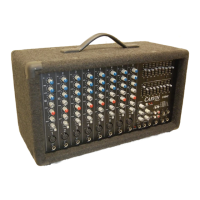
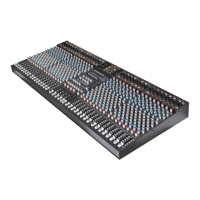
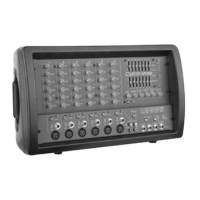
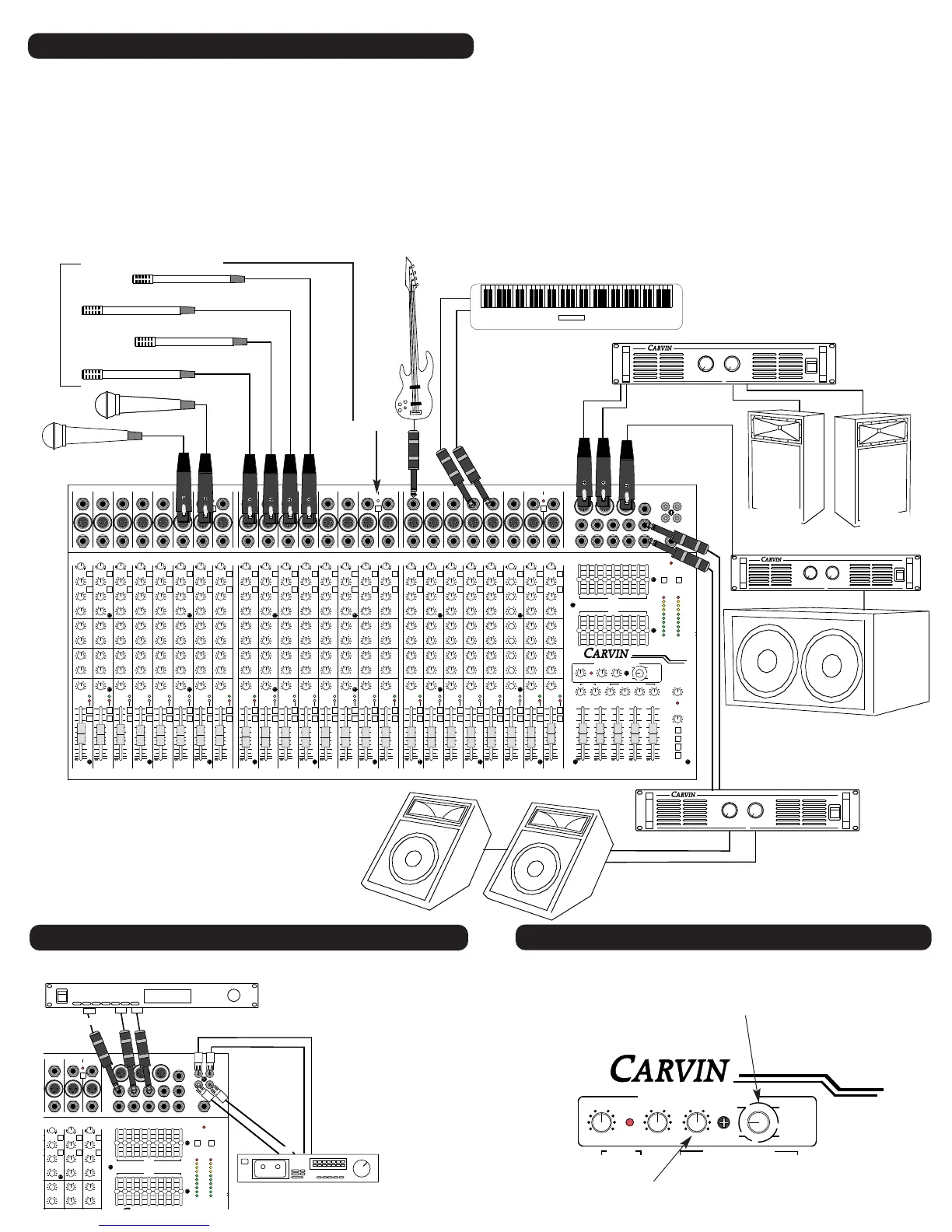
In a live sound reinforcement or a public address system (P.A. System), the input signals to the mixer
will come from the microphones and instruments on the stage. Each microphone or instrument to be
amplified by the P.A. system must be connected to one of the mixing console inputs. It is preferred to
have as many of the stage instruments as possible plugged into the mixer. This allows for the best over-
all sound control of the instruments as they are mixed together and then amplified by the P.A. system.
The mixer can be operated on the stage or from a remote location in front of the stage using a snake cable
to bring the signals from the stage to the mixer. The advantage of the remote operation allows the per-
formance to be monitored and mixed from the audience’s perspective.
THE SOUND CHECK
The sound check takes some skill, but mostly patience from the performers and especially you the system
operator. If you get frustrated during the sound check, the performers can lose confidence and the sound
may suffer due to things missed in the sound check. The basic sound check follows this format: First
DSP EFFECTS
Select from Reverb, Flange, Chorus, and Echo. Écho includes delay times of
50,100, 150, 250, 350, and 500 milliseconds with background reverb.
Put the effects on your on stage monitor mix. Ideal for vocalists to hear
the vocal effects on stage.
The basic hook up is simple, using
four (or two stereo) RCA cables.
Plug the TAPE OUT on the mixer
into the tape deck’s inputs and the
mixer’s TAPE IN’s to the tape
deck’s outputs. With an external
effects processor, plug a 1/4”
cable from one of the EFF SEND
outputs on the mixer into the input
jack on the effects processor.
Then from the outputs of the
effects processor, plug one or two
(for stereo) cables into one of the
L/R EFFECTS RETURN.
test all microphones and other input devices(direct boxes, etc.) before the performers are included in
the sound check. A good thing to also check here is feedback in the monitors from the microphones.
Good positioning of the monitors and the use of a graphic equalizer solves most major monitor feed-
back problems. Now for a sound check with the performers. First set the level of each performer indi-
vidually and in cases where a performer has multiple microphones, such as with drummers, set each
drum mic individually then the drum set as a whole. This is also a good time to make some channel
tone control adjustments to tailor the sound of the individual performers and instruments. After setting
each individual, have the performers run through a song. Don’t hesitate to stop the performers if some-
thing needs to be adjusted or a performer or microphone needs to be heard solo again. Remember the
sound check is not a rehearsal, but a system check. It is always a good idea for the mixer operator to
have a microphone to inform the performers of what is needed during the sound check. If a monitor
system is being used, the mixer operator’s microphone should only be heard through the monitors when
addressing the on stage performers, especially if something needs to be checked during the show. If


 To Next Page
 Loading...