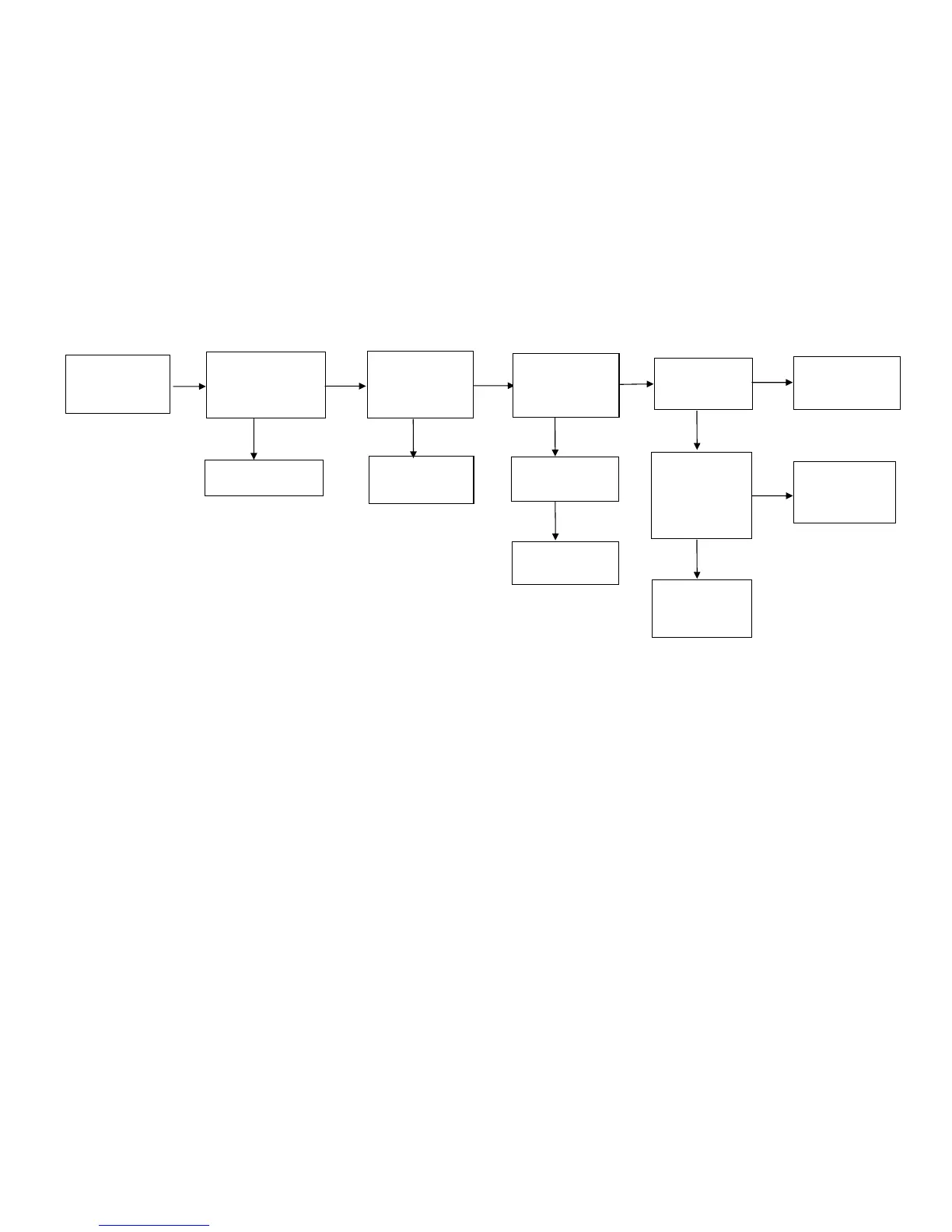
6.RS232 don’t transmit any data
Y N Y N
N Y N Y
N
N
Y
Note:
Since this series of balance is with high precision, it is very easy to be affected by clime and temperature. Sometimes the scale has the
following phenomena:
1) Weighing is inaccurate.
The problem can be solved by re-calibration.
2) After self-check, the display shows error messages.
E1: Re-calibrate the scale to solve it.
E3: Re-calibrate the scale or replace the load cell to solve it.
3) If any one of main board and load cell is changed, the scale must be recalibrated.
RS232 don’t
transmit any
data.
Check the voltage
of the 7 pins of
the RS232 socket
is around 10V.
The socket is
damaged, replace
it.
Check the voltage
of the input pin of
the U1ADM
202EA is 5V.
Re-solder the U1.
The trouble can be
solved.
Check the
3-cores cable is
living.
Replace the U1.
The voltage
balance between
the pins of the
Crystal
Oscillator
(CR1) is around
0.20v.
Replace the
CPU, and the
trouble can be
solved.
The Crystal
Oscillator is
damaged.
Replace it.
Check if the setting
of transmit method
or baud rate is
matching with the
printer or PC.
Correct the setting.
Replace the
3-cores cable.



 To Next Page