III. Calibration procedure
1. Switch on. Press “83419” to enter into Calibration mode during self-checking.
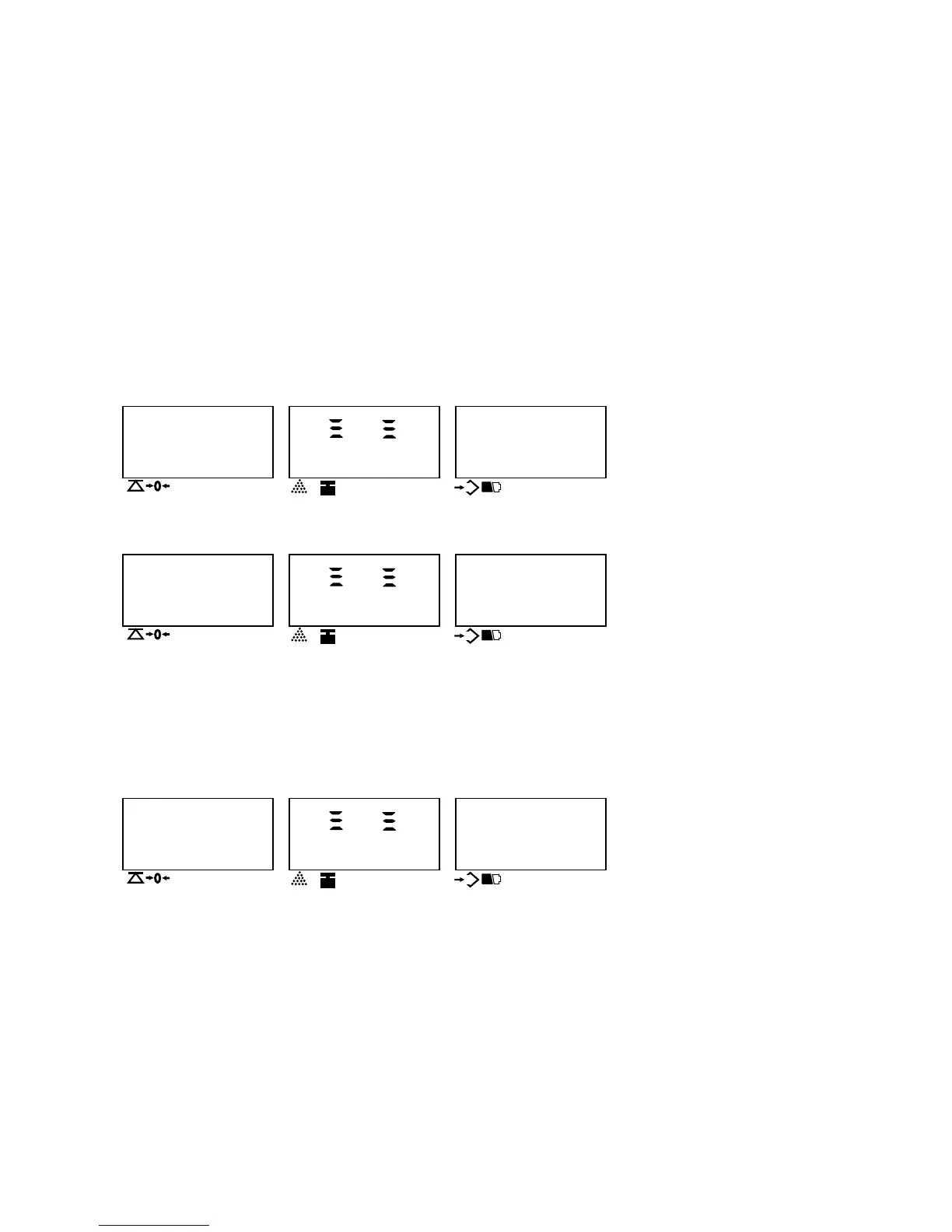
If the display shows as below, it means the scale hasn’t be calibrated or data lost. Then press “ENTER” key to enter into calibration value setting.
WEIGHT UNIT WEIGHT
COUNT
HHHHHH 00
200358
▼▼ ▼
▼
NET g Kg Ib
HI OK LO
NEGATIVE Local Remote
COUNT
Random number
Internal resolution
1.2 If display shows as below, it means the scale has been calibrated before.
WEIGHT UNIT WEIGHT
COUNT
0.0000 00
200358
▼▼ ▼
▼
NET g Kg Ib
HI OK LO
NEGATIVE Local Remote
COUNT
1.2.1If you want to change the calibration setting values, please “ENTER” key.
1.2.2If there is no need to change them, press “SMPL” key to do the calibration directly.
Note: If the remote platform is required to be calibrated, press REMOTE key to enter into remote platform calibration. REMOTE indicator will be on.(Default one:
Local platform)
2. Check Internal Resolution
When display shows as below:
WEIGHT UNIT WEIGHT
COUNT
HHHHHH 00
200358
▼▼ ▼
▼
NET g Kg Ib
HI OK LO
NEGATIVE Local Remote
COUNT
Random number
Internal resolution



 To Next Page