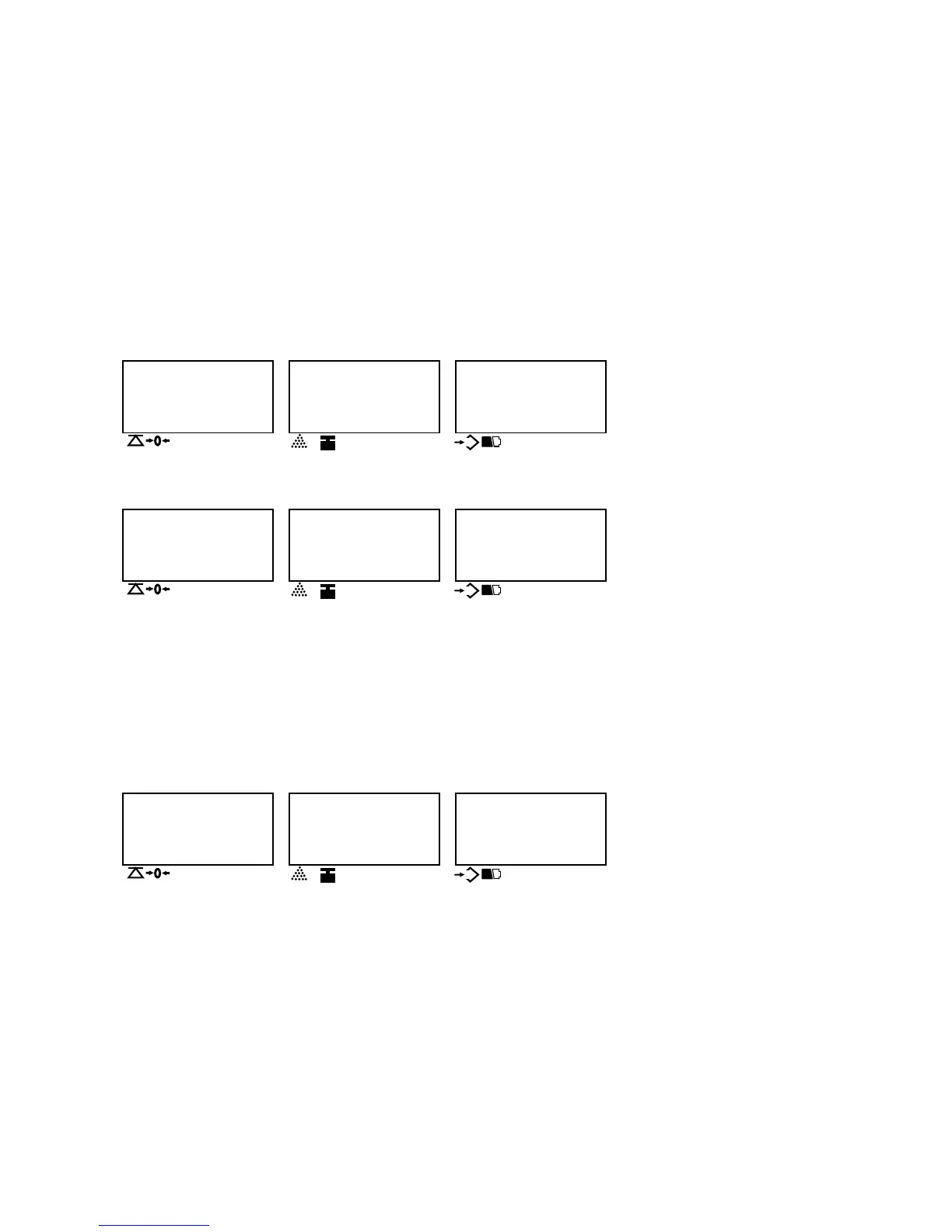
Press SET key to check the current internal resolution. Display shows as below:
WEIGHT UNIT WEIGHT
COUNT
0 CAL
200358
▼▼ ▼
▼
NET g Kg Ib
HI OK LO
NEGATIVE Local Remote
COUNT
Current Internal resolution
Put on more weight.
WEIGHT UNIT WEIGHT
COUNT
142230 CAL
342588
▼▼ ▼
▼
NET g Kg Ib
HI OK LO
NEGATIVE Local Remote
COUNT
Increasing Internal resolution
Total Internal resolution
Weight window shows the increasing internal resolution, Count display window shows the total internal resolution which equals to original one and the
increasing value.
Press SET key again to back to calibration mode.
3. Change and choose the unit, resolution, accuracy, capacity and weight value for calibration by pressing the “MOVE” key and the “ENTER” key.The steps
are as following:
3.1 Default setting value(User setting and Calibration setting value): * “df no”: Defaulting setting is released, * “df Yes” : Every setting is setup in default.
3.1.1 The display shows:
WEIGHT UNIT WEIGHT
COUNT
no df
200358
▼▼ ▼
▼
NET g Kg Ib
HI OK LO
NEGATIVE Local Remote
COUNT
Current Internal resolution



 To Next Page