1 Overview
1.1 Introduction
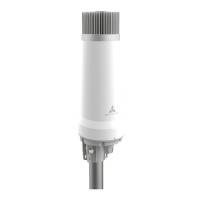
This document provides a detailed guide to installing the Casa Systems CFW-2591 5G High Power mmWave
Outdoor CPE, hereon simply referred to as the AurusAI.
1.2 Target audience
This document is intended for experienced hardware installers who understand telecommunications
terminology and concepts.
1.3 Prerequisites
Before continuing with the installation of the CFW-2591 5G High Power mmWave Outdoor CPE, please confirm
that you have:
an Android-based smartphone with the Aurora Pro application installed.
a Casa Systems Installation Assistant with sufficient battery charge to complete a site survey.
a working SIM card in 3FF format.
RJ45 heads and enough Cat6 Ethernet cable to connect the AurusAI to the PoE injector inside the
premises.
a torque screwdriver set.
a pair of tweezers.
read the entire Safety and product care section of this document and RF Exposure information.
You may also require other screws and fasteners depending on your circumstances.
1.3.1 Notation
The following symbols may be used in this document:


 To Next Page