support@casabrews.com | 5
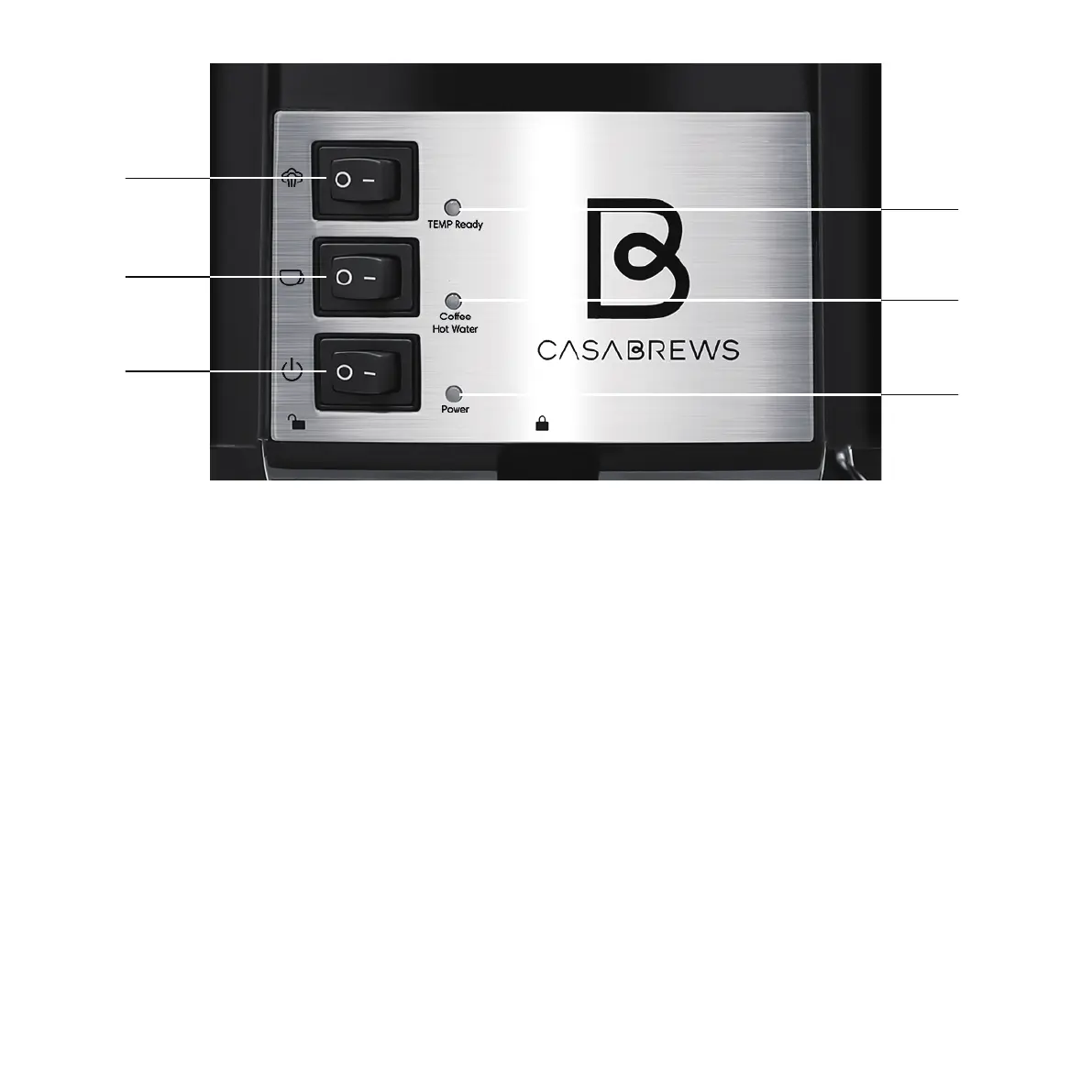
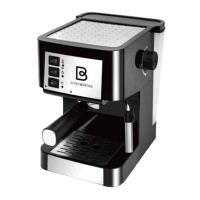
A. Steam Button: Press to “—”= enter into steam mode, and press to “O”= quit steam mode.
B. Espresso Button: Press to “—”= brew espresso manually, and press to “O”=stop brewing.
C. Power ON/OFF Button: Press to “—” = turn on, and press to “O”= turn o.
D. Indicator of TEMP Ready: o= preheating, on= ready for espresso or steam.
E. Indicator of Coee/Hote Water: o= standby or no operation, on= brewing coee or making hot water.
F. Indicator of Power: o= power o, on= power on.
D
E
F
A
B
C


 To Next Page