EasyManua.ls Logo

Casio CTK-120 - Control Locations; Demonstration Tune

Casio CTK-120
9 pages
Print Icon
To Next Page IconTo Next Page
To Previous Page IconTo Previous Page
Loading...
ae
ae
NIE
SOIT,
I
Na
aw
LE
VEE
NG
Ah
Ek
EEO
oe
a
ER
al
at
ae
WOM
RTS
QE
A
beh
tae
te
i
fT
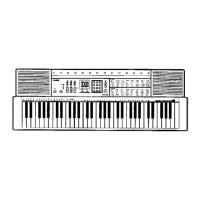
Control
Locations
ee
TE
nS
Control
Locations
pant
abba.
ine
Soe
aD
Fig
&
sre
tereereeocenssioermremsamiesesearemmesecin
paermeon
ars
sig
:
2
3
3
{
i
¢
fc
i
?
i
|
|
ahaa
<
Rear
panel
>
@)
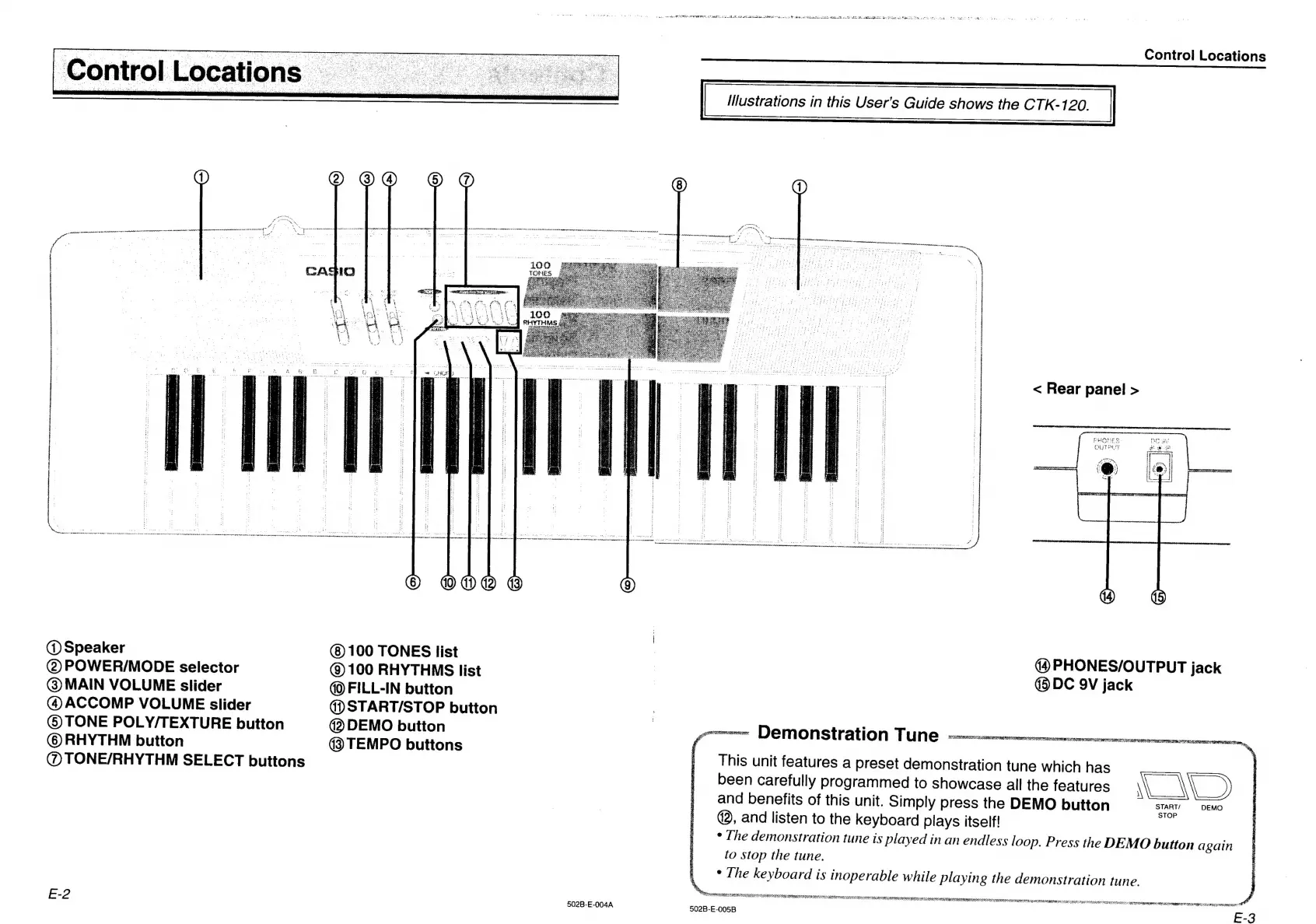
Speaker
(8)
100
TONES
list
(2)
POWER/MODE
selector
()
100
RHYTHMS
list
@
MAIN
VOLUME
slider
(
FILL-IN
button
(4)
ACCOMP
VOLUME
slider
4d)
START/STOP
button
©
TONE
POLY/TEXTURE
button
2)
DEMO
button
©
RHYTHM
button
(3
TEMPO
buttons
@
TONE/RHYTHM
SELECT
buttons
PHONES/OUTPUT
jack
®DC
9V
jack
ammme
DO@MONStratiON
TUNE
vx
ccwemwrnencenees
This
unit
features
a
preset
demonstration
tune
which
has
been
carefully
programmed
to
showcase
all
the
features
LAD
and
benefits
of
this
unit.
Simply
press
the
DEMO
button
START!
DEMO
@2,
and
listen
to
the
keyboard
plays
itself!
*
[he
demonstration
tune
is
played
in
an
endless
loop.
Press
the
DEMO
button
again
to
stop
the
tune.
¢
The
keyboard
is
inoperable
while
playing
the
demonstration
tune.
SS
ae
Se
San
EO
Tn
REISER
AR
REN
SRE
HR
ERROR
ON
Rt
83
tag
a
cateccotegtee
sccmeccce
etecmnecgegte
i
E-3
502B-E-004A
502B-E-005B

Related product manuals