Page 5 of 11 Learning Skills @ CSU
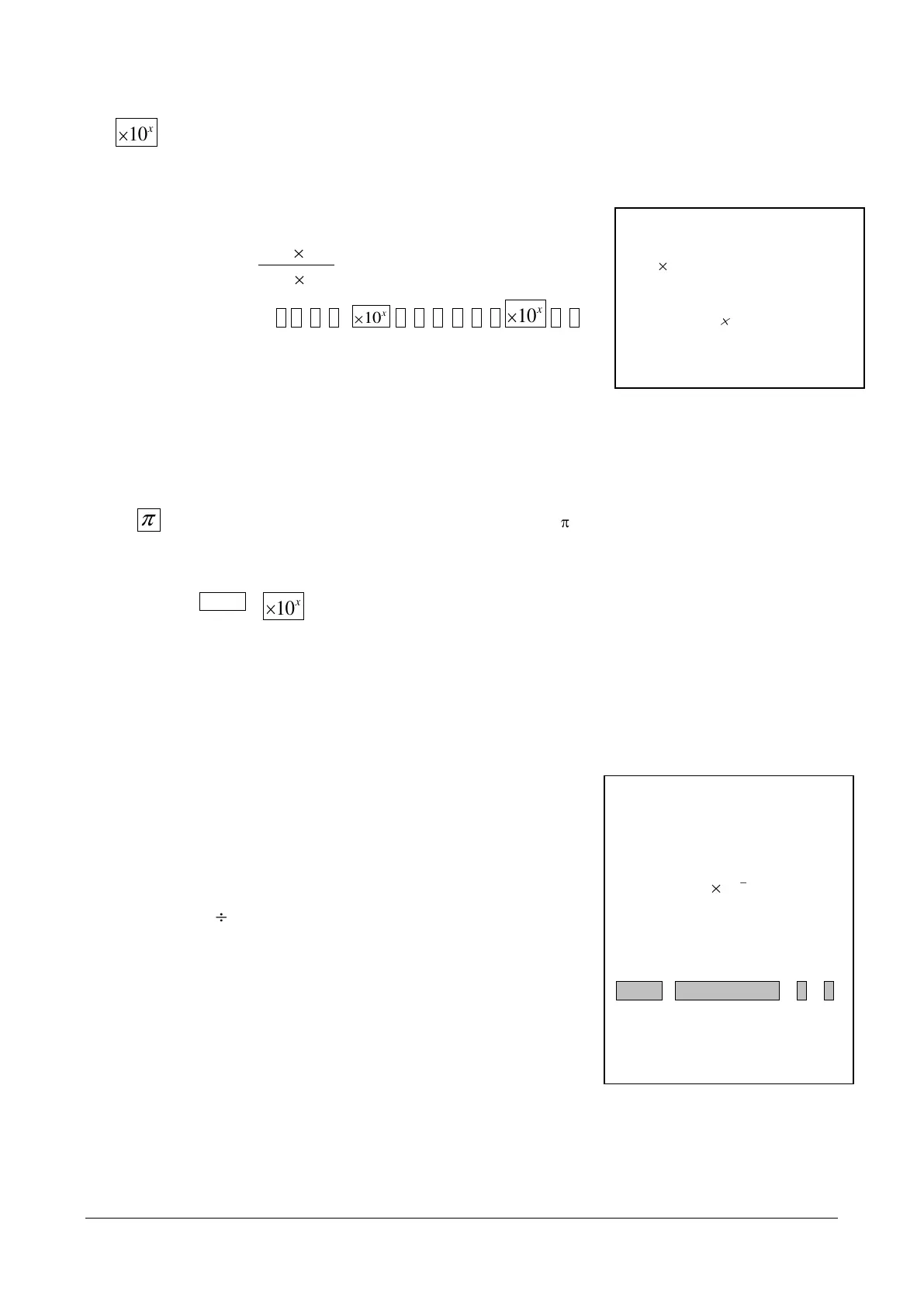
This is the exponent key. It is used when you need to enter a number into the calculator in
scientific notation.
Example 3.8:
Calculator steps: 1 ● 3 4
5 ÷ 2 ● 6 8
2 =
Answer = 500
Shares the key with the exponent function. To use press the shift key followed by the
exponent key:
π
Special note:
Work out:
Answer: 0.001587301
is the scientific
notation form of the number
134 000. The exponent key is
replacing the 10. Only the
decimal number and the power
need to be entered
Note
If your answer to this question
shows on the display in
exponent form that is as
then you
need to change the default
mode from exponent form to
decimal number form. To do this
press:
SHIFT MODE SETUP 8 2
Your calculator will now give you
all answers in the correct
decimal format



 To Next Page