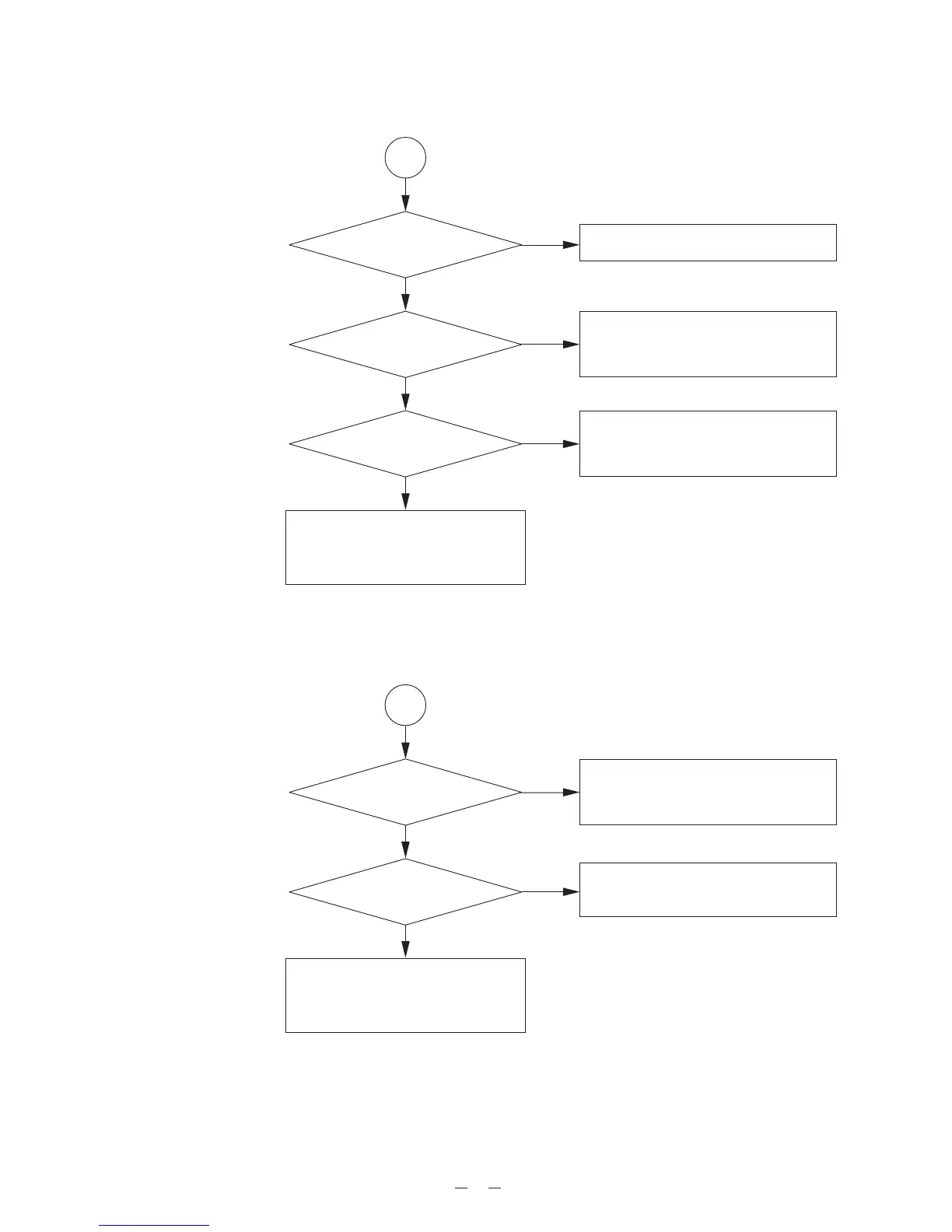
Yes
Yes
Repair Item 1: At power on, “00” is not displayed.
Repair Item 2: Total track number is not displayed.
5
1
Is the switch
“HOLD” set “OFF” ?
No
* Set the “HOLD” switch “OFF”.
Is the voltage
3.25 !0.1V at terminal
TP1 ?
No
* Check IC502.
* Check the circuit around IC502.
* Check the Q401, Q402, T401 circuit.
Does clock
pulse appear at pin 15 of
IC801 ?
No
* Check IC601.
* Check the X601.
* Check the circuit around IC601.
Yes
* Check IC801.
* Check the circuit around IC801.
* Check LCD801.
Yes
Yes
2
No
No * Check IC502.
* Check the circuit around IC502.
* Check IC501 and IC601.
* Check the circuit around IC501 and
IC601.
Does the LASER emit ?
* Check >3V appears at pin 3 of IC501.
* Check IC501.
* Check Q501.
Does the lens move
up and down ?


 To Next Page