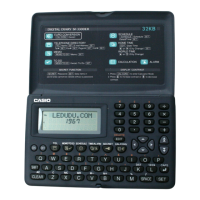
E-3
Read this first!
Before using the unit for the first time
Use the following procedure to load batteries and reset the unit before using
it for the first time.
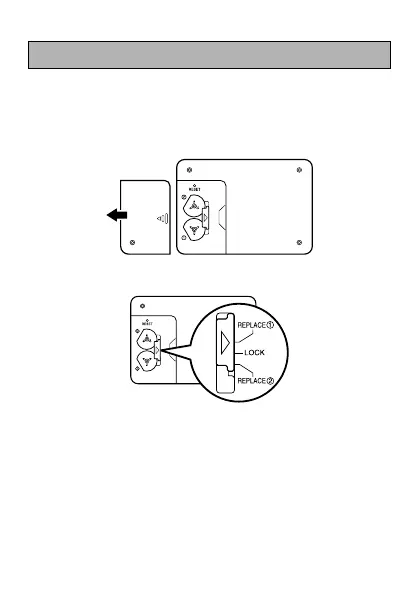
1. Slide the battery compartment cover in the direction indicated by the arrow.
2. Slide the battery switch to the “REPLACE 1” setting.
3. Load the new battery into the battery compartment, making sure that the
positive (+) side of the new battery is facing up (so you can see it).
4. Slide the battery switch to the “REPLACE 2” setting and repeat step 3
for the other battery.
• Be sure to load two new CR2032 batteries only. Never mix an old battery
with a new one.
5. Slide the battery switch to the “LOCK” setting.


 To Next Page