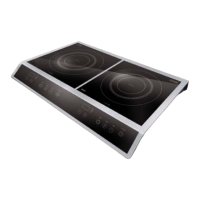
caso Chef2000 38
11.7 Design and Function
This chapter provides you with important safety notices on the design and function of the
device.
11.8 Operating elements and displays
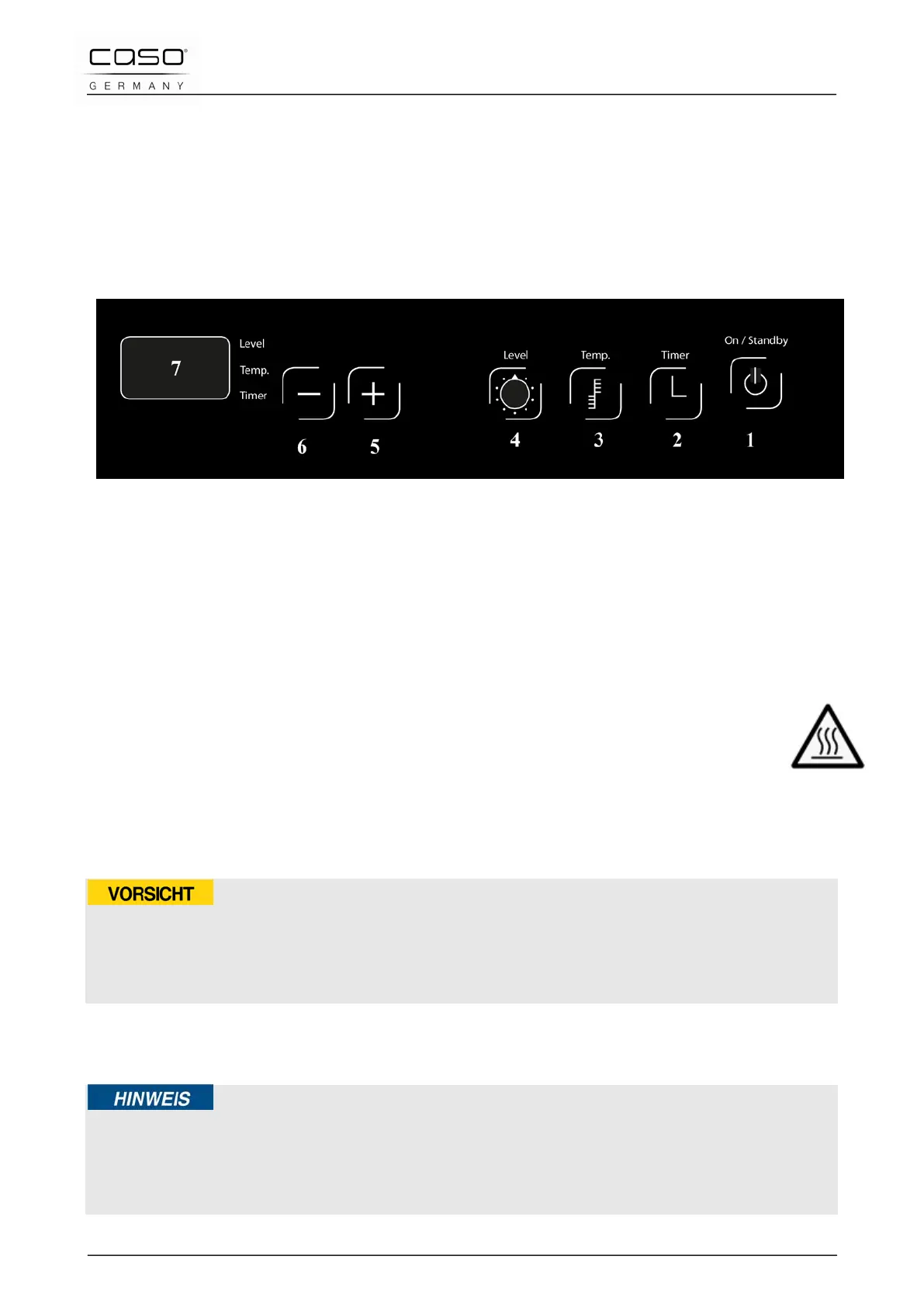
11.8.1 Operating panel and Display
1 ON/STANDBY switch
2 Function key timer
3 Function key temperature
4 Function key level
5 Selection button (+), increase of the power stage, temperature or duration
6 Selection button (-), reduction of the power stage, temperature or duration
7 LED display
11.8.2 Details on the device
This instruction and when “H” is displayed, is to warn that the ceramic hob may still
be hot. Although the induction cooker itself does not generate any heat during the
cooking process, the temperature of the cooking utensil does heat the hob!
Adhere to the following safety instructions in order to avoid being burnt by the hot
appliance:
ATTENTION
Risk of burning due to hot surface!
► Do not touch the surface of the ceramic hob while it is still hot (“H” is displayed)
► Do not place any objects on the hot ceramic hob.
11.8.3 Signal Tones
The appliance emits an acoustic signal after being switched on and in the event of a fault.
Please note
► The acoustic signal continues to sound until the fault has been rectified or the appliance
has been switched off.
You will find more detailed information on error messages in the chapter entitled „Fault
indications“.



 To Next Page