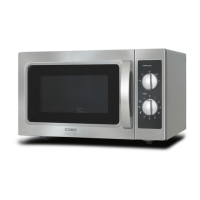
caso M20 66
15.4 Opening / closing door
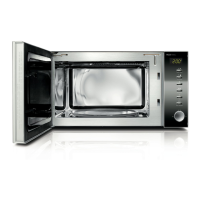
Open door
Pull the door handle with a slight tug to open the door of the
device. If the device is switched on, the current cooking
programme will be interrupted.
Please note
► Leave the door open for a moment before reaching into the
cooking chamber, to allow the accumulated heat to escape.
Close doors
Close the door using the door handle until the door latch audibly
locks in place. If a current cooking programme was interrupted
as a result of opening the door, the current cooking programme
will be continued after pressing the button Start/Quickstart.
15.5 Activation after selecting the programme
After selecting the program, press the button Start/Quickstart,
to start the preset cooking programme.
15.6 Quick start
Utilise this function to programme the oven for comfortable
cooking at 100% microwave performance.
Press the Start/Quickstart button in quick sequence to set the
cooking time.
The oven starts automatically after 2 seconds.
Once the end of the cooking time is reached, three signal tones
will be emitted and END will appear in the display.


 To Next Page