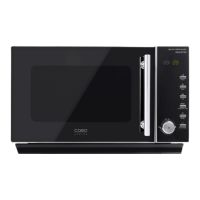
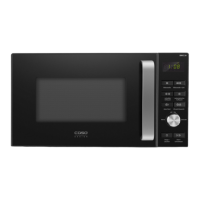
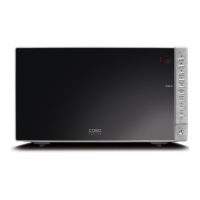
caso MCG30 Chef (pure white, black) 54
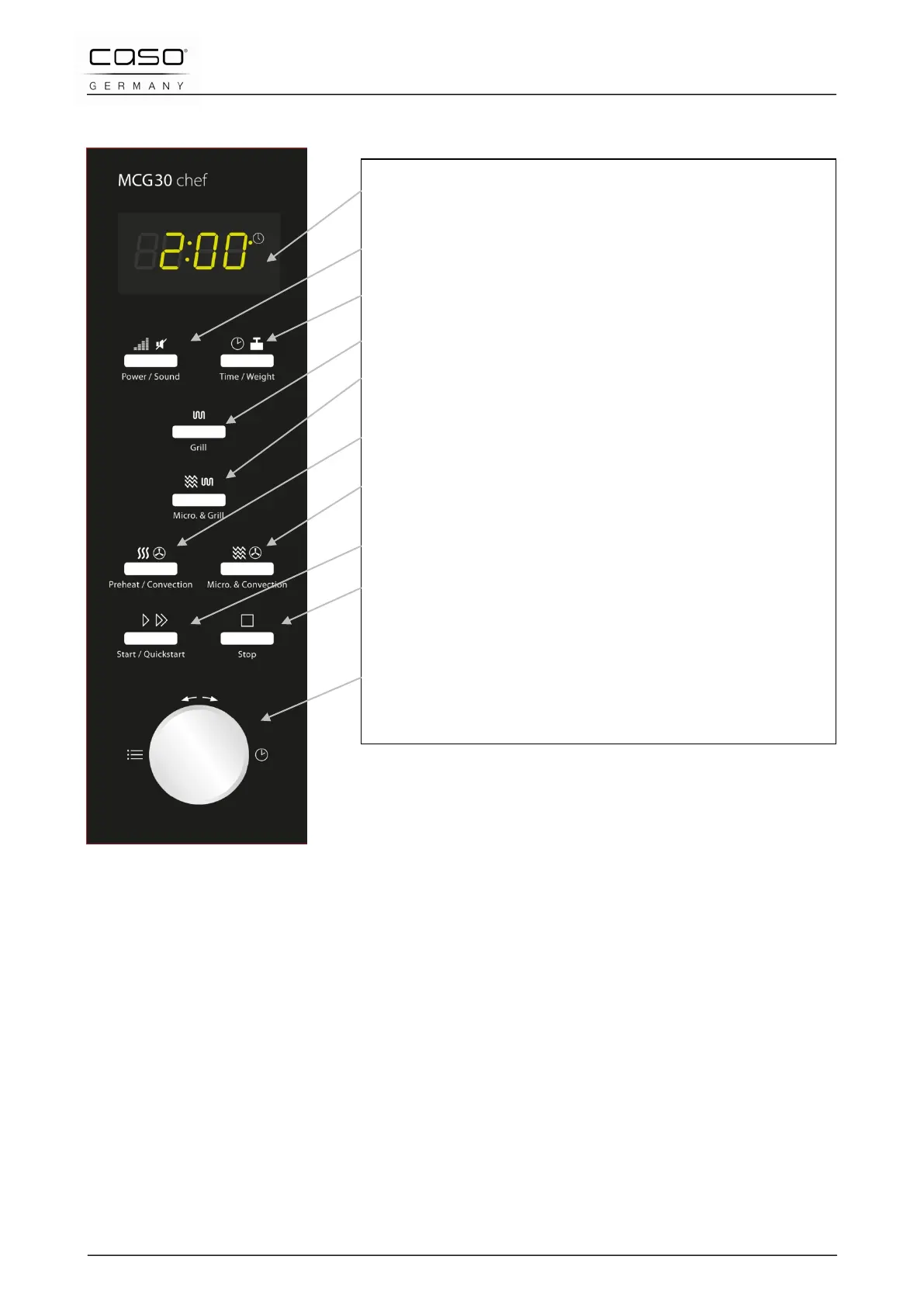
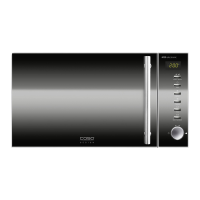
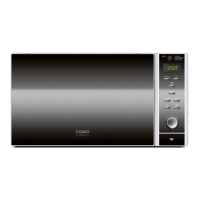
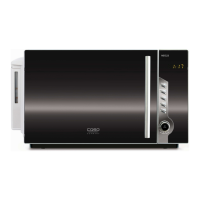
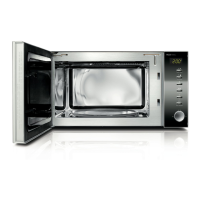
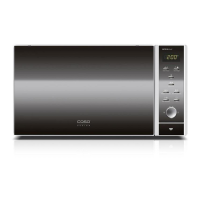
12.2 Operating elements and displays
12.3 Signal tones
The device transmits the following signal sounds as an acoustic feedback signal:
• One signal tone: The device has accepted the entry.
• Two signal tones: The device has not accepted the entry. Check the entry and try
again.
• Four signal tones: The cooking time has ended.
Display panel: Cooking time, output, function display
and actual time are displayed.
Power/sound: Press to set the power level of the
microwave or to switch on/off the sound.
Time/Weight: Press to set the clock or the weight of
the food.
Grill: Press to set a grill cooking programme.
Mikro.+Grill: Press to set a microwave and grill
combination cooking programme.
Pre-Heat/Convection: Press to program the hot air
temperature and pre-heat function.
Micro+Convection: Press to select one of four
settings for combination cooking.
Start/Quick start: Press to start the cooking
programme or to set the Quick Start cooking
Stop: Press to stop the cooking program and to delete
all previous settings prior to starting the cooking
procedure.
Time/Menu (control dial): Turn to set the cooking
time or to choose the automatic menu programme.


 To Next Page