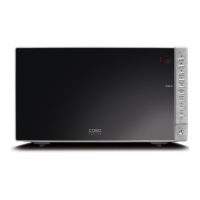
caso MCG30 Chef (pure white, black) 65
13.16 “Cooking Program” Mode
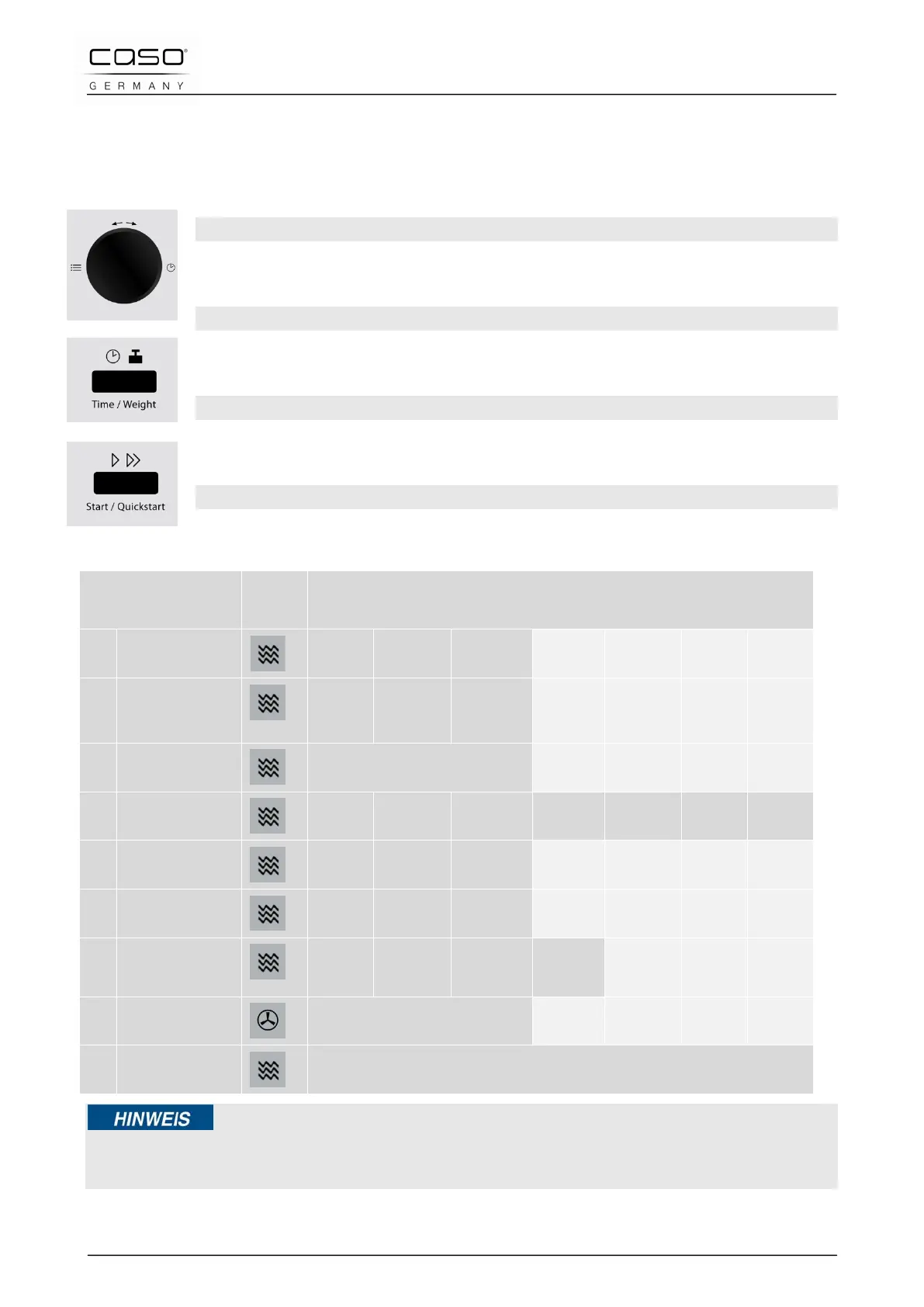
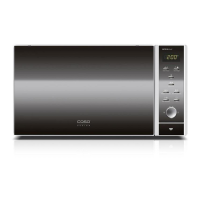
In this operating mode, the cooking programme can be selected from 9 different menus.
Please refer to the table on the next page for more detailed information.
Selecting the Program
First turn the Time/Menu knob briefly anticlockwise and then clockwise to
select the desired program.
Setting the quantity / weight
Select the quantity/weight you require by pressing the Time/Weight button
until you reach the level you require (see following table).
Starting the cooking programme
After selecting the program, press the button Start /Quick start, to start the
preset cooking programme.
End of the cooking programme
Once the end of the cooking time is reached, four signal tones will be emitted
and END will appear in the display.
Cooking Program Func-
tion
Button presses Time/Weight
01
Potatoes
(each 230 g)
1 2 3 - - - -
02
(200
1 2 3 - - - -
03
Popcorn
99 g – 3 minutes - - - -
04
heat (g)
200 g 300 g 400 g 500 g 600 g 700 g 800 g
05
Pasta (g)
100 g 200 g 300 g - - - -
06
reheat
150 g 300 g 450 g - - - -
07
Chicken (g)
800 g 1000 g 1200 g 1400
g
- -
08
Cake
475 g – 45 minutes - - -
09
Defrost
10 sec. up to 45 minutes
Please note
► When cooking in grill or combination mode, you may need to turn the food after half the
cooking time has elapsed to ensure it is evenly cooked.


 To Next Page