EasyManua.ls Logo

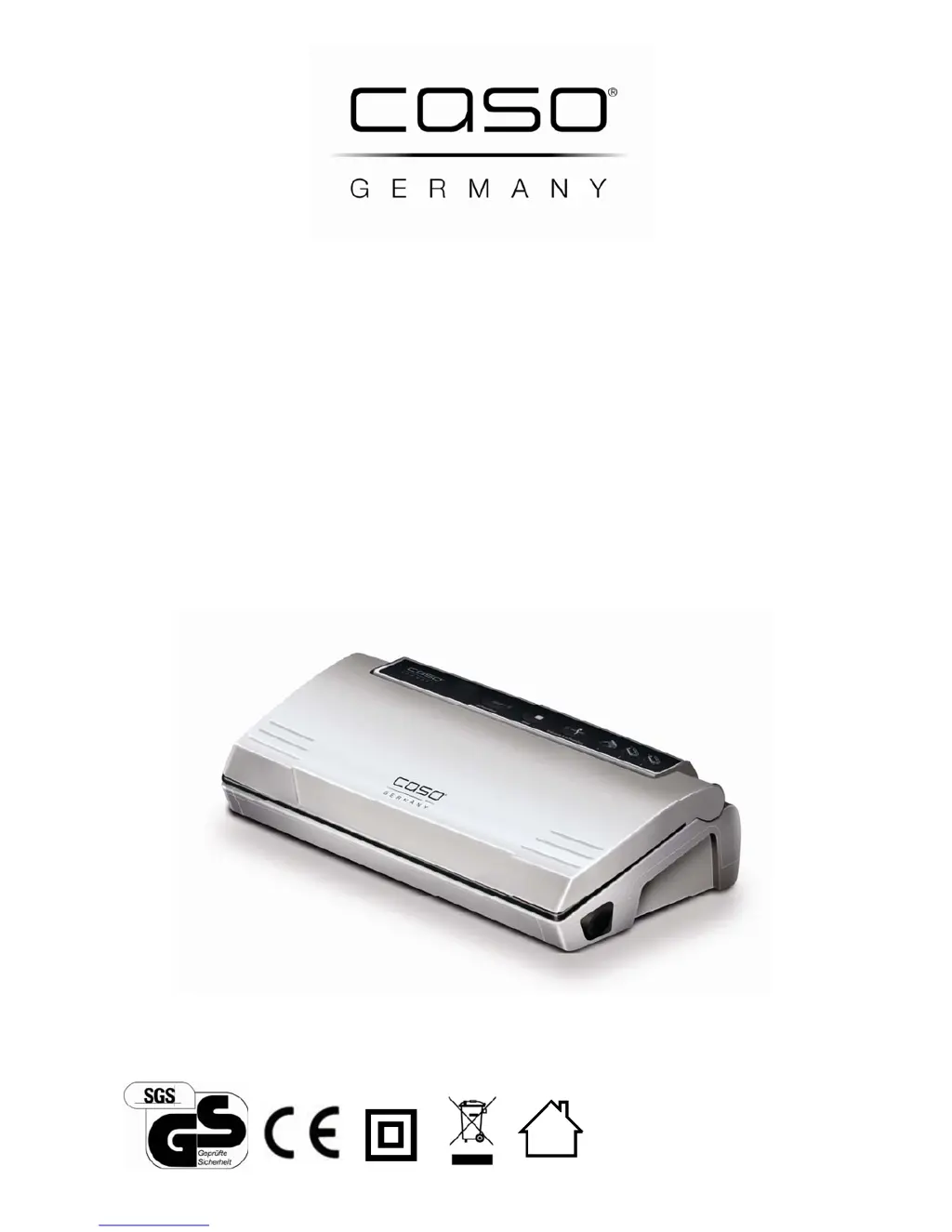
Caso VC100 - User Manual

Caso VC100
108 pages
Go to English
Print Icon
To Next Page IconTo Next Page
Loading...
Original-
Bedienungsanleitung
Vakuumierer
V
C100
Artikel-Nr. 1380

Table of Contents

Questions and Answers

  • M
    Mary SavageJul 27, 2025
    How to troubleshoot a non-functioning Caso Kitchen Appliances vacuum unit?
    • G
      Gabrielle CookJul 27, 2025
      If your Caso kitchen appliance vacuum unit isn't functioning, first ensure the power plug is securely plugged in. If it is, check if the power cable or plug is defective, in which case you should send the device to Customer Service. Also, verify the electrical socket is working by trying another one.
  • S
    smithalanAug 7, 2025
    What to do if my Caso Kitchen Appliances vacuum is not creating a complete vacuum in the bag?
    • J
      Jeremy CooperAug 7, 2025
      If your Caso kitchen appliance isn't creating a complete vacuum, make sure the open end of the bag is entirely inside the vacuum chamber and that the bag is positioned correctly. Also, the bag might be defective, so try selecting another bag. Dirt on the welding and normal seals can also prevent a complete vacuum; clean the seals and ensure they are dry before retrying.
  • B
    beckymorganAug 15, 2025
    How to fix the first weld if it's not being carried out on my Caso Kitchen Appliances?
    • D
      David HoltAug 15, 2025
      If the first weld on the cut off piece of the roll is not being carried out on your Caso Kitchen Appliances, ensure the roll is positioned correctly by following the steps in the chapter “Vacuum packaging in a bag originating on the roll”.

Summary

General Information

Warning notices

Explains the different warning levels used in the manual.

Safety

Sources of danger

Details potential hazards like burns, fire, and electrical shock.

Food storage safety information

Provides guidance on safe food preservation practices.

Commissioning

Electrical connection

Instructions for safely connecting the device to the power supply.

Design and Function

Panel

Describes the control buttons and indicator lights on the device.

Operation and Handling

Preserve food with vacuum

Step-by-step guide on how to vacuum seal food for preservation.

Cleaning and Maintenance

Cleaning

Procedures for cleaning the vacuum sealer and its accessories.

Troubleshooting

Cause and Action

Lists common errors and their solutions for the device.

Guarantee

Technical Data

Caso VC100 Specifications

General IconGeneral
Compatible products-
Vacuum- mbar
Double weldYes
Control typeTouch
Product colorSilver
Housing materialPlastic
Maximum working width300 mm
AC input voltage220 - 240 V
AC input frequency50 Hz
Number of vacuum bags10
Weight and Dimensions IconWeight and Dimensions
Depth170 mm
Width384 mm
Height95 mm
Weight2000 g

Related product manuals